AI Halloween Makeup Video Generator: Glitter and Neon From One Photo
Upload one clear portrait. The preset adds silver glitter-like lines and purple-orange contours as decorative makeup, then a small smile and ending hold.
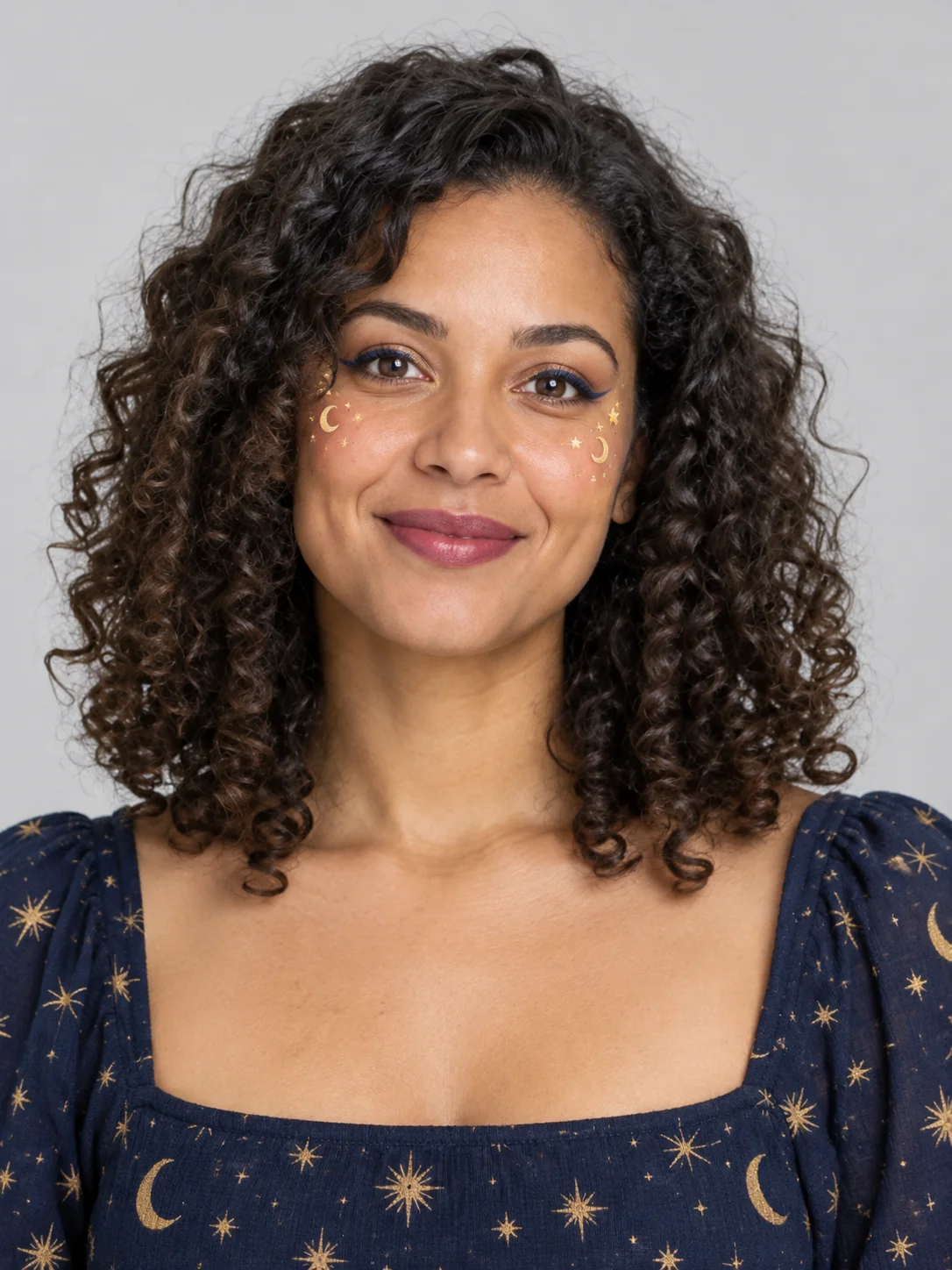
A centered, evenly lit face without sunglasses gives the makeup the cleanest canvas.
284 credits per 5-second video
External visual reference, not a FYP FX-generated result. Review the preset description for the requested look and motion.
Check the face, light and open eyes
- Center one face with both eyes visible.
- Prefer even light and minimal existing makeup.
- Avoid group shots, heavy blur and sunglasses.
Sign in and check your credit balance. View credit plans.
Watch the eyes through the makeup
- There is no makeup-style, colour or intensity selector; pattern placement can vary.
- Eyes, skin texture and face edges may soften or change during the effect.
- The output is silent and keeps the source aspect ratio.
For a makeup reveal, trim as the look settles and keep captions away from the eyes.
Preset details reviewed by FYP FX ·
See the makeup framing
Choose an evenly lit portrait with the eyes, forehead and cheeks clear.
Decorative face-makeup reference
Decorative face paint illustrates a surface-makeup treatment. This preset requests silver glitter lines and purple-orange accents rather than the source image’s gold-star pattern.
ClipTrend ↗External visual reference, not a FYP FX-generated result. Review the preset description for the requested look and motion.
Prepare a clear makeup take
Start with a clean portrait, then check the eyes through the animation.
Upload a clear face photo
Use one portrait with a sharp face, open eyes and even light.
Generate the makeup clip
Confirm the 284-credit cost, then select Generate once. The makeup motion is preset.
Review the features
Check that eyes and mouth stay clear, then download and add audio.
Making a clear Halloween Makeup clip
The preset focuses on face makeup. For a robe and accessories around the upper body, use Halloween Costume Transformation instead.
Not always. The preset asks to retain facial features, but generated makeup can soften or reshape them. Check both eyes, the mouth and face outline.
No. The preset requests silver glitter-like lines and purple-orange accents, with no colour or pattern selector. AI may render them differently between results.
A silent 5-second, 720p generation costs 284 credits. Check the displayed cost and your balance before generating.
The output is silent. Add a track in your editor after downloading.
Check that both eyes and the mouth remain readable, decorative lines follow the face, and no unwanted skin distortions appear.
Check generation history and balance before submitting again, and contact support if the status stays unclear.
Plan your Halloween makeup edits
View credit plans before creating your makeup clips.
What is the AI Halloween Makeup effect?
The AI Halloween Makeup effect builds a decorative makeup look on one portrait: silver glitter lines draw a painted crack pattern over the forehead and cheeks, then purple and orange contour accents appear. A small smile ends the reveal. The intended design sits on intact skin and leaves the eyes and mouth visible; it does not split, melt or replace the face.
Start with a clean, centered face
Makeup animates across the face, so even light and unobstructed eyes help the glitter and contour read clearly.
- Choose one sharp, evenly lit face with both eyes and the mouth visible.
- Avoid sunglasses, strong beauty filters, heavy makeup and hair across the forehead or cheeks where the painted pattern appears.
Glitter cracks and neon contour in motion
- The painted paths and colors are preset directions rather than editable makeup controls, and the generated placement can vary.
- Fine glitter can soften facial detail or cross an eyelid. Review the eyes, mouth and intact skin before sharing.
The makeup look builds in three beats
The preset builds a decorative face-paint look from the original portrait. Colour placement and facial detail are generated and may differ between results.
01The natural face opens the clip
The uploaded portrait supplies the opening frame before decorative makeup appears.
02Glitter and contour animate on
Silver glitter-like lines and purple-orange contours develop as decorative face paint over intact skin.
03The look settles for the finale
The person gives a small smile as the design settles. Check both eyes, the mouth and face outline.
Finish and share your clip
After downloading, add a short sound at the point the makeup becomes visible. To extend the natural-face opening, prepend a still of the source portrait in your editor.
What makes this an AI Halloween Makeup effect?
Is this a makeup tutorial or a virtual try-on?
It is an AI-generated video effect. It does not give application steps, identify cosmetic products or show how a real product would look on your skin.
Do I need makeup on already?
No. An evenly lit portrait with little existing makeup makes the generated change easier to compare. Existing heavy makeup can blend with the new pattern.
Why avoid sunglasses?
Eyes are part of the payoff; covered eyes hide the makeup motion.