FYP FX · Photo-to-video effects
Choose an AI Effect to Create
Create TikTok-style AI effects from photos. Select a preset, check its image requirements, then upload your photo and generate a short video in the studio.
Each preset includes visual references, photo requirements and an effect explanation alongside its generator. For preparation and result checks, read the step-by-step tutorials.
54 video effects
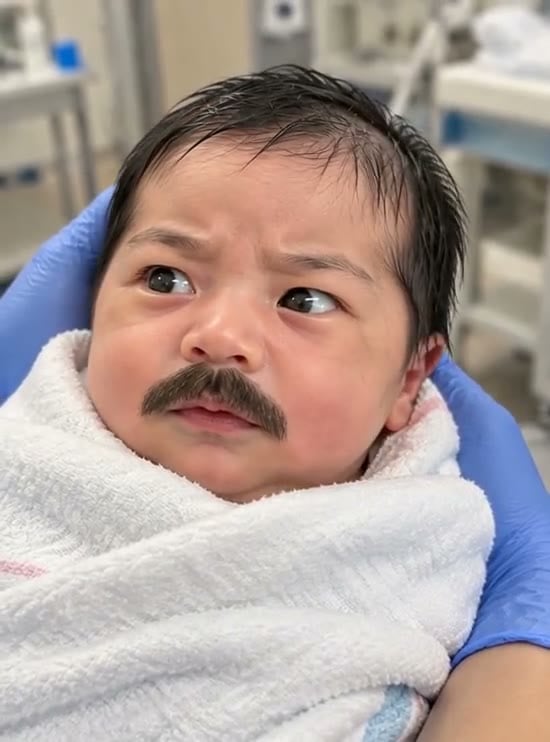
Baby Mustache
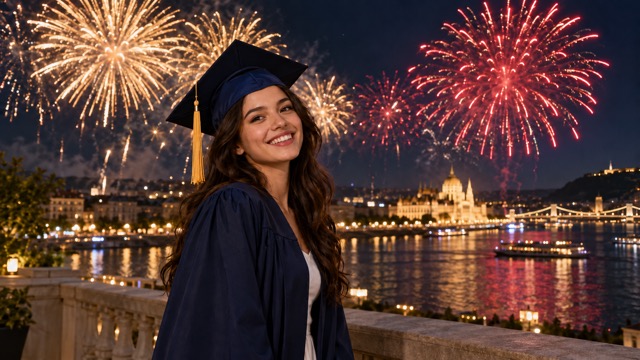
AI Fireworks
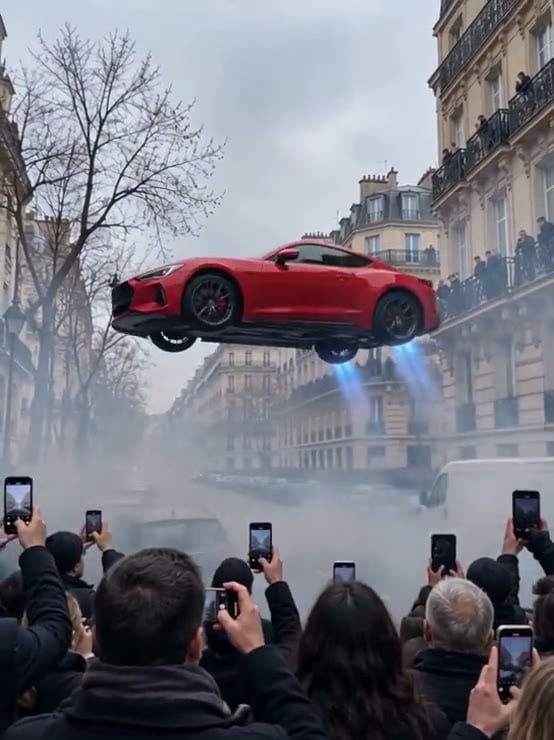
Flying Car
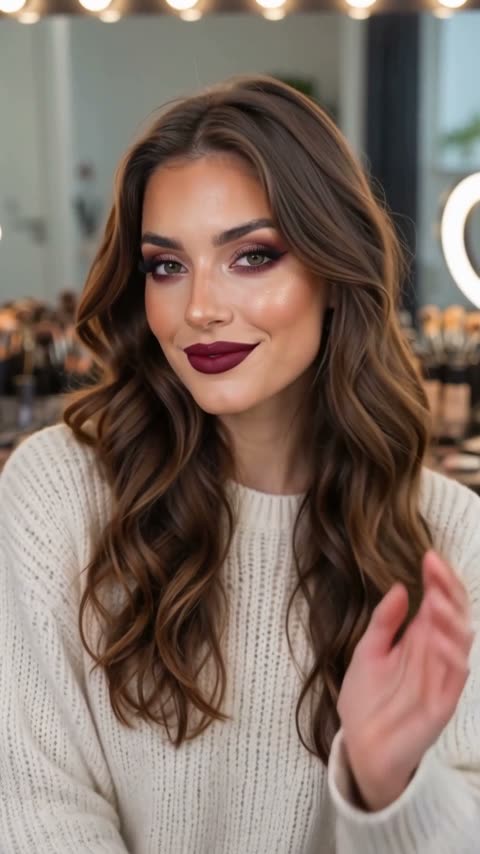
AI Makeup Timelapse
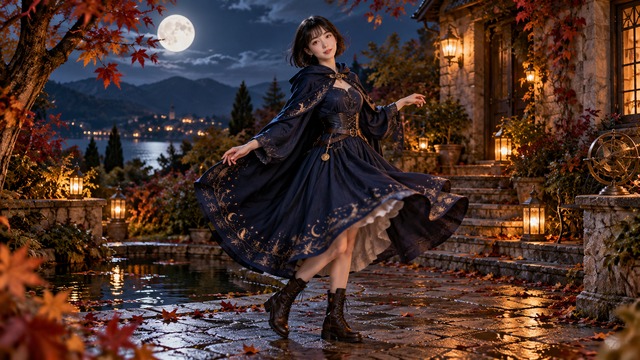
Halloween Dance
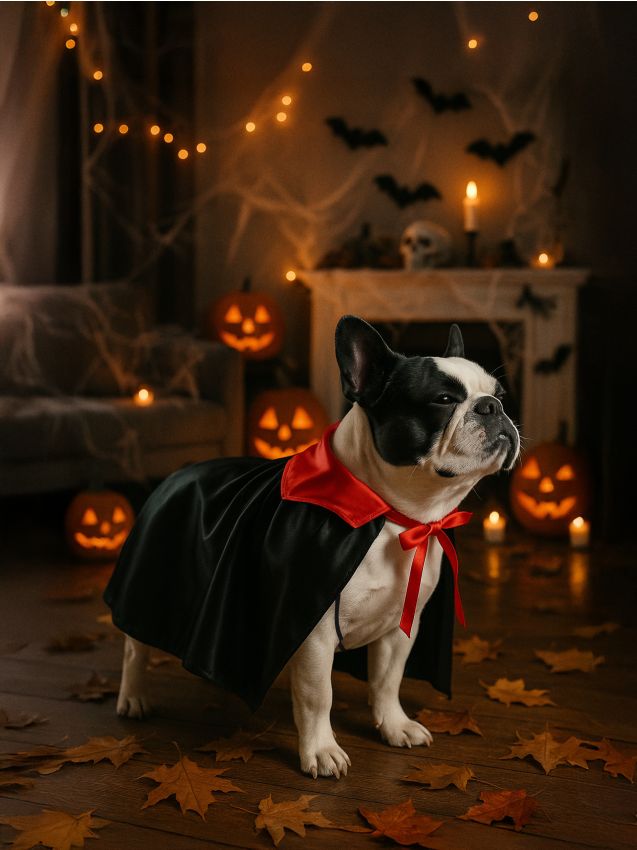
Halloween Costume Walk
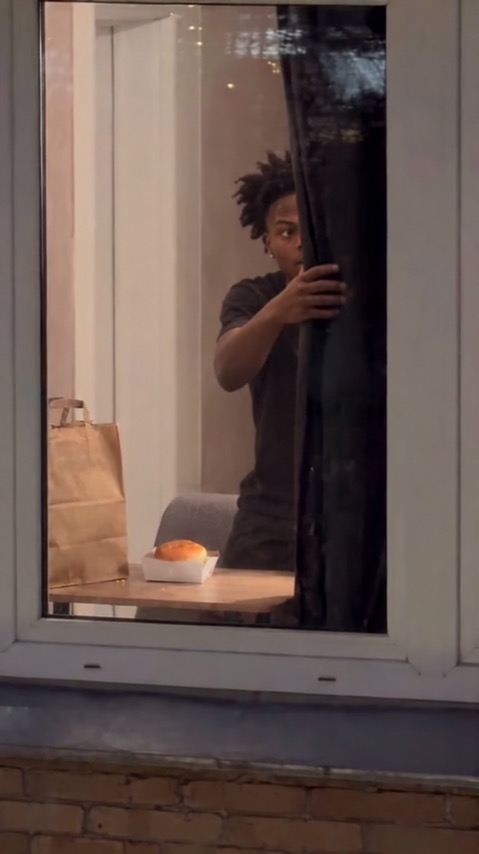
Burger Thru Window
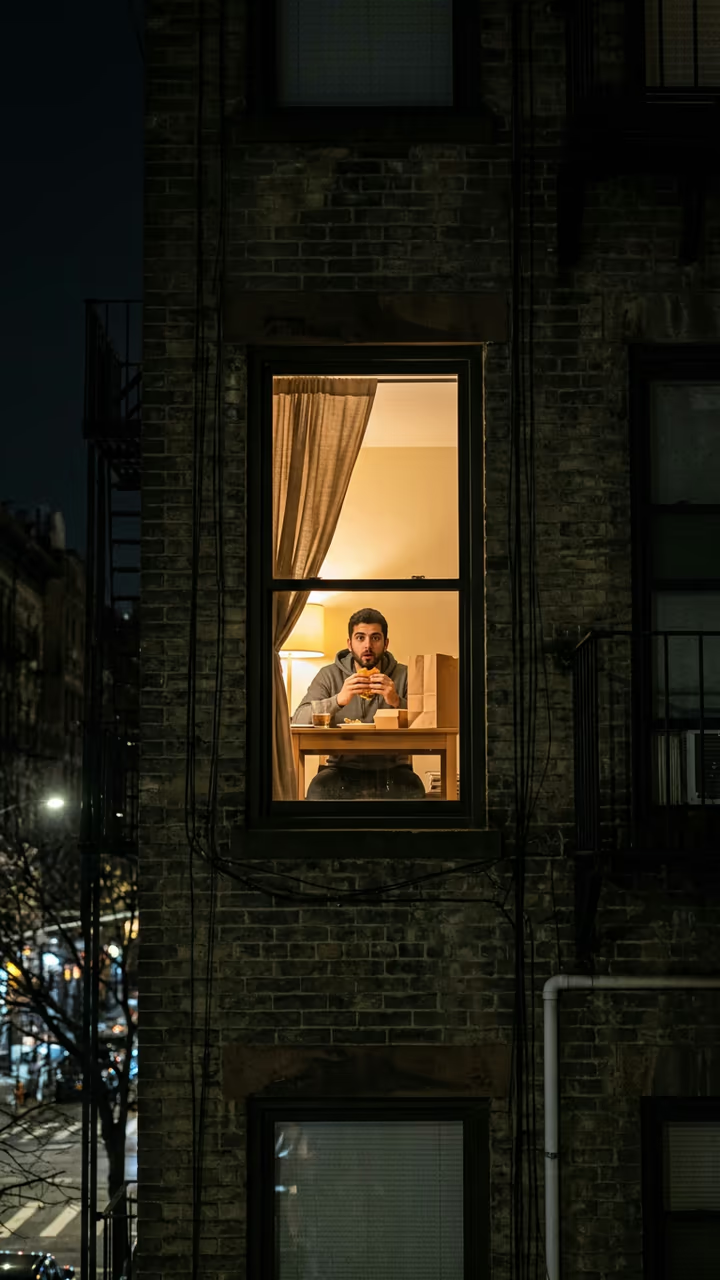
Window Peeper
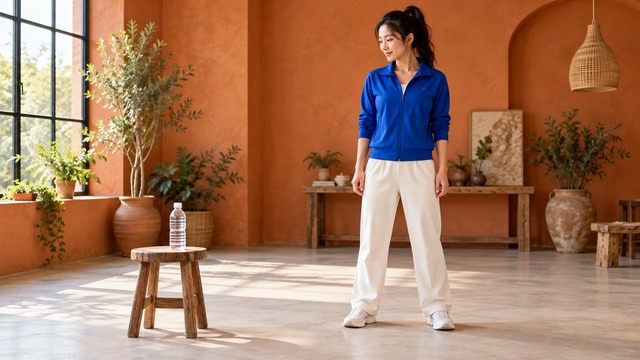
Bottle Kick Challenge
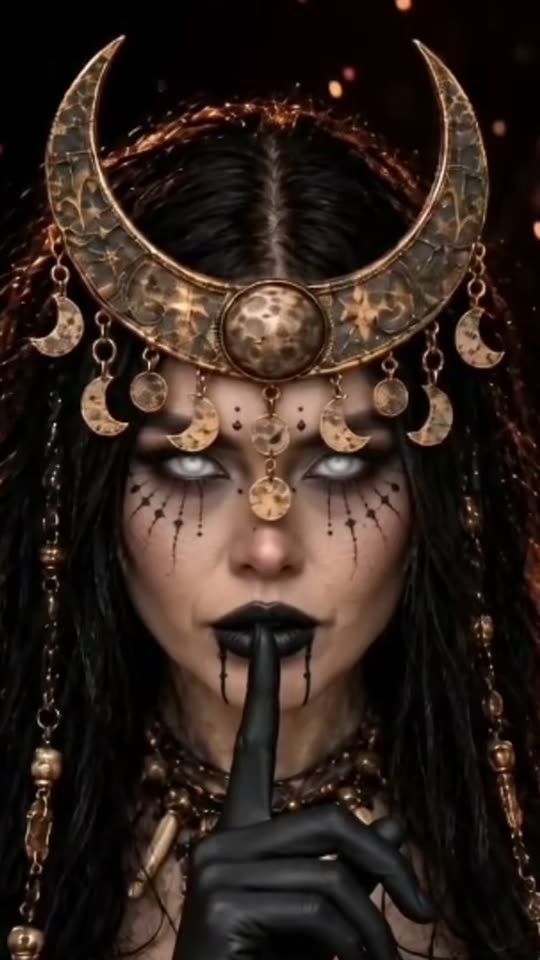
AI Enchantress
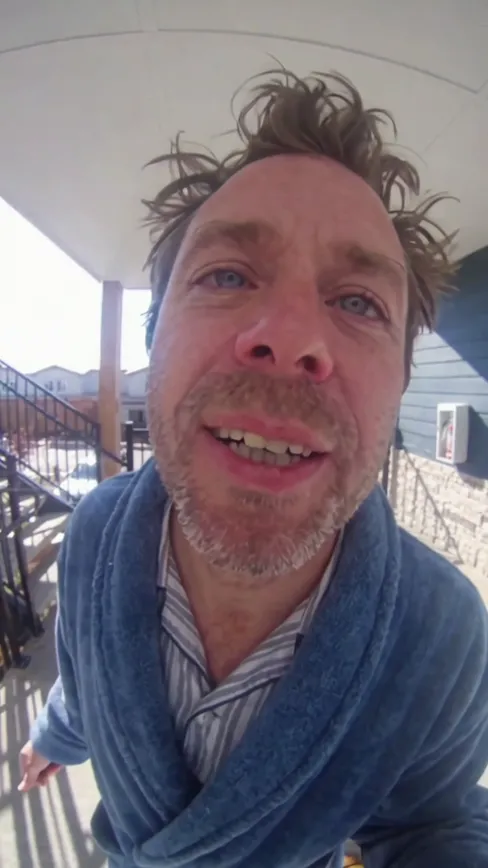
AI Doorbell
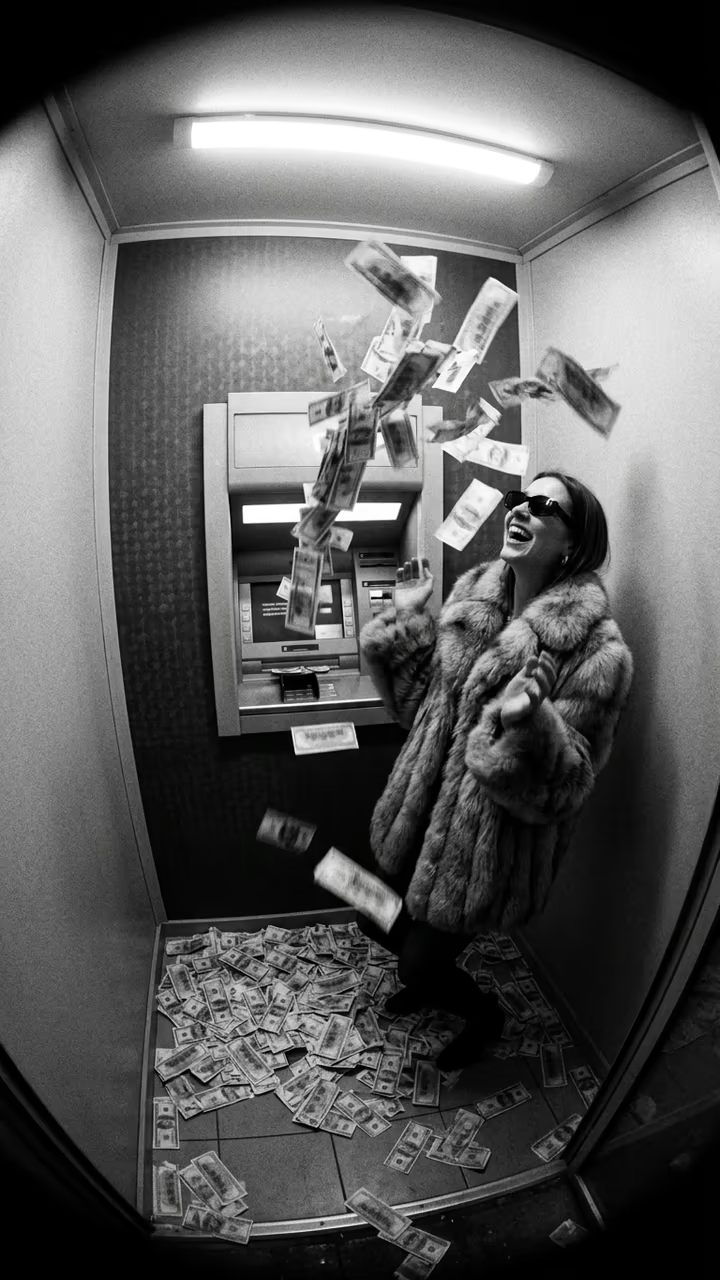
ATM Glitch
All FYP FX effects
Find a specific photo-to-video effect by name. Each page explains the intended look, photo requirements and current generation settings.
- Baby Mustache
- AI Fireworks
- Flying Car
- AI Makeup Timelapse
- Halloween Dance
- Halloween Costume Walk
- Burger Thru Window
- Window Peeper
- Bottle Kick Challenge
- AI Enchantress
- AI Doorbell
- ATM Glitch
- AI Red Carpet
- Airport Paparazzi
- Party Pour
- Banana Tree Run
- AI Shaking Head
- AI Sawadika Dance
- AI Toc Toc Dance
- AI Charme Dance
- AI Plug Walk
- AI Dolly Zoom
- AI Earth Zoom Out
- AI Popstar
- Day of the Dead Pet
- AI Halloween Costume Transformation
- AI Halloween Makeup
- AI Scarecrow
- AI Tornado
- AI Backflip
- AI 3D Hologram
- AI Hug in Heaven
- AI Corpse Bride
- AI Talking Skeleton
- AI Neon Glow Dance
- AI Storm II
- AI Barbie Slideshow
- AI Ozil Goal
- AI Crazy Frog Race
- AI Tesla Roadster
- AI Enzo Celebration
- AI Mecha Transformation
- Don't Wake My Baby
- AI Thriller Dance
- AI Deep Sea
- AI Moonwalk Dance
- AI Broom Riding
- AI Ghost Prank Filter
- AI Carpool Karaoke
- Ceiling Fan Transition
- Bulin 47 Freestyle
- AI Pumpkin Head
- Burning Bridges
- AI Zombie Couple
How to choose an AI photo effect
AI video effects turn still photos into short animated scenes with a preset visual style. FYP FX includes Halloween transformations, dance clips, cinematic scenes and interactions. For a TikTok AI dance, choose a full-body photo and compare the movement in the effect guide before generating.
- Choose a look that suits your photo: a portrait for a face-focused transformation, or a full-body image for a dance.
- Read the effect's image requirements, framing notes and limitations. Some presets need two photos.
- Confirm the settings and credit quote, then generate and review the result.
For TikTok photo animation, match your photo framing to the scene: leave space around a dancer or show a clear face for a transformation. Clips are silent, so add music after downloading in TikTok or your editor. Reference images illustrate the intended style; generated faces, motion and details can vary.
Read photo-to-video tutorials · View plan prices and credit allowances