AI Creation Studio
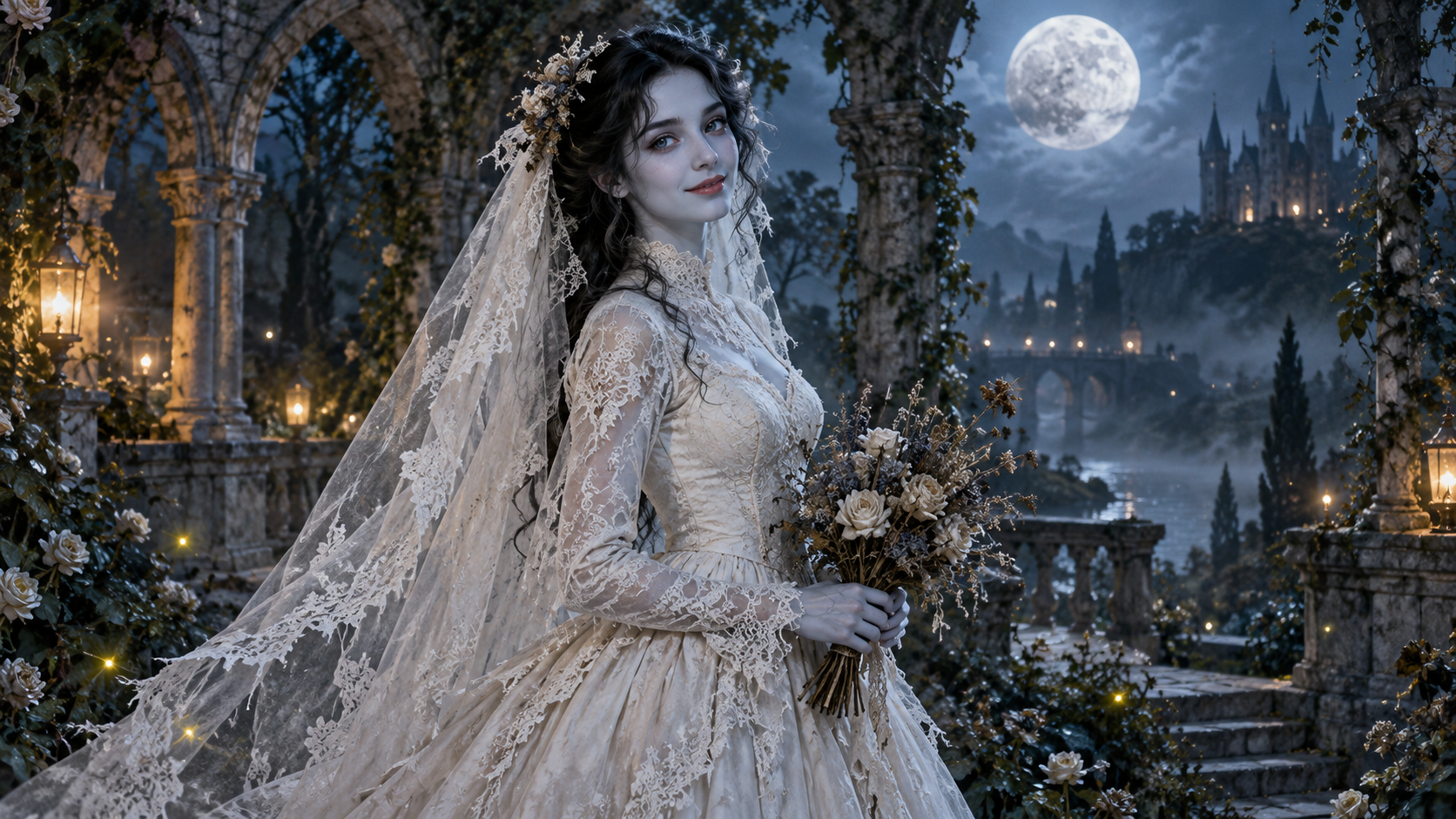
How to Make an AI Corpse Bride Video From One Photo
Create a gothic Halloween bride transformation: choose a portrait, generate one silent five-second clip, and review the face, veil and motion before sharing.
Read post
Learn how to turn photos into AI effect videos for TikTok and other short-form posts. These guides cover photo choice, upload steps, motion checks and fixes, plus adding sound and captions after downloading.
Learn what each AI effect does, or choose an effect to make a video.
Create a gothic Halloween bride transformation: choose a portrait, generate one silent five-second clip, and review the face, veil and motion before sharing.
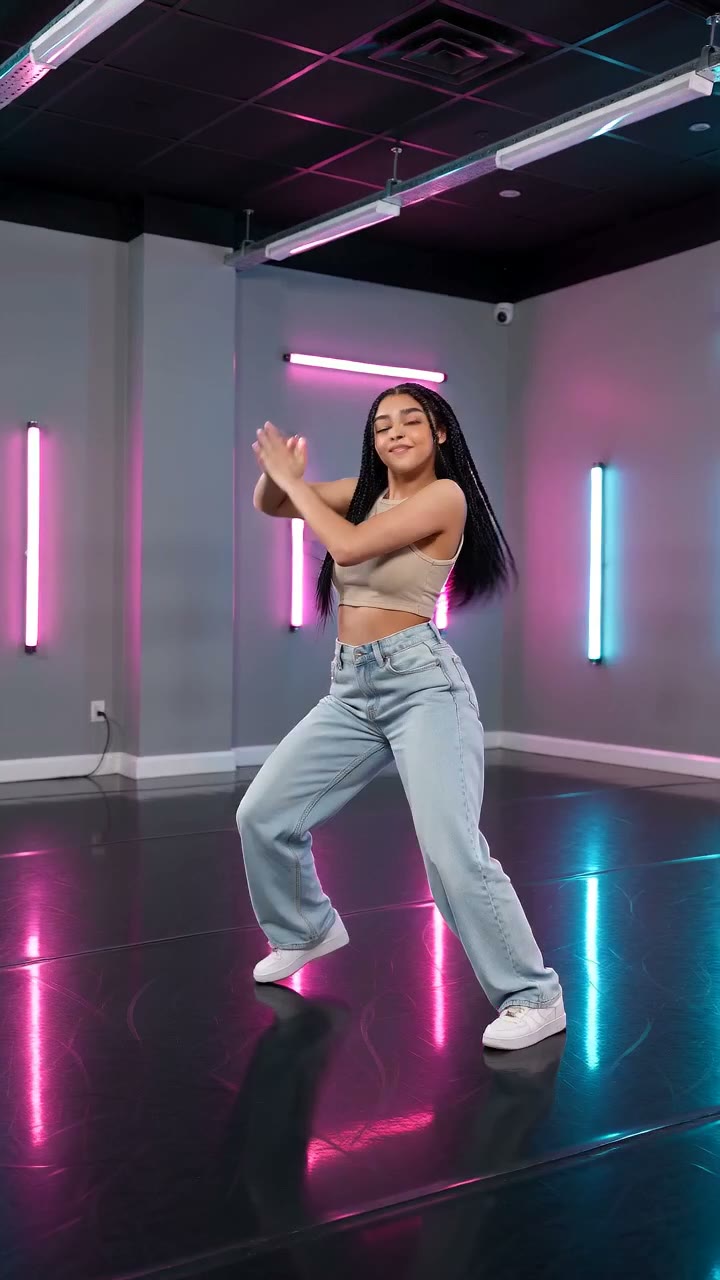
Create a short solo dance with neon lighting, a diagonal arm lift and a controlled low kick. Learn full-body photo framing, review checks and how to add music.
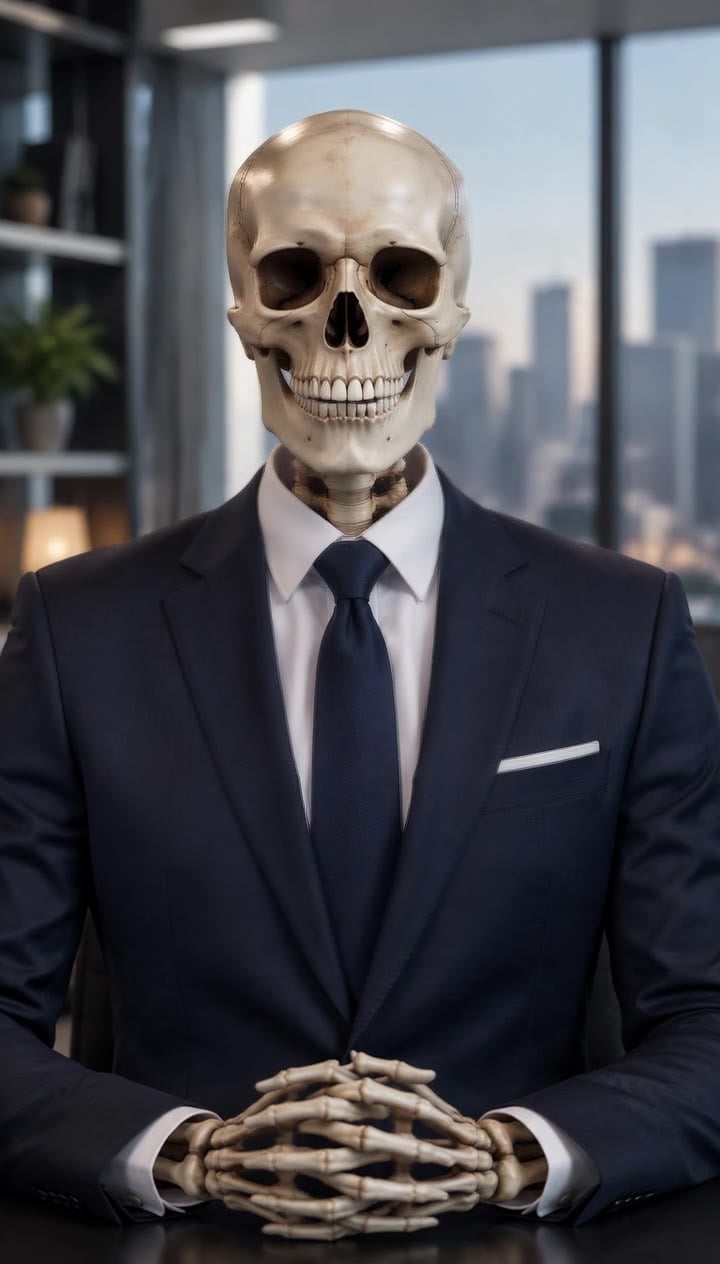
Make a silent cartoon skeleton clip with small jaw movements and a nod. Learn which portrait to use, what to review, and how to fit a voiceover into five seconds.

Put your car into a giant bedtime scene. Learn which car photo to upload, check the 568-credit preset, and review the headlights, duvet and gentle roof pat.
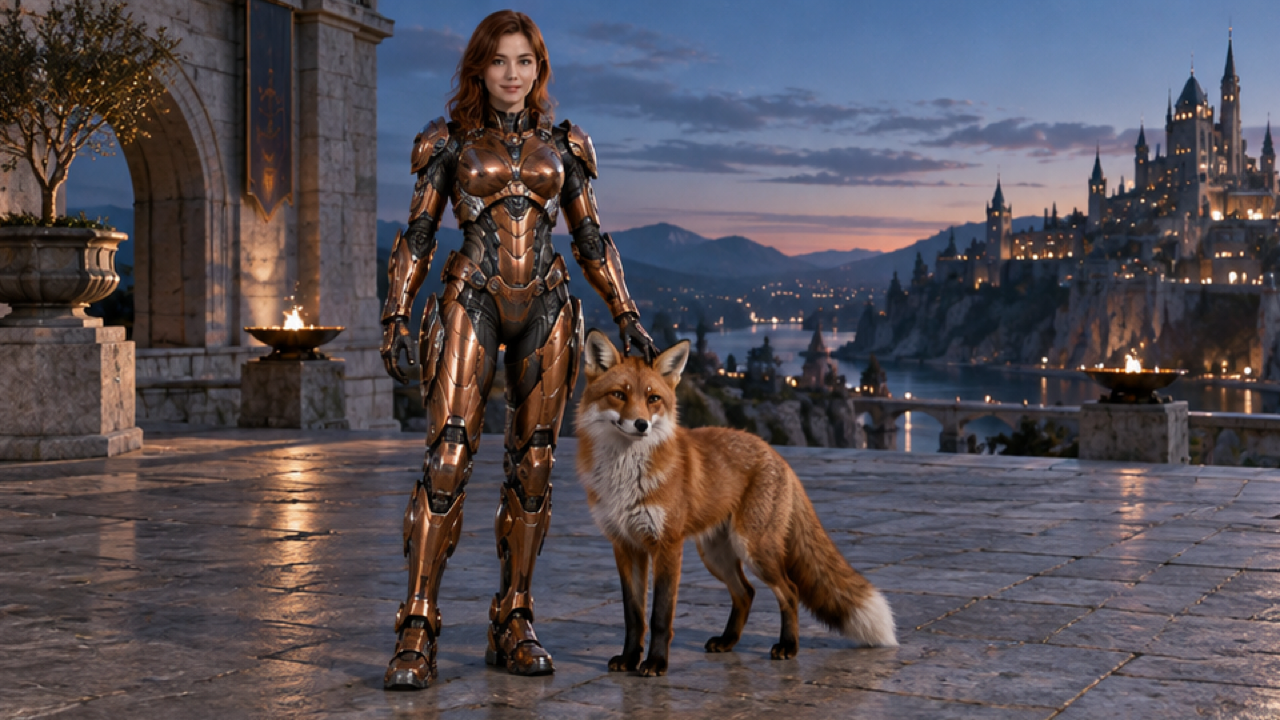
Create a human-scale armor-up sequence from a person photo. Learn the 568-credit preset, useful body framing, and how to check the open visor and armor fit.

Create a hands-behind-the-ears football celebration from a portrait. Learn the 568-credit preset and check both hands, the expression and the final arms-wide pose.
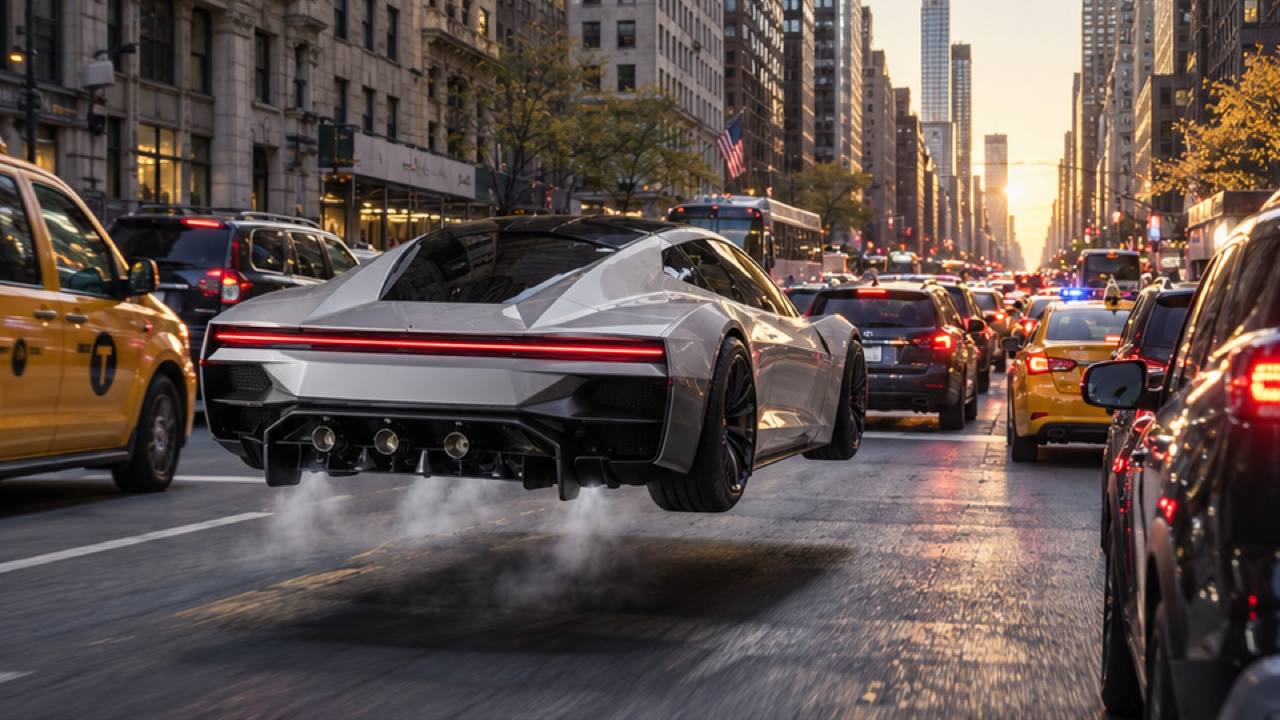
Create a fictional flying-car escape from a portrait. Learn the 568-credit settings and check the driver, console-button gesture and short lift above traffic.
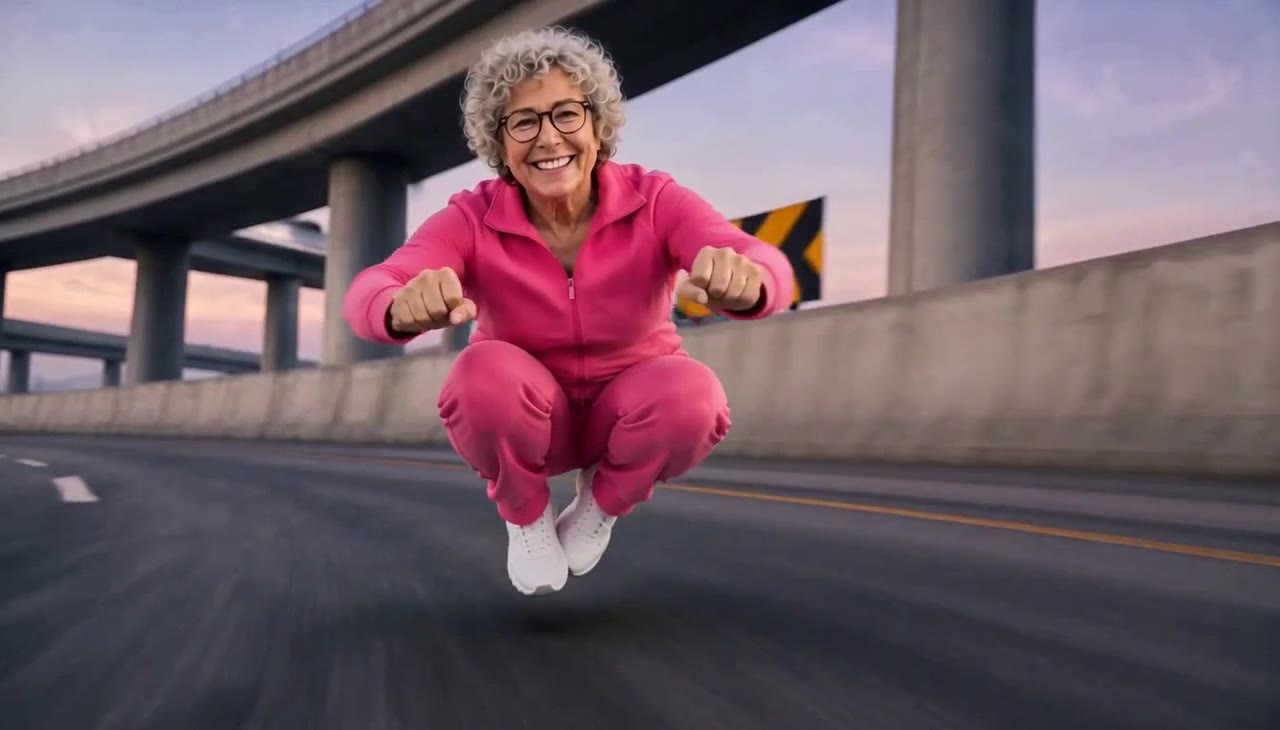
Create an invisible-motorcycle chase from one person photo. Learn the 568-credit preset, useful body framing, and checks for the crouch and trailing bike.
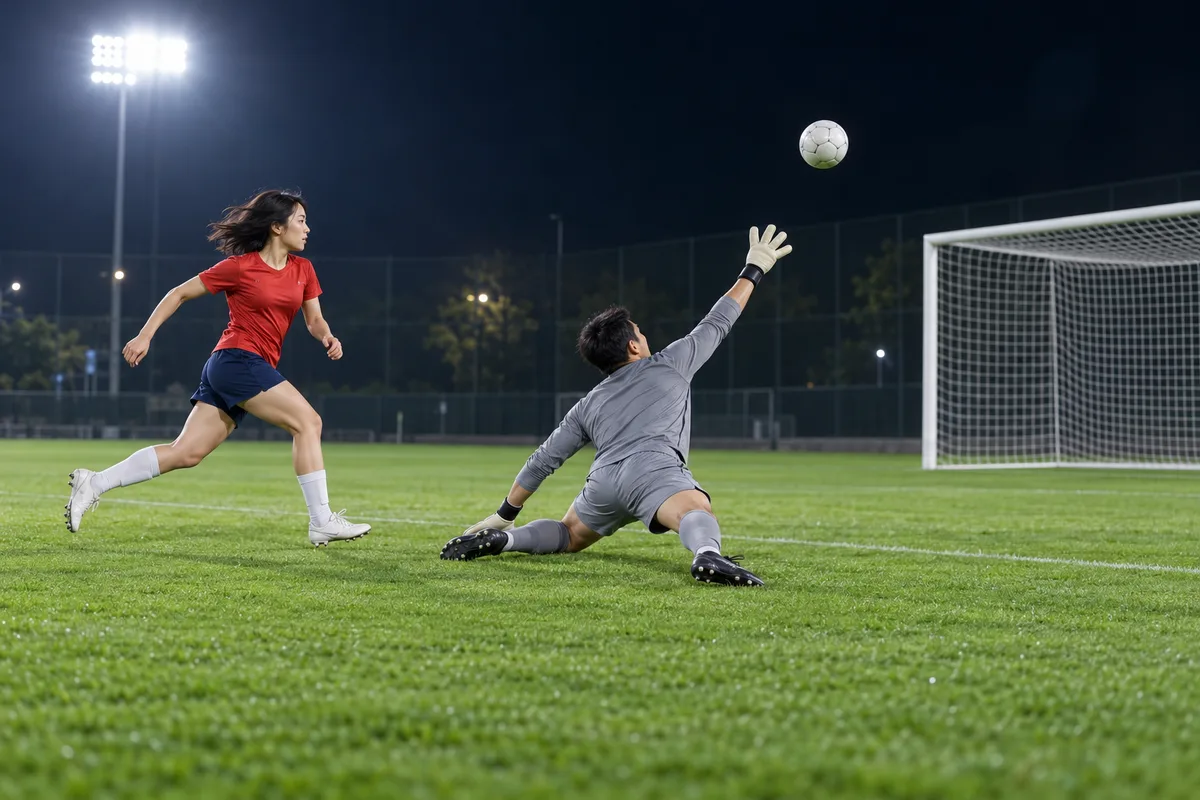
Turn a full-body photo into a chip, pause and finish football scene. Learn the fixed 568-credit preset and how to review ball, feet and goal continuity.
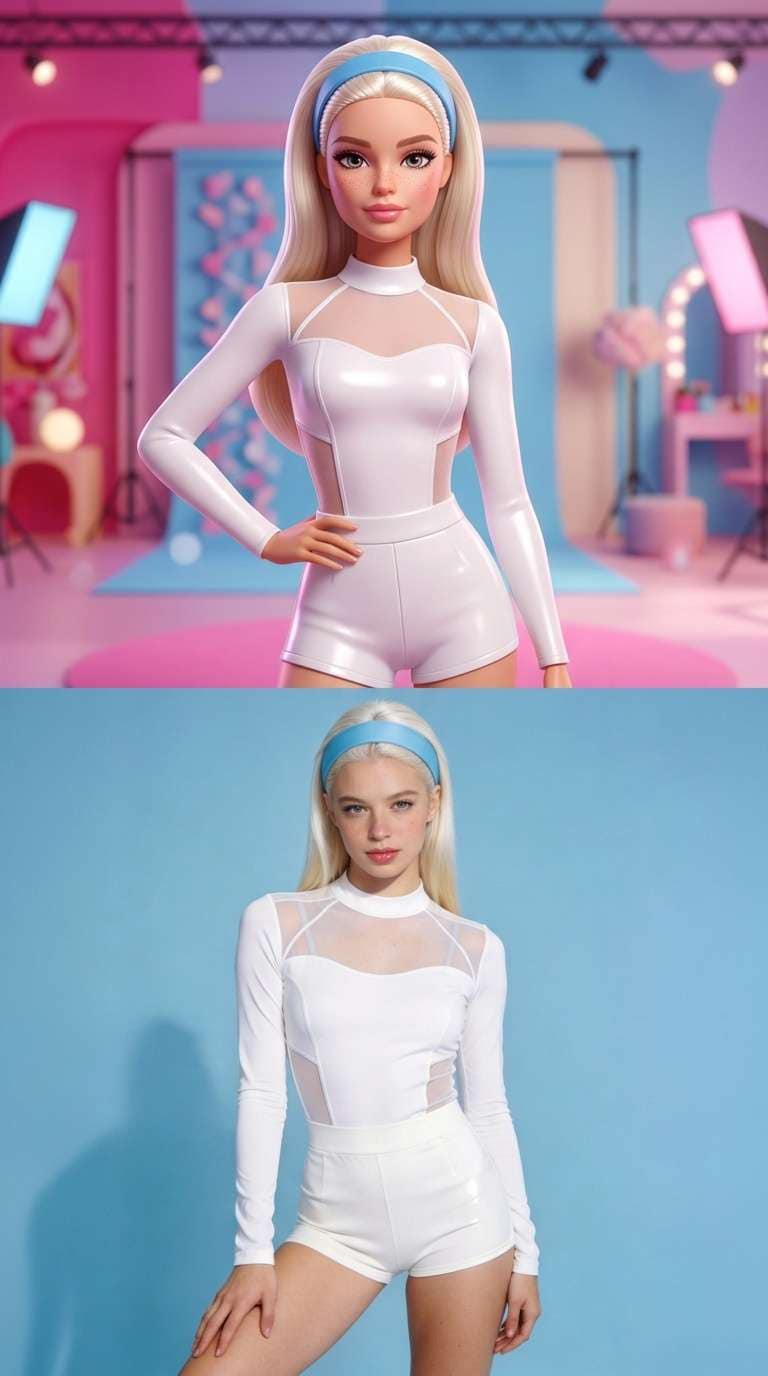
Create a doll-vs-real split-screen clip from a portrait. Learn photo selection, the 568-credit preset, and how to turn a downloaded video into carousel frames.
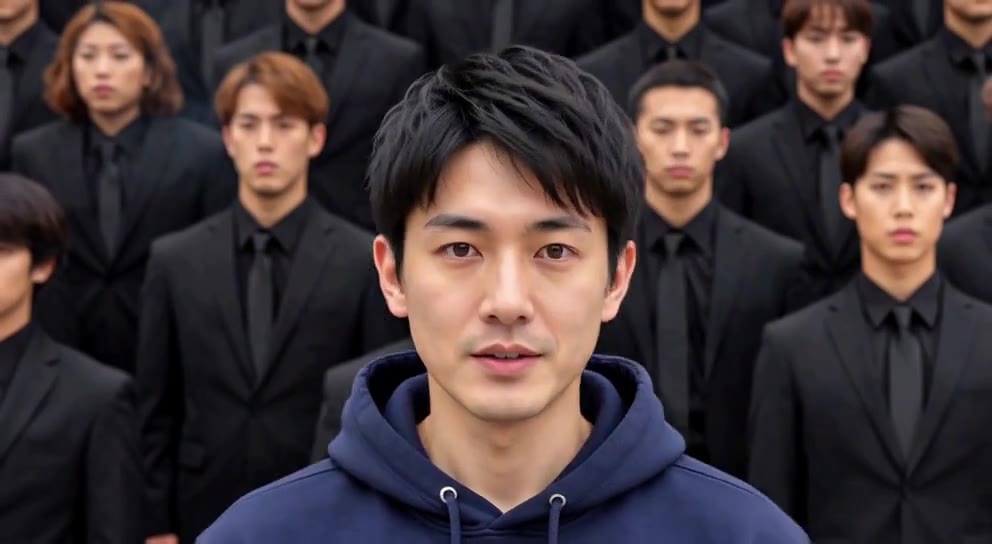
Create a still-center crowd-dance scene from one photo. Learn the 568-credit settings, choose a strong pose, and check the contrast between stillness and motion.
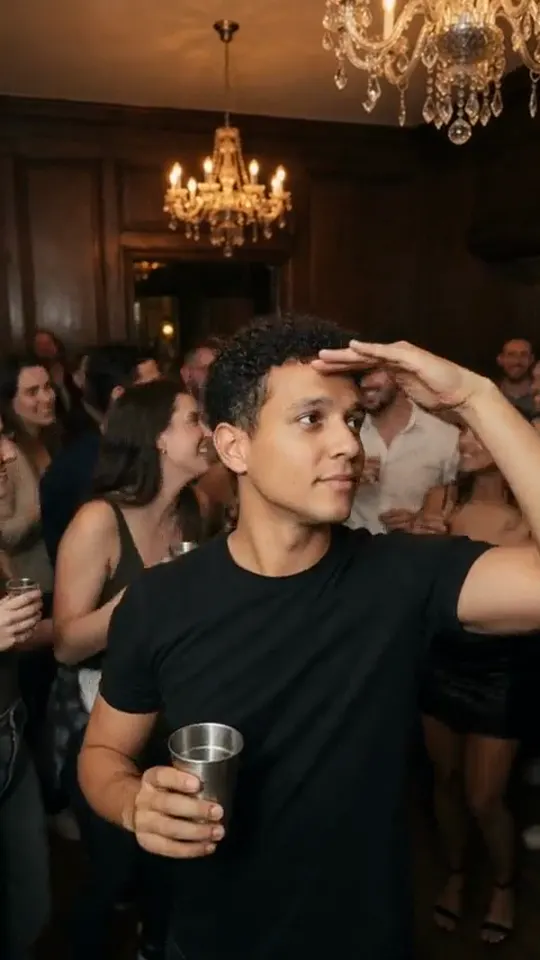
Create a chandelier-lit party entrance and toast from one photo. Check the 568-credit preset, choose a useful crop, and inspect the glass and hand motion.
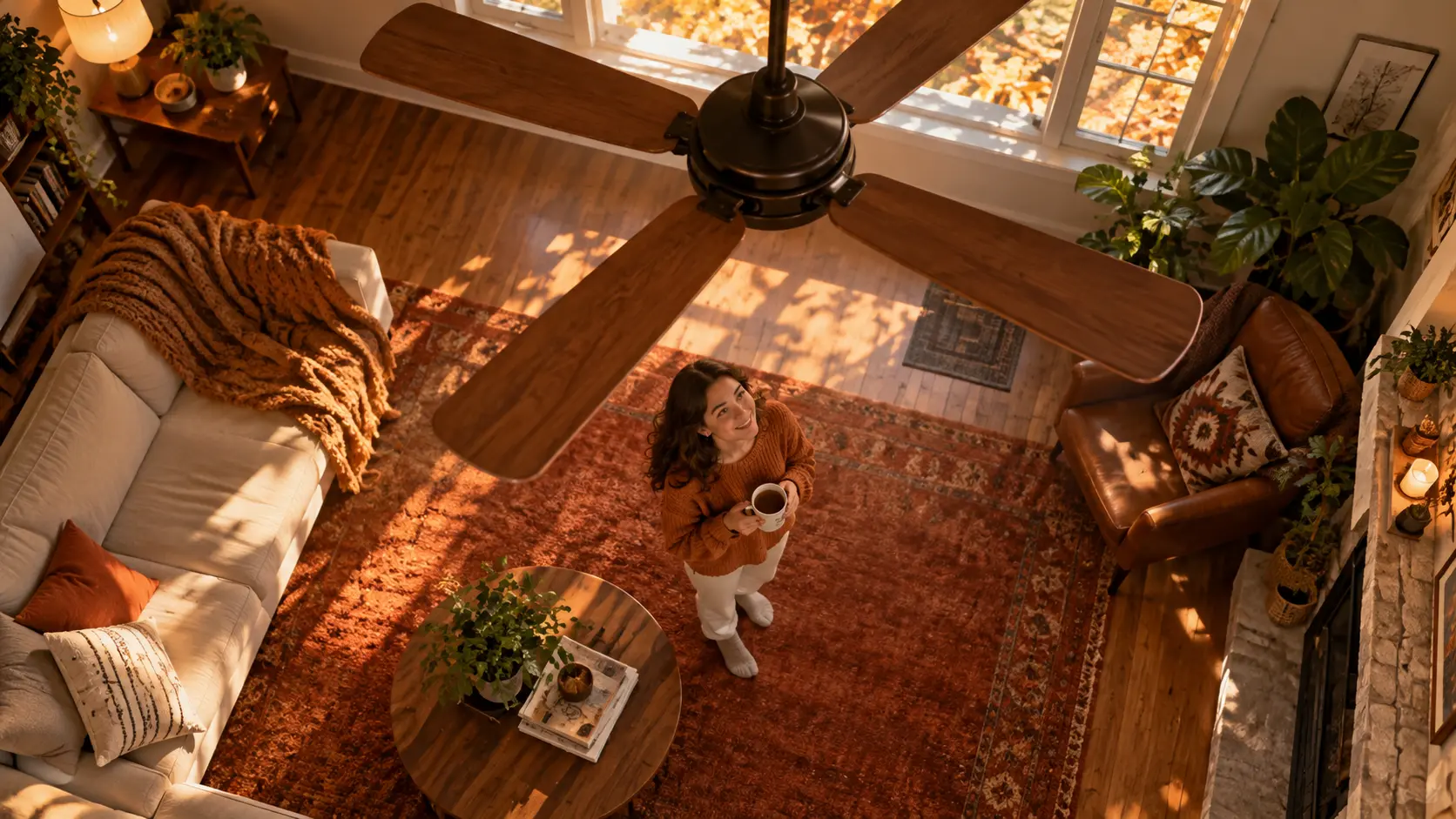
Create an overhead outfit-change clip with two fan-blade wipes and three looks. Learn photo selection, the fixed 9:16 preset, and transition checks.
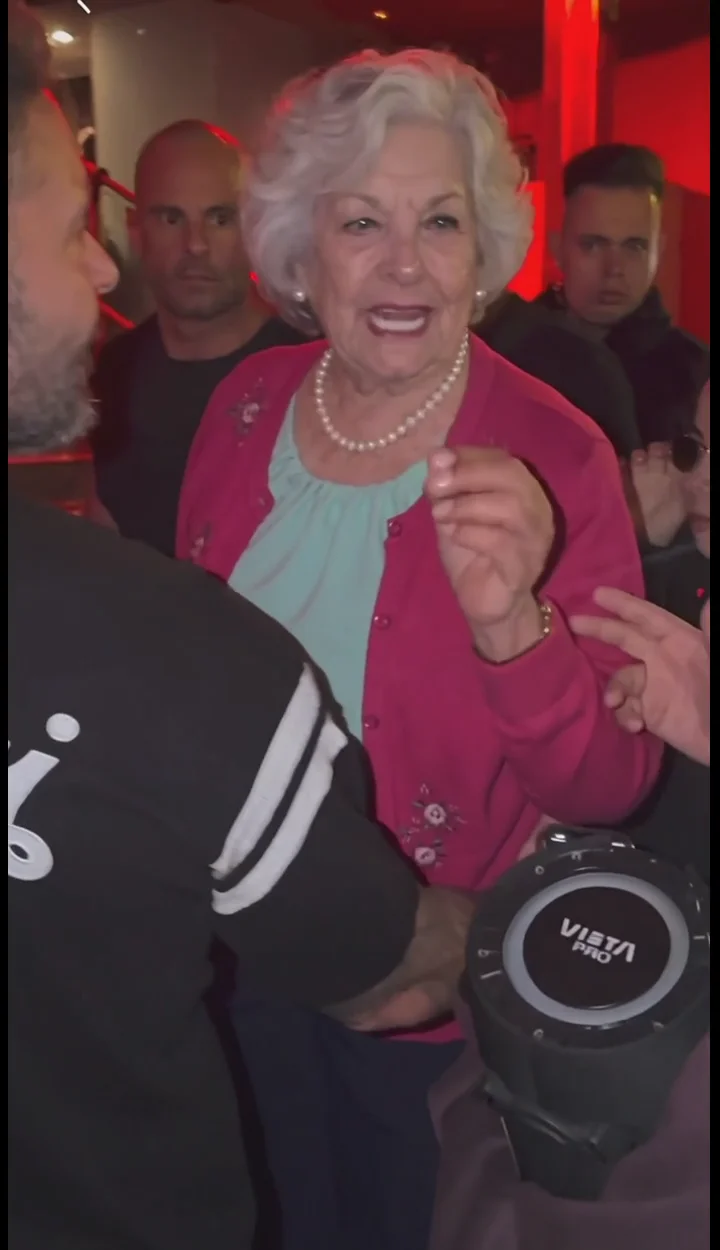
Build a red-lit street-performance clip from a portrait. Follow the 568-credit preset and check the shoulder movement, speaker interaction and final laugh.
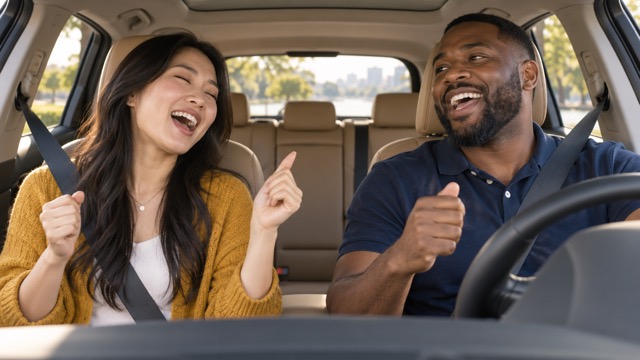
Create a silent car sing-along from one photo of one or two people. Learn the fixed 16:9 settings, upload steps, and face and steering-wheel checks.
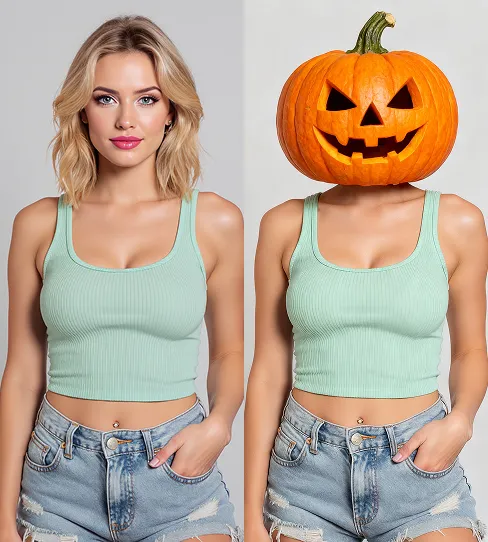
Turn a portrait into a glowing jack-o’-lantern video. Choose a useful photo, check the 568-credit preset, and review the Halloween transformation.
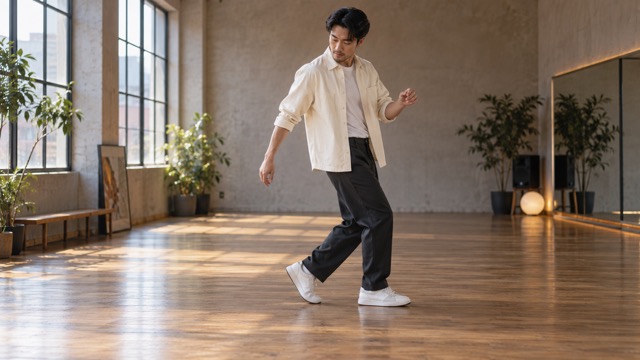
Create an AI moonwalk video from one full-body photo. Check photo tips, the 568-credit cost, footwork, silent output, and download steps.
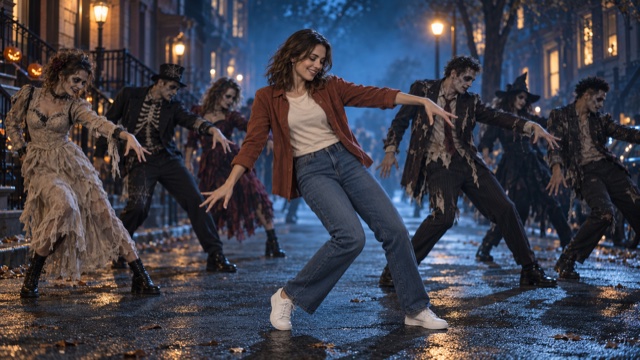
Create a Halloween zombie dance from one photo. Check photo tips, the 568-credit cost, silent output, hands and footwork, and download steps.
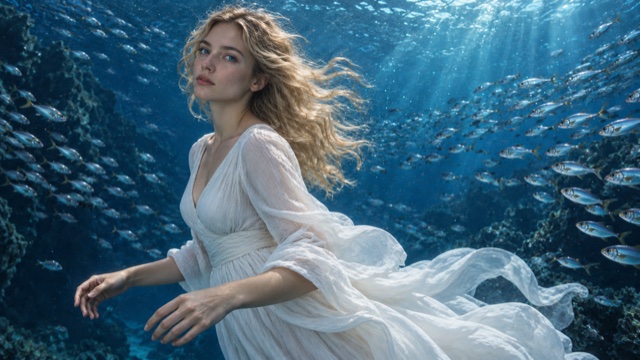
Turn a portrait into a dreamlike underwater clip: photo tips, credit cost, what to check in the motion, and how to share it.
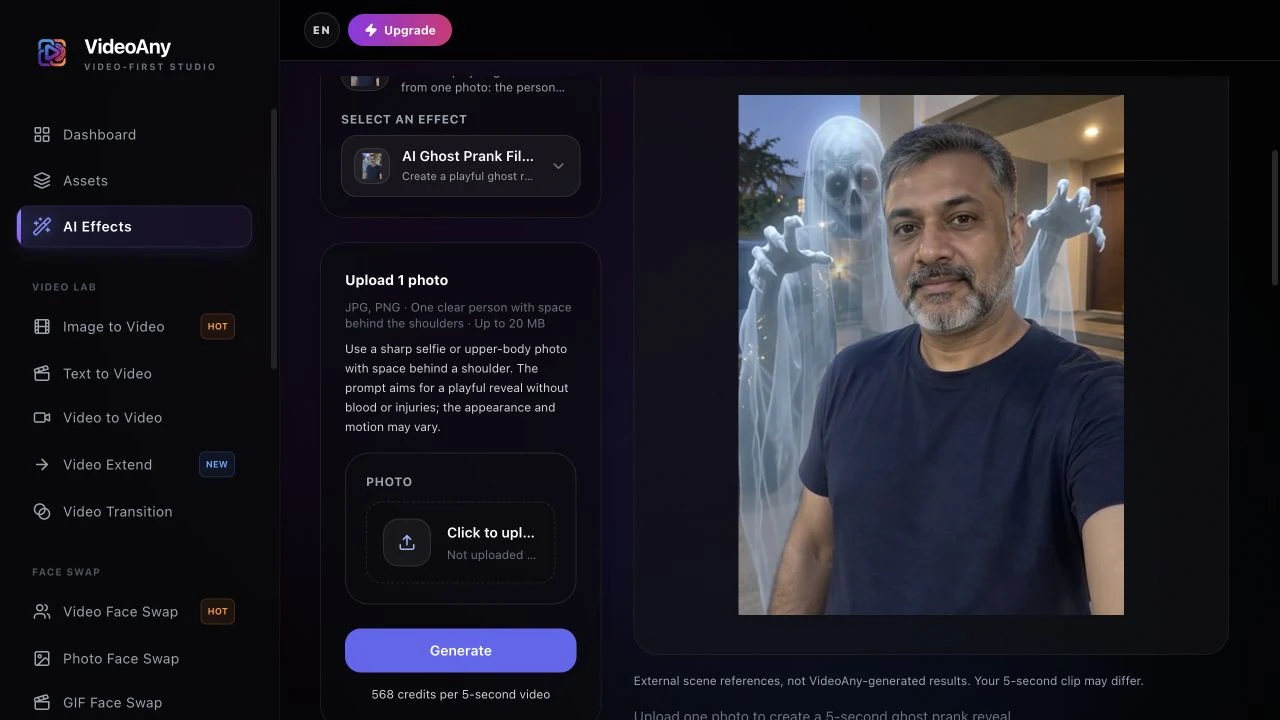
Make an AI ghost prank video from one photo with FYP FX: shoulder-space tips, current credit cost, silent output, troubleshooting, and download steps.
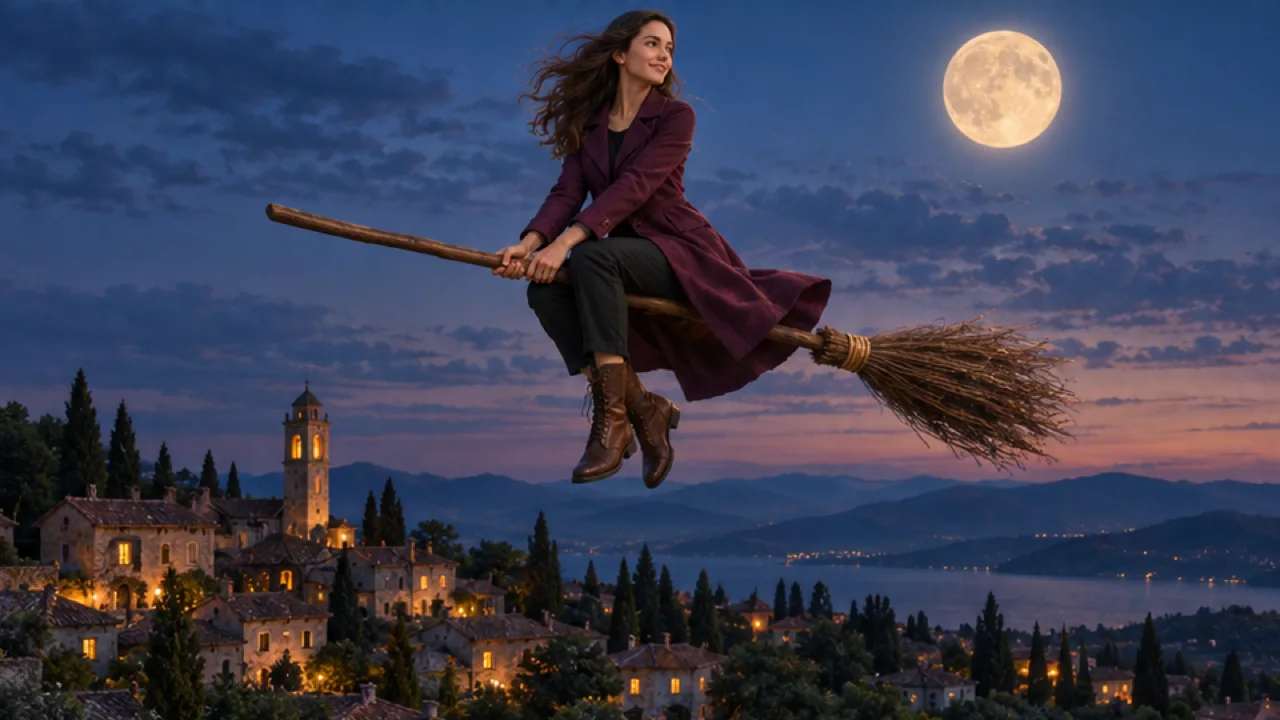
Make an AI broom riding video from one photo with FYP FX: photo tips, current credit cost, silent output, troubleshooting, and download steps.
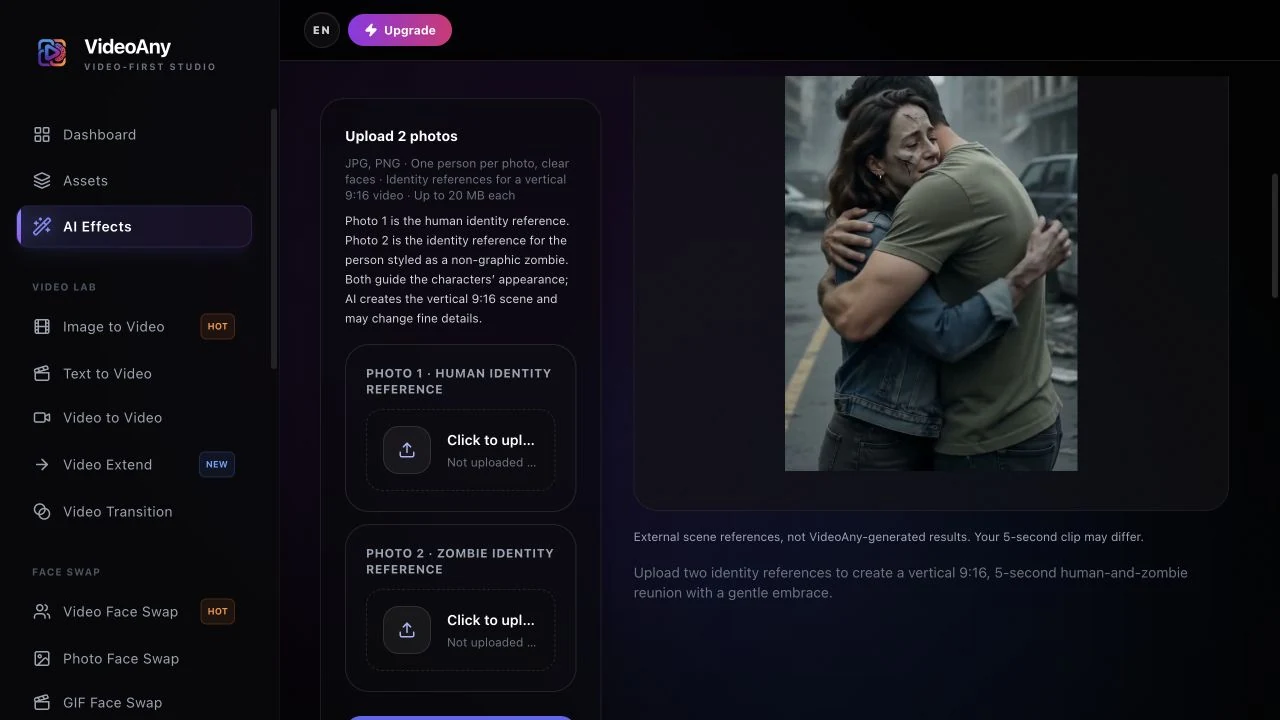
Make an AI zombie love story from two photos with FYP FX: upload roles, current credit cost, silent output, troubleshooting, and download steps.