AI Corpse Bride Generator: Gothic Photo to Video
Turn one portrait into a gothic bride scene with a vintage gown, pale-blue complexion and lace veil. Review how the face holds during the small shoulder turn.
No bridal outfit is needed. Leave room for the veil and a low bouquet, then check that lace stays away from the eyes and that the hands remain coherent through the turn.
568 credits per 5-second video
AI illustrations for visual reference, not actual FYP FX video results. Your 5-second clip may differ.
Leave room for lace, shoulders and flowers
- Choose one sharp, evenly lit face with the upper body visible and no sunglasses or hair covering the eyes.
- Leave space above the head and beside the shoulders so the veil can drift without filling the frame.
- Keep the torso visible for the low bouquet; avoid a tight face crop or a large object obscuring the chest.
Sign in and check your credit balance. View credit plans.
Review the veil as the shoulders turn
- The gown, skin tone and garden intentionally change; facial features, hands and bouquet details can also shift.
- This is a generic gothic bridal look, without controls for a specific character, dress design or flower choice.
- The veil is intended to leave the face clear, but its placement and motion can vary.
For a TikTok gothic bride edit, inspect the eye line and veil at phone size. A caption over the shoulder can hide the movement that makes the portrait feel animated.
Preset details reviewed by FYP FX ·
Look at the veil edge and visible face
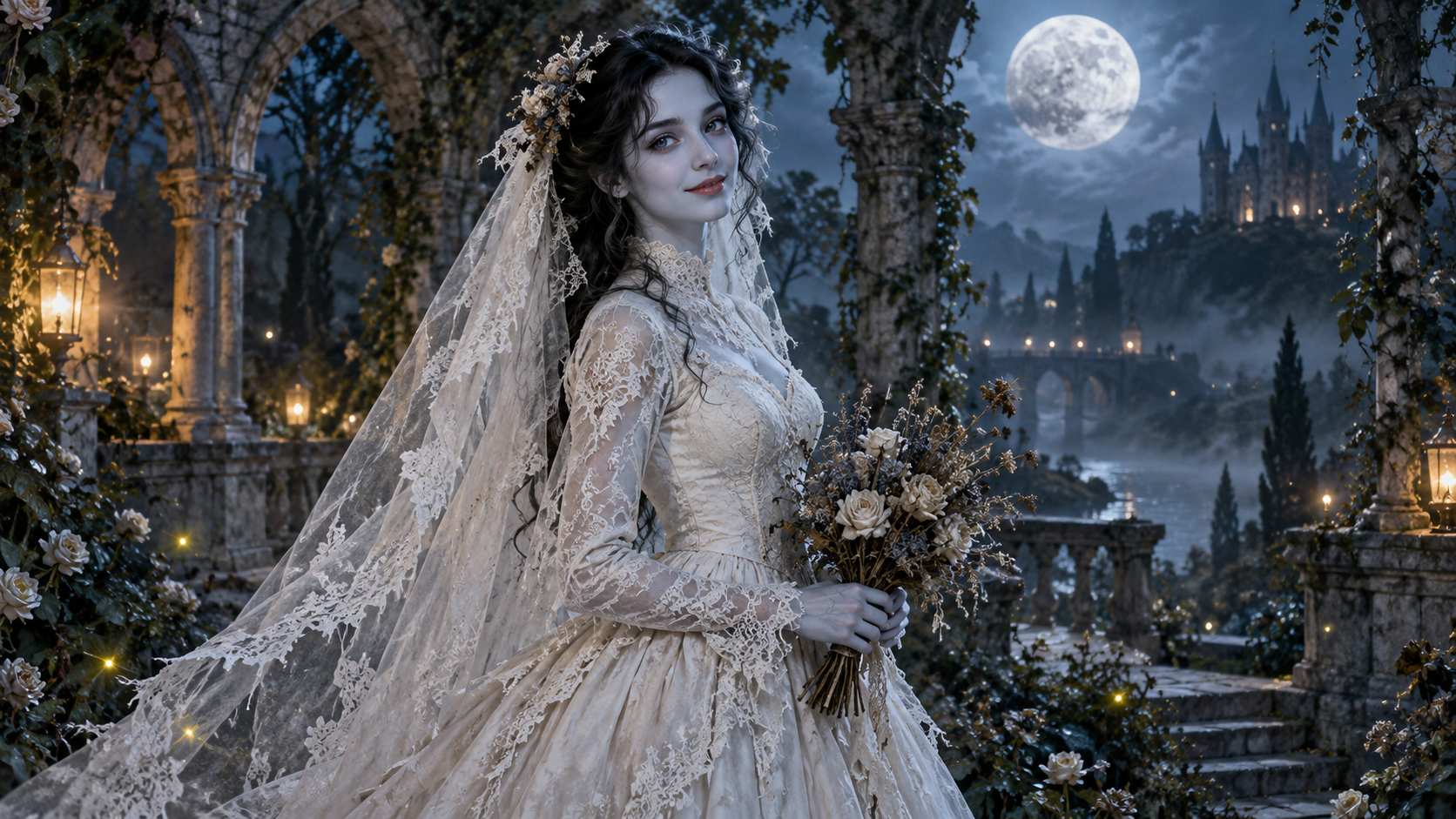
These original AI illustrations place lace around a clear face, a covered vintage gown and a low bouquet. They explain the costume and framing; they are not frames from a generated video.
Moonlit gown and veil
An original AI illustration of a bride in a covered, long-sleeved ivory gown, with a lace veil and dried-flower bouquet in a moonlit stone garden. It illustrates the setting and costume, not a generated video result.
FYP FX AI illustration ↗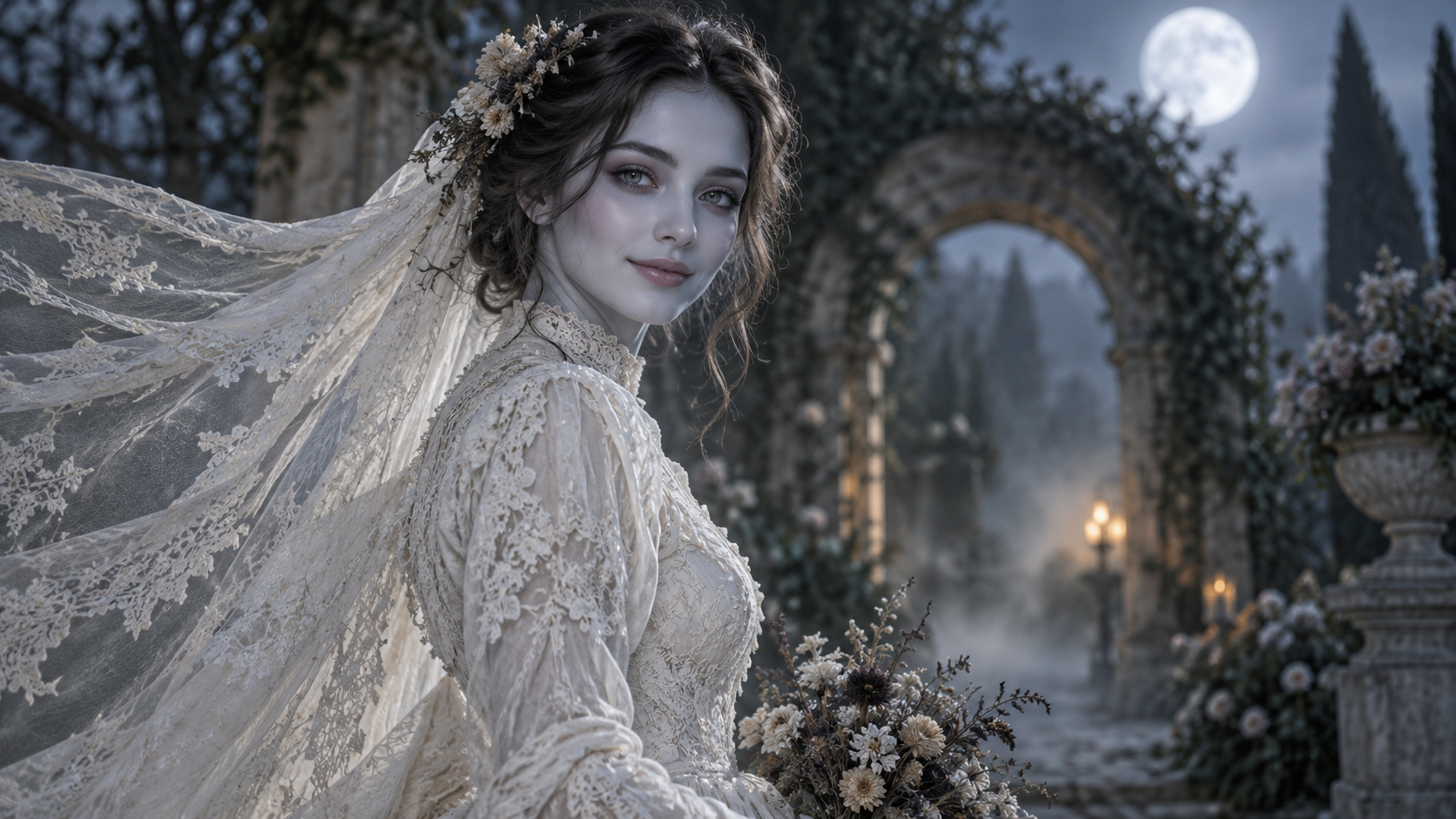
Face and veil framing
This original upper-body AI illustration keeps the face visible while the lace veil flows to the left. Use it as a reference for framing and a gentle gothic mood.
FYP FX AI illustration ↗AI illustrations for visual reference, not actual FYP FX video results. Your 5-second clip may differ.
Frame and review the bridal portrait
The face, veil edge and bouquet are the three anchors to compare through the costume change.
Leave room for the veil
Upload one upper-body portrait with a clear face and free space above the head and beside the shoulders.
Generate the gothic bridal change
Check the 568-credit cost and generate one take of the fixed gown, garden, veil and shoulder-turn scene.
Check face, lace and bouquet
Replay the turn and inspect the eyes, veil edges and hands around the dried flowers before downloading.
Gothic bride portrait and veil questions
No. An ordinary upper-body portrait works as the appearance reference. The scene adds a gown, veil and flowers.
Check whether the source has space above the head and around the shoulders. A wider, unobstructed portrait is a useful change for another attempt; veil placement is still generated.
These details follow the fixed scene direction. This page does not have separate costume, fabric or flower controls.
Check eye and mouth coherence, lace crossing the face, the bouquet’s position and any fingers merging with flowers. Inspect the movement rather than just the final smile.
A generation uses 568 credits. Confirm the displayed price and balance before starting a new take.
The preset uses a generic gothic bridal design and avoids a specific animated-film likeness. It can change complexion and facial details while interpreting the photo.
The clip is silent, 5 seconds long and 720p, with the source photo’s aspect ratio. Processing can take several minutes; check history and your balance if the task status is unclear.
Keep the face clear beneath the lace
Upload a roomy upper-body portrait, then watch the veil and shoulder turn before choosing your final take.