What Is the AI Corpse Bride Effect?
The AI Corpse Bride effect transforms a portrait into a generic gothic Halloween bride in a moonlit garden, with a vintage gown, drifting lace veil and intact pale-blue complexion. FYP FX adds a gentle shoulder turn and smile. The preset avoids copying a specific movie character and uses no exposed bones or graphic injury.
Create AI Corpse Bride568 credits per 5-second video · 720p · Silent video
Preset details reviewed by FYP FX ·
Frame the face inside the future veil
Choose an upper-body portrait with room around the shoulders and above the head. The gown and veil are generated, so an ordinary outfit is suitable.
- Choose one clear face with the upper body visible and even lighting.
- Leave room around the shoulders and above the head for the gown and veil.
Upload one JPG or PNG photo, up to 20 MB.
Gothic bridal styling with a gentle turn
- The complexion and clothing intentionally change, and facial details may also shift.
- The effect is an independent gothic look rather than an official movie filter, and the output is silent.
The output is a 5-second, 720p silent video. The aspect ratio follows your photo. Generation can take several minutes.
Look at the veil edge and visible face
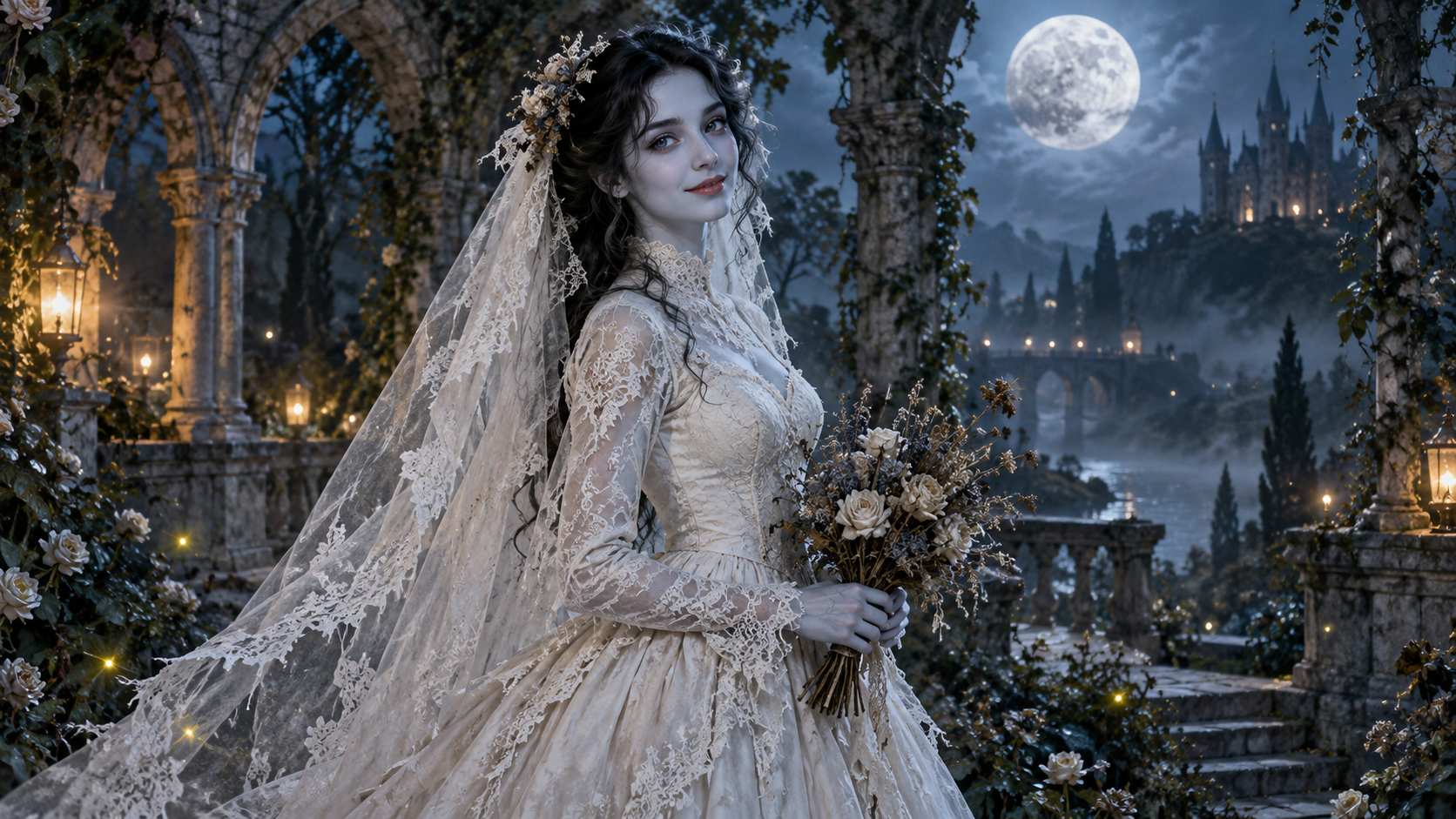
These original AI illustrations place lace around a clear face, a covered vintage gown and a low bouquet. They explain the costume and framing; they are not frames from a generated video.
 AI illustration
Moonlit gown and veil
An original AI illustration of a bride in a covered, long-sleeved ivory gown, with a lace veil and dried-flower bouquet in a moonlit stone garden. It illustrates the setting and costume, not a generated video result.
FYP FX AI illustration ↗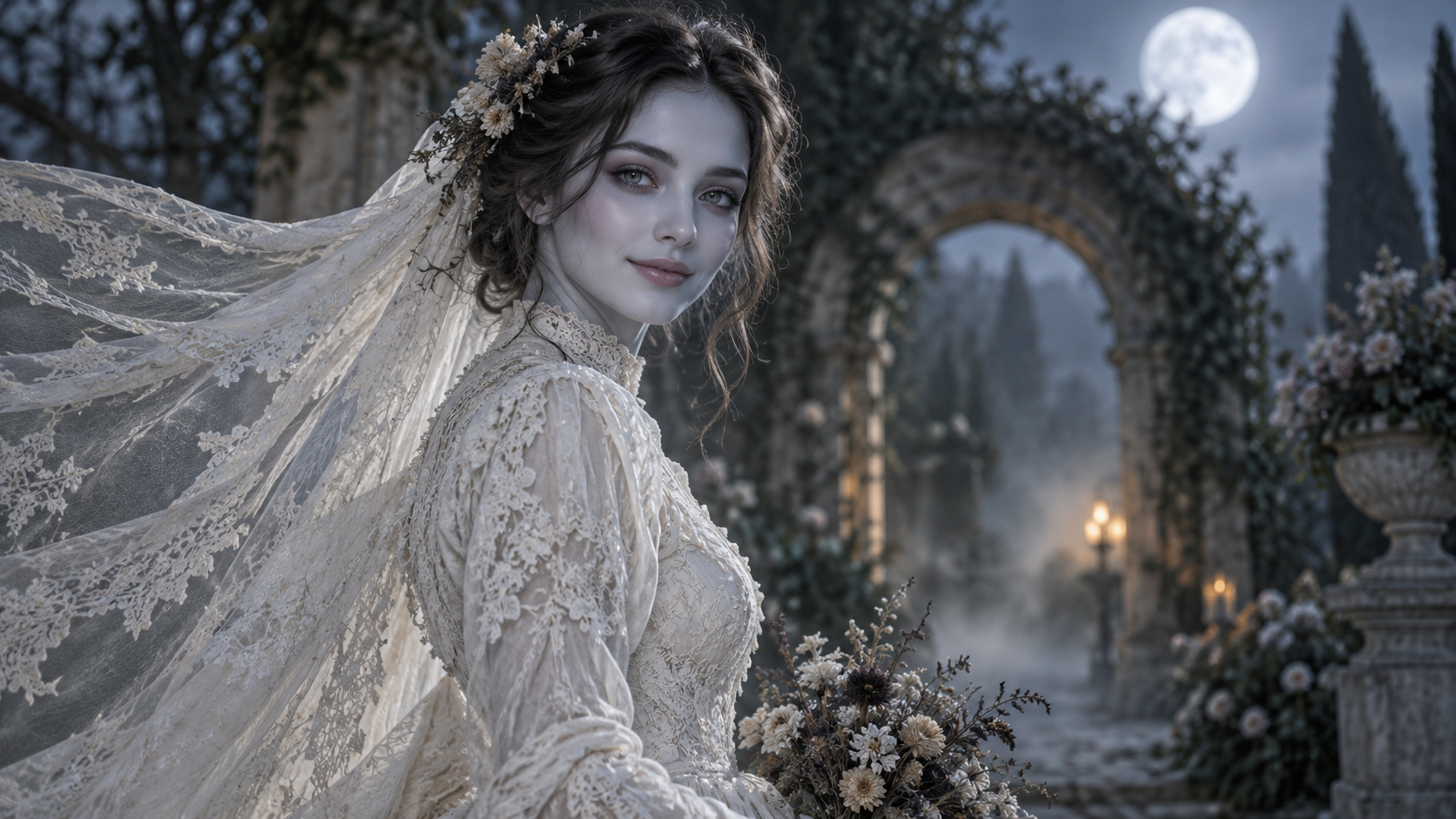 AI illustration
Face and veil framing
This original upper-body AI illustration keeps the face visible while the lace veil flows to the left. Use it as a reference for framing and a gentle gothic mood.
FYP FX AI illustration ↗AI illustrations for visual reference, not actual FYP FX video results. Your 5-second clip may differ.
How the gothic bride portrait changes
Costume, complexion and the drifting veil establish the scene while the person makes only a small movement.
01Introduce the gown and moonlit garden
The original clothes become a covered vintage wedding gown, and stone arches and cool moonlight establish a quiet garden setting.
02Frame the face with pale color and lace
The intended complexion is intact pale blue-grey skin with subtle dark eyeshadow. A tattered lace veil drifts around an unobstructed face.
03Turn the shoulders and hold the bouquet
A small shoulder turn ends in a soft smile, with dried flowers held low at the torso. Veil edges, fingers and facial details merit review.
For a TikTok gothic bride reveal, place the caption away from the drifting veil and bouquet. Keep the costume change visible before cutting to the final smile.
Sign in with enough credits to generate. View credit plans.
Read the full AI Corpse Bride tutorialAbout the gothic Halloween bride look
What is the AI Corpse Bride effect?
It is a gothic bridal transformation from one portrait, using a vintage gown, lace veil, dried flowers and pale blue-grey complexion in a moonlit garden. The intended motion is a gentle turn and smile.
Is it the same as a movie-character filter?
This is an independent, generic gothic bride design. The preset avoids a specific animated-film character, exposed bones and graphic wounds.
Do I need to wear a wedding dress?
No. The preset adds the gown and veil. Start with a clear face and enough shoulder space; a real bridal outfit is not an input requirement.
What suits a TikTok gothic bride transformation?
Use a source whose face and upper body can remain visible as the veil appears. The small shoulder turn is suited to a portrait reveal; it is not a wedding ceremony or a long walking sequence.
More AI effects to explore

AI Talking Skeleton
Become a friendly toy-like skeleton in your own outfit and scene, with a small jaw movement and nod in a silent clip.
AI Neon Glow Dance
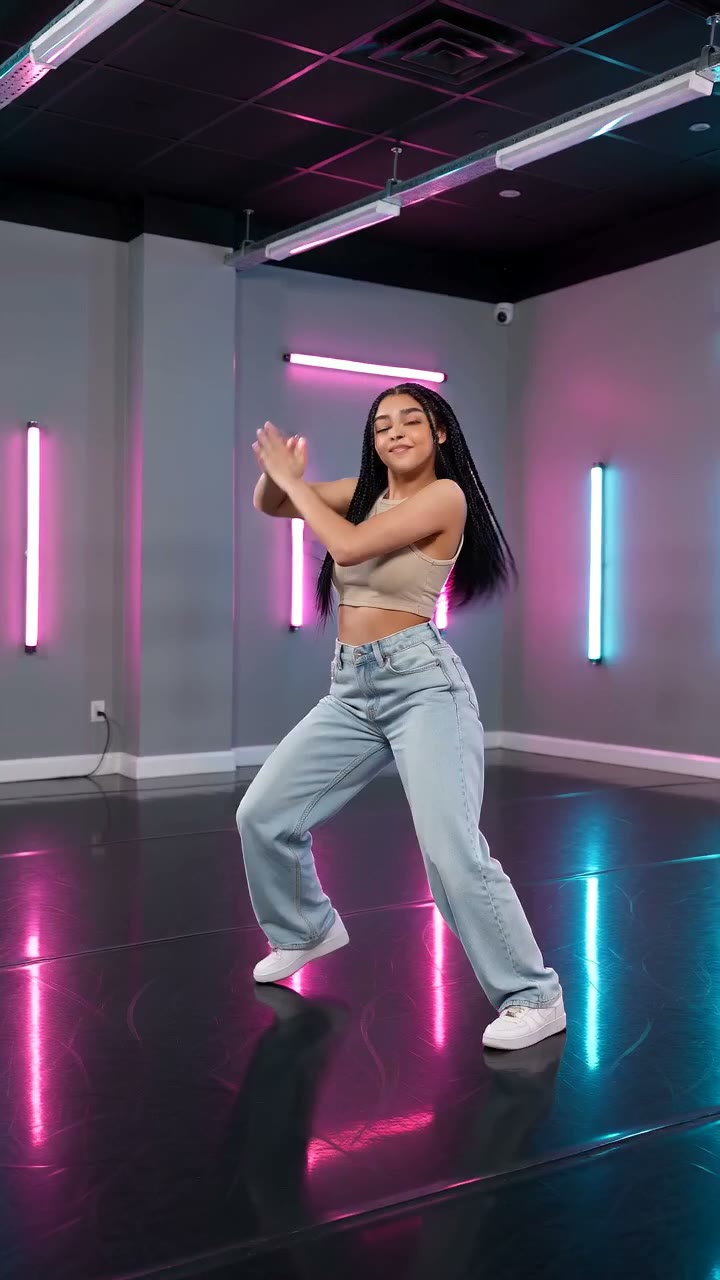
Make a short neon dance from one photo: sway, lift your arms, add one low kick and hold a wide stance.
AI Storm II
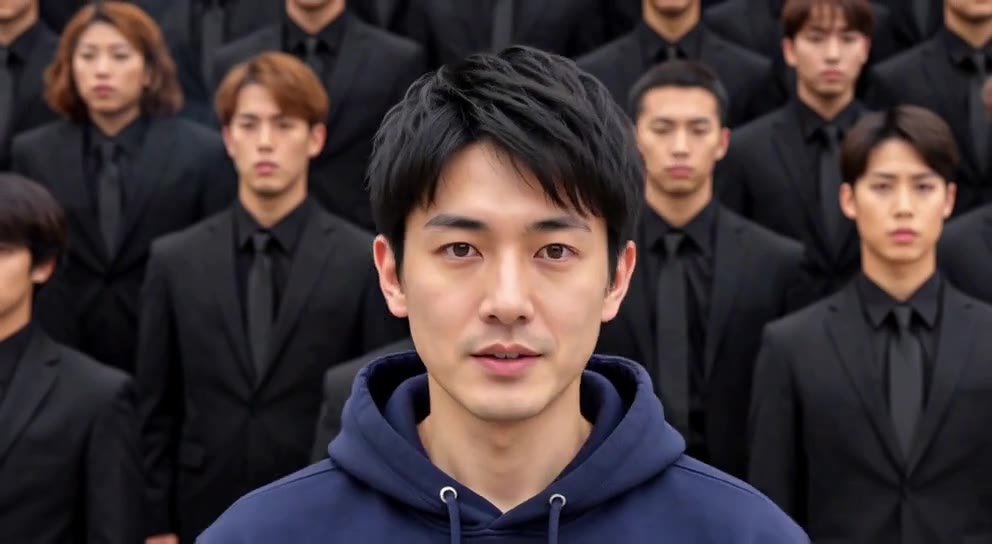
Stand still as the calm center while a synchronized crowd dances behind you.
Build the portrait around the veil
Choose an uncovered face and roomy shoulder framing for a quiet gothic bridal transformation.
Create a gothic bride video