Explore the AI Effects Library
Explore TikTok-style AI effects, from photo transformations and dance videos to cinematic scenes. Compare the intended look and photo requirements, then choose an effect to create your own short clip.
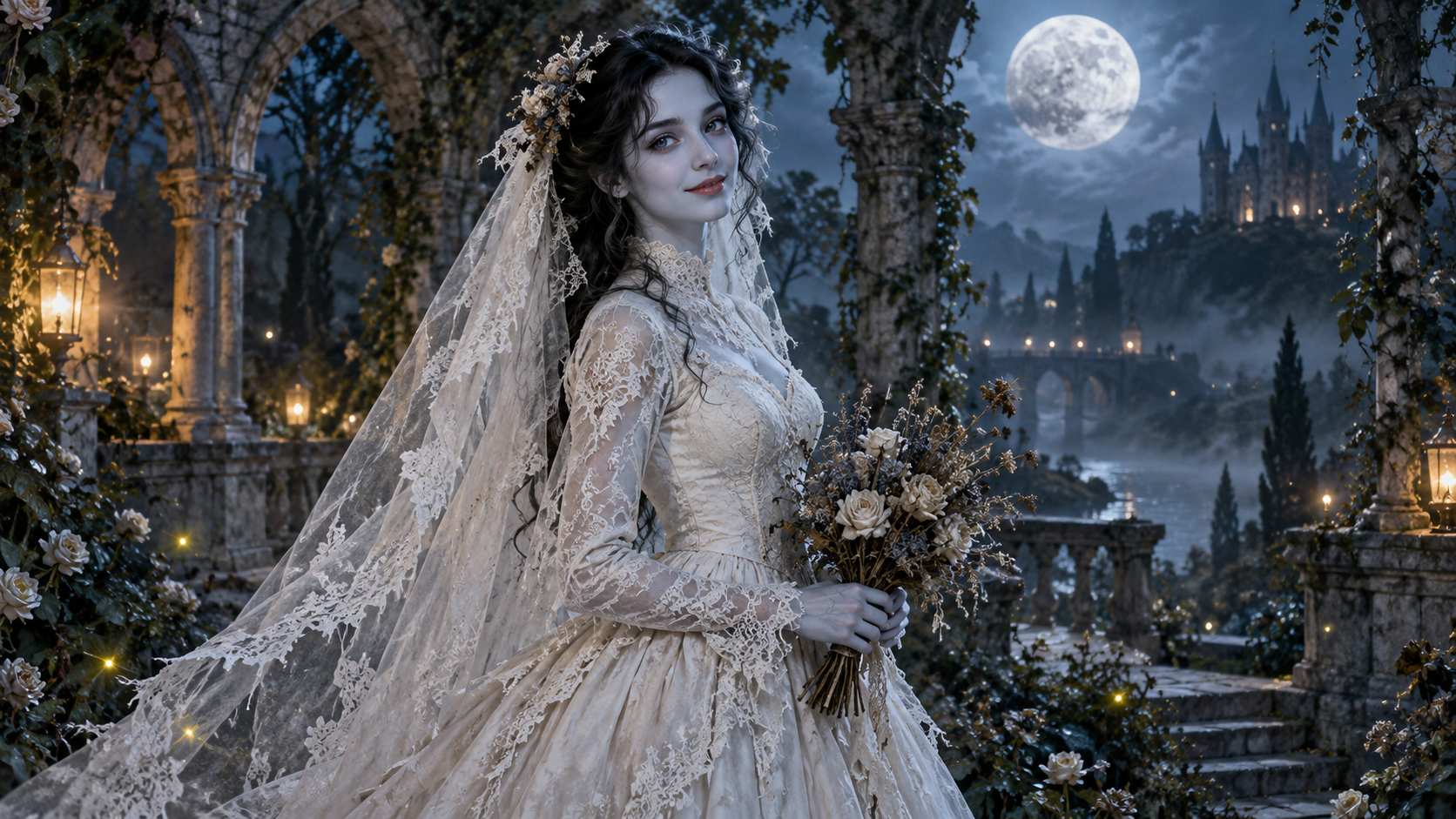
AI Corpse Bride
Transform into a gothic Halloween bride with an intact pale-blue complexion, vintage gown and drifting veil in a moonlit garden.
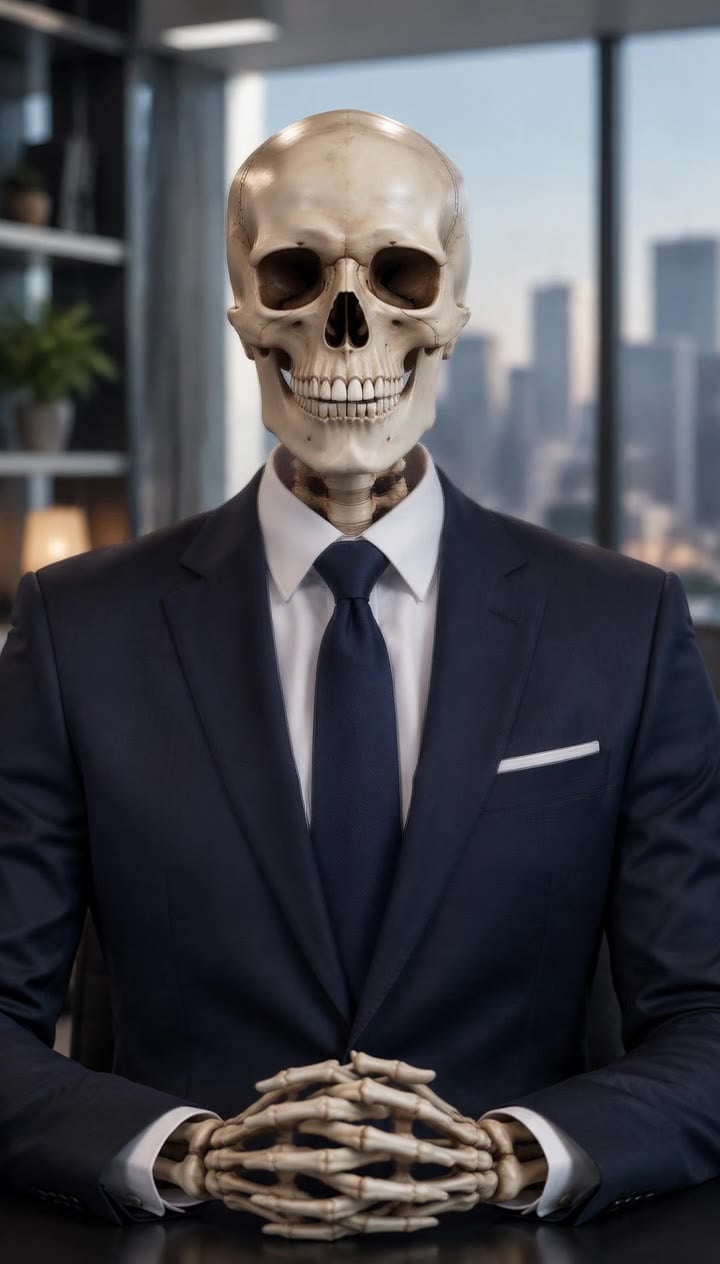
AI Talking Skeleton
Become a friendly toy-like skeleton in your own outfit and scene, with a small jaw movement and nod in a silent clip.
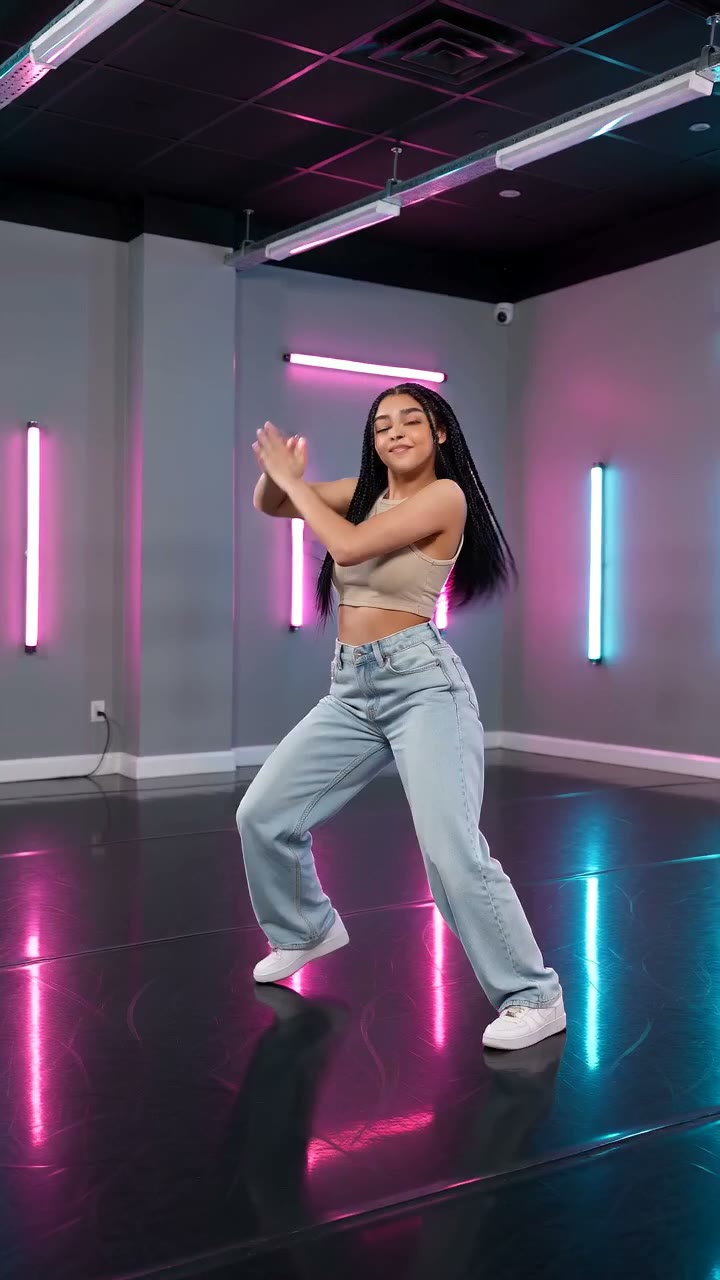
AI Neon Glow Dance
Make a short neon dance from one photo: sway, lift your arms, add one low kick and hold a wide stance.
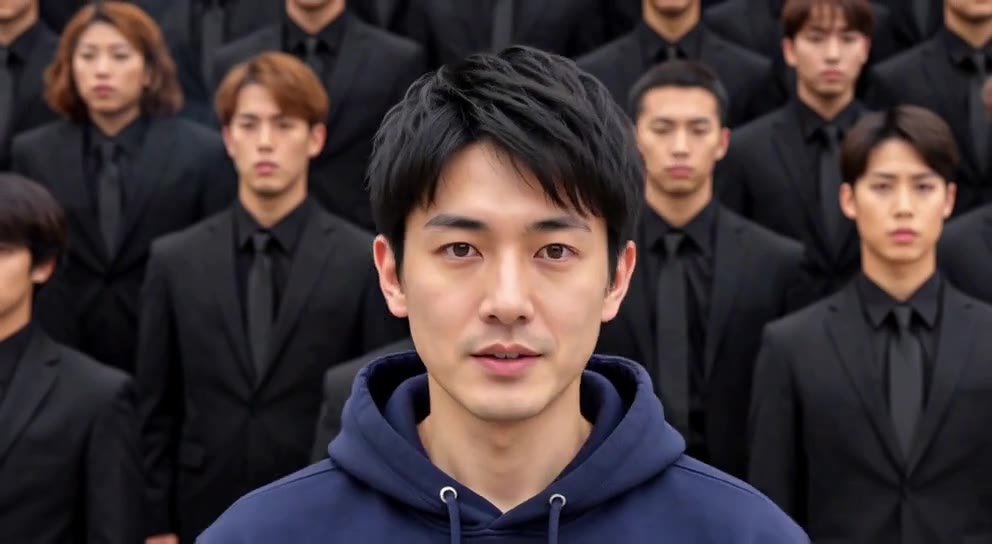
AI Storm II
Stand still as the calm center while a synchronized crowd dances behind you.
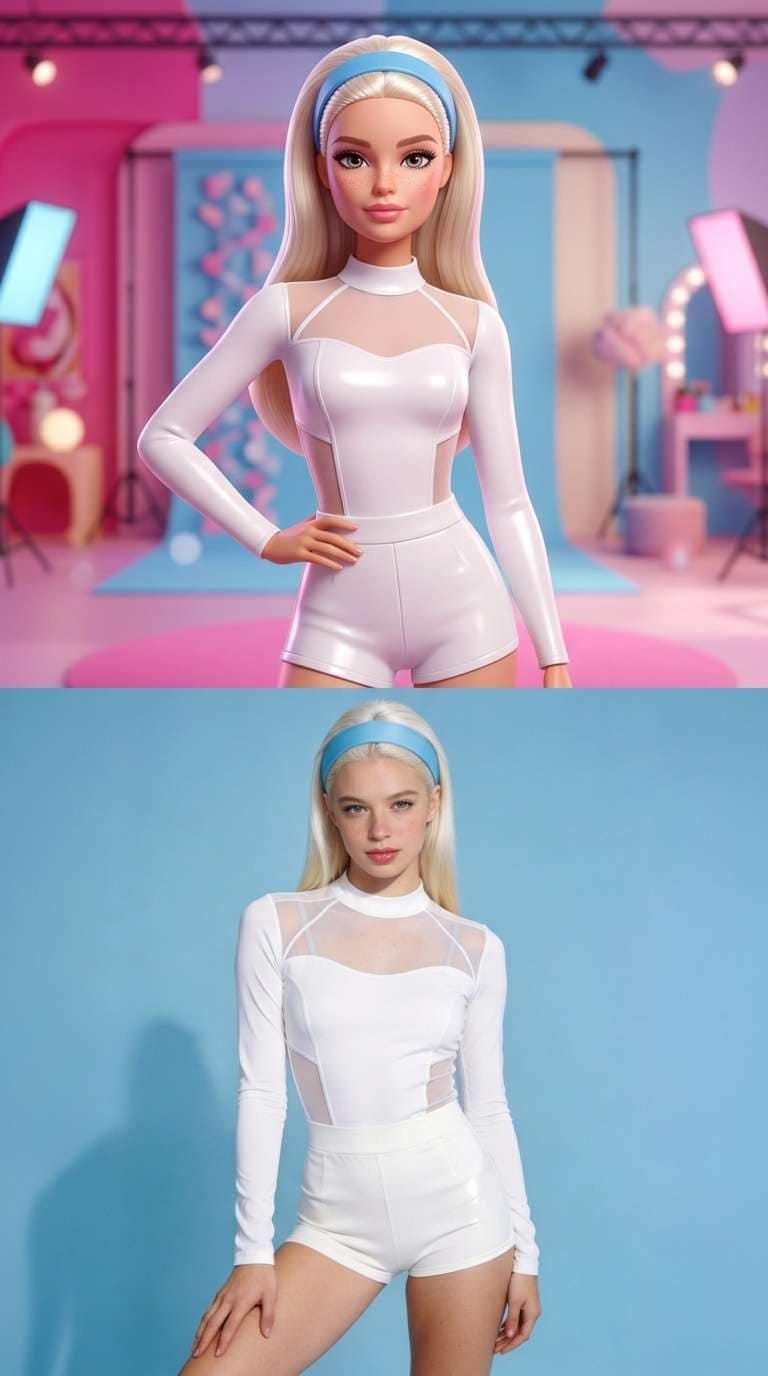
AI Barbie Slideshow
Make a doll-vs-real split: a glossy fashion-doll you on top, the real photo below.
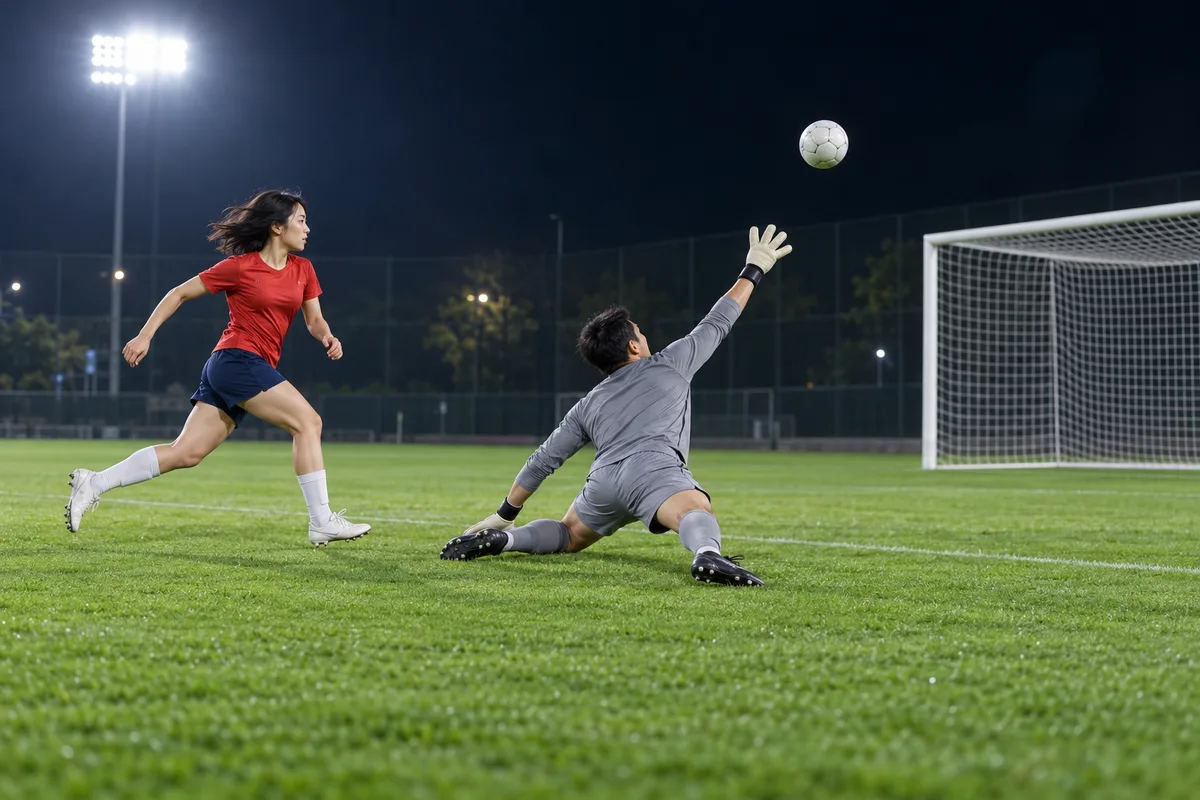
AI Ozil Goal
Chip the keeper, freeze as defenders slide past, then roll it into the empty net.
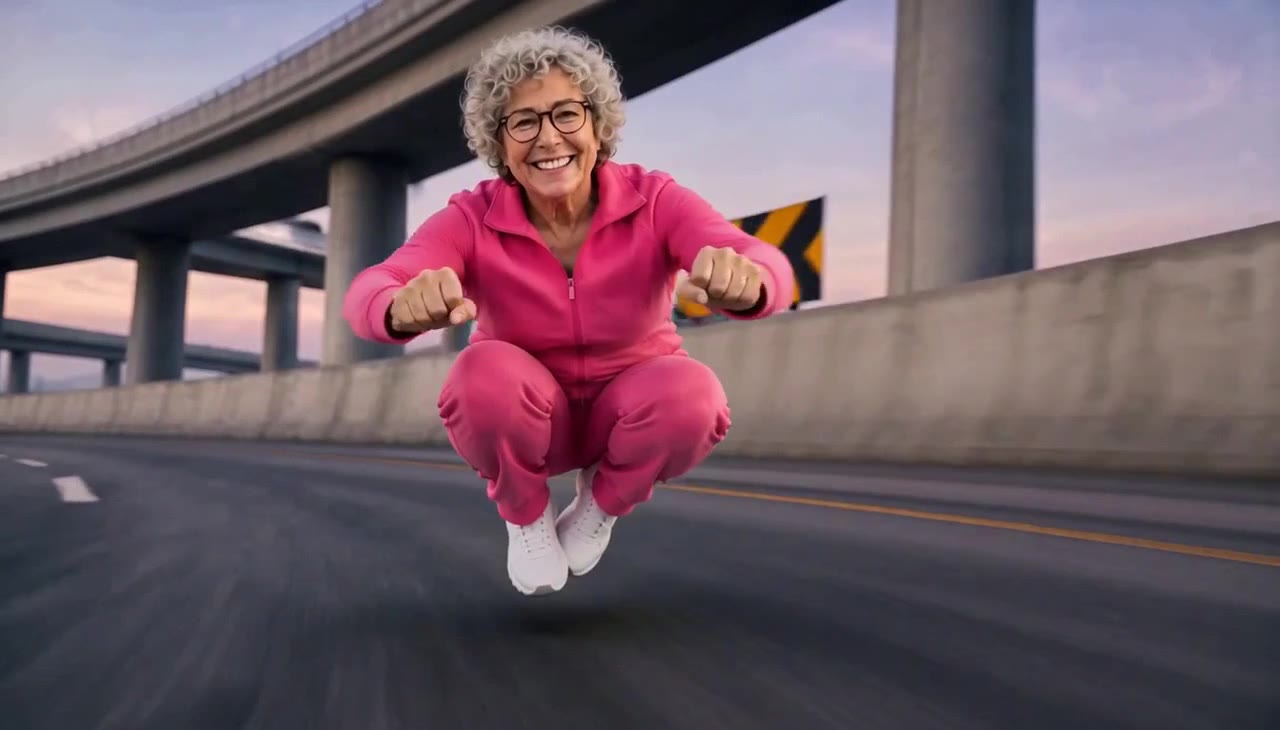
AI Crazy Frog Race
Crouch on an invisible bike and race down a highway while a red superbike chases you.
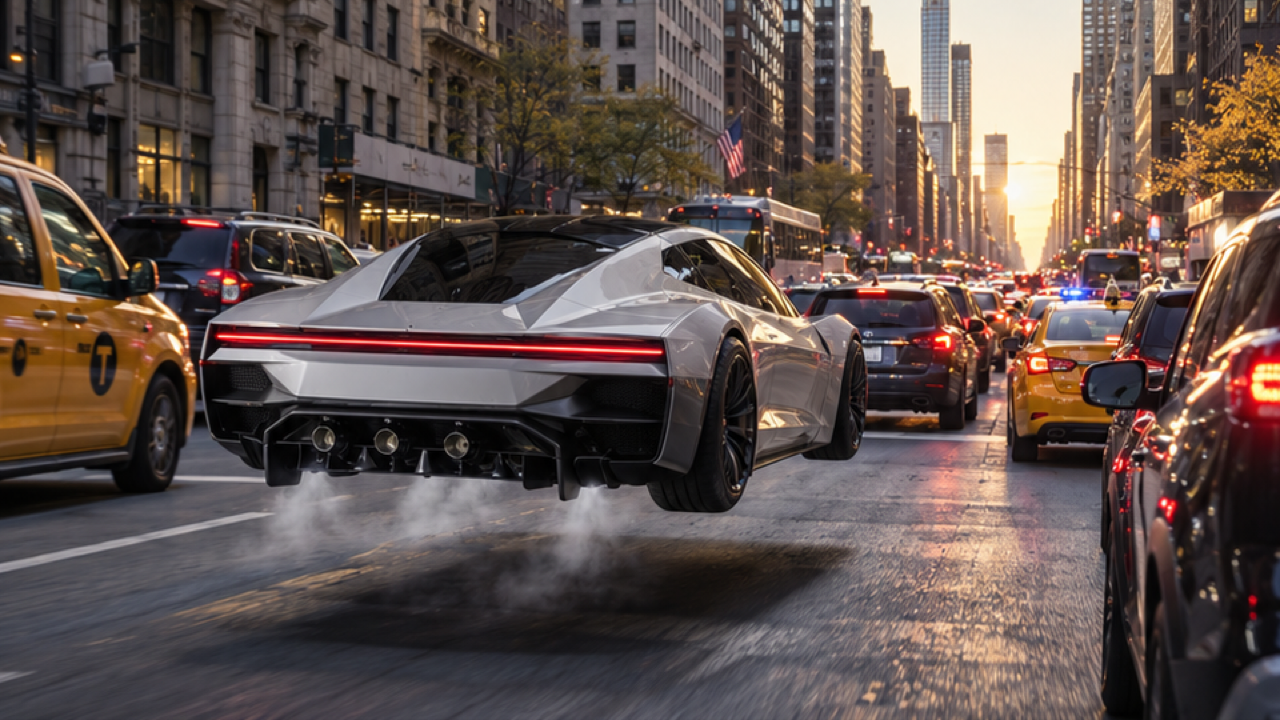
AI Tesla Roadster
Sit in a sleek flying sports car, hit the button, and lift off over traffic.
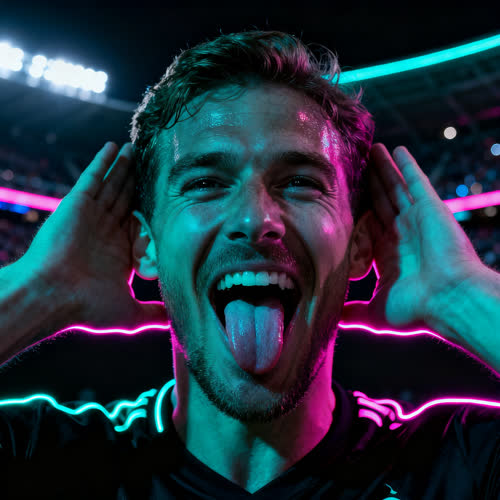
AI Enzo Celebration
Create the football celebration: hands behind the ears, pout to the crowd, arms up.
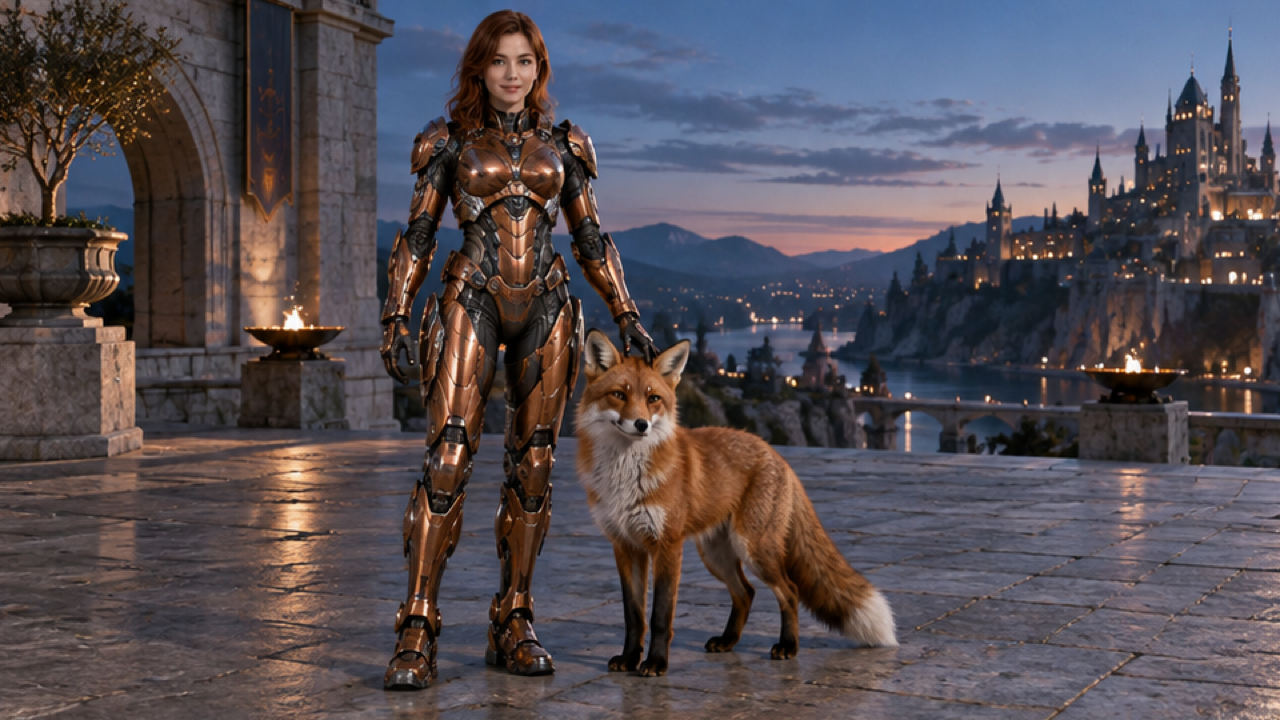
AI Mecha Transformation
Watch armor plates unfold and lock on as you transform into a human-scale armored suit.
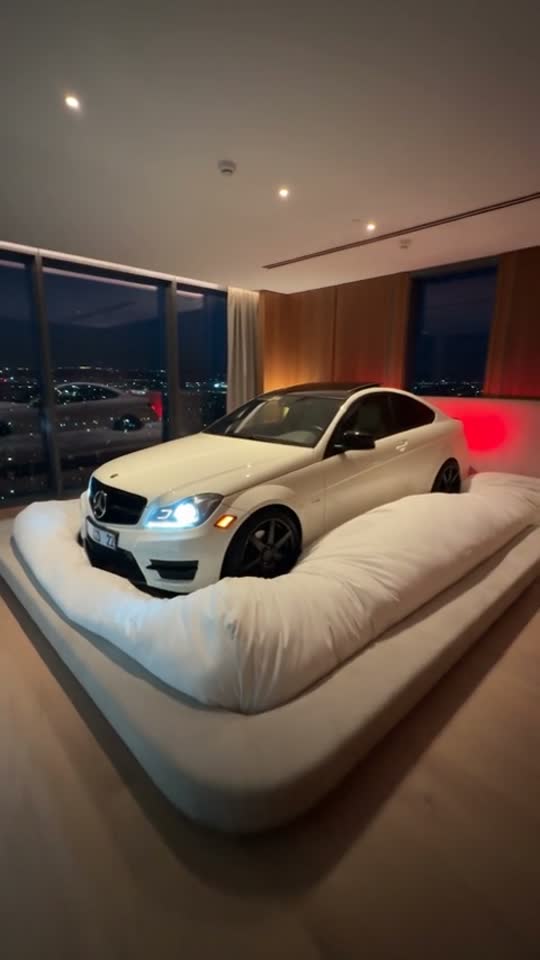
Don't Wake My Baby
Tuck your car into a giant bed, watch it sleep, then gently hush it back to sleep.
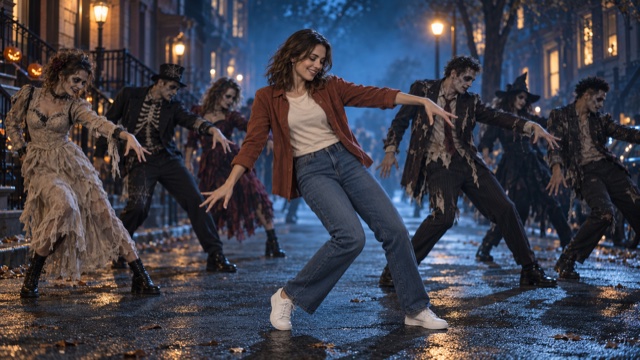
AI Thriller Dance
Make anyone bust out a spooky Halloween zombie dance on a foggy moonlit street from one photo.
Explore each effect for photo tips, visual references and FAQs, then open the studio to create your own video. Reference images are not generated video results.
How to choose an AI photo effect
AI video effects turn still photos into short animated scenes with a preset visual style. FYP FX includes Halloween transformations, dance clips, cinematic scenes and interactions. For a TikTok AI dance, choose a full-body photo and compare the movement in the effect guide before opening its studio.
- Choose a look that suits your photo: a portrait for a face-focused transformation, or a full-body image for a dance.
- Read the effect's image requirements, framing notes and limitations. Some presets need two photos.
- Open the effect studio, confirm its settings and credit quote, then generate and review the result.
For TikTok photo animation, match your photo framing to the scene: leave space around a dancer or show a clear face for a transformation. Clips are silent, so add music after downloading in TikTok or your editor. Reference images illustrate the intended style; generated faces, motion and details can vary.
Choose an effect in the studio · Read photo-to-video tutorials · View plan prices and credit allowances
All FYP FX effects
Find a specific photo-to-video effect by name. Each page explains the intended look, photo requirements and current generation settings.
- AI Corpse Bride
- AI Talking Skeleton
- AI Neon Glow Dance
- AI Storm II
- AI Barbie Slideshow
- AI Ozil Goal
- AI Crazy Frog Race
- AI Tesla Roadster
- AI Enzo Celebration
- AI Mecha Transformation
- Don't Wake My Baby
- AI Thriller Dance
- AI Deep Sea
- AI Moonwalk Dance
- AI Broom Riding
- AI Ghost Prank Filter
- AI Carpool Karaoke
- Ceiling Fan Transition
- Bulin 47 Freestyle
- AI Pumpkin Head
- Burning Bridges
- AI Zombie Couple