AI Mecha Transformation Generator: Photo to Armor
Build armor around a recognizable person. Evaluate plate placement, human scale and the open visor before choosing the most dramatic glow.
A full-body photo gives the whole suit a reference. Keep shoulders, elbows and legs separated with room for unfolding plates. The original setting stays as the backdrop for a wearable suit, not a giant robot.
568 credits per 5-second video
External visual references, not FYP FX-generated results. They illustrate the setting or style; the generated 5-second clip may differ.
Provide a clear body for the suit
- Prefer a sharp full-body portrait with both legs visible; a half-body crop gives less reference for the lower suit.
- Keep arms separated from the chest and leave a margin around shoulders and elbows for unfolding plates.
- Use a clearly lit face and an outfit with a readable outline. Large props and overlapping people can obscure the assembly.
Sign in and check your credit balance. View credit plans.
Inspect armor fit before sparks and glow
- Plate edges, limb joints and visor openings can vary. Reject extra limbs, intersecting armor or a face sealed behind a helmet.
- The suit design is generated without a selectable armor template. This is a human-scale transformation, not combat or a giant-robot scene.
A TikTok armor transformation needs a before-and-after that reads at phone size. Keep the chest assembly and finished open visor visible, then add mechanical sounds separately.
Preset details reviewed by FYP FX ·
Compare open faces and articulated armor
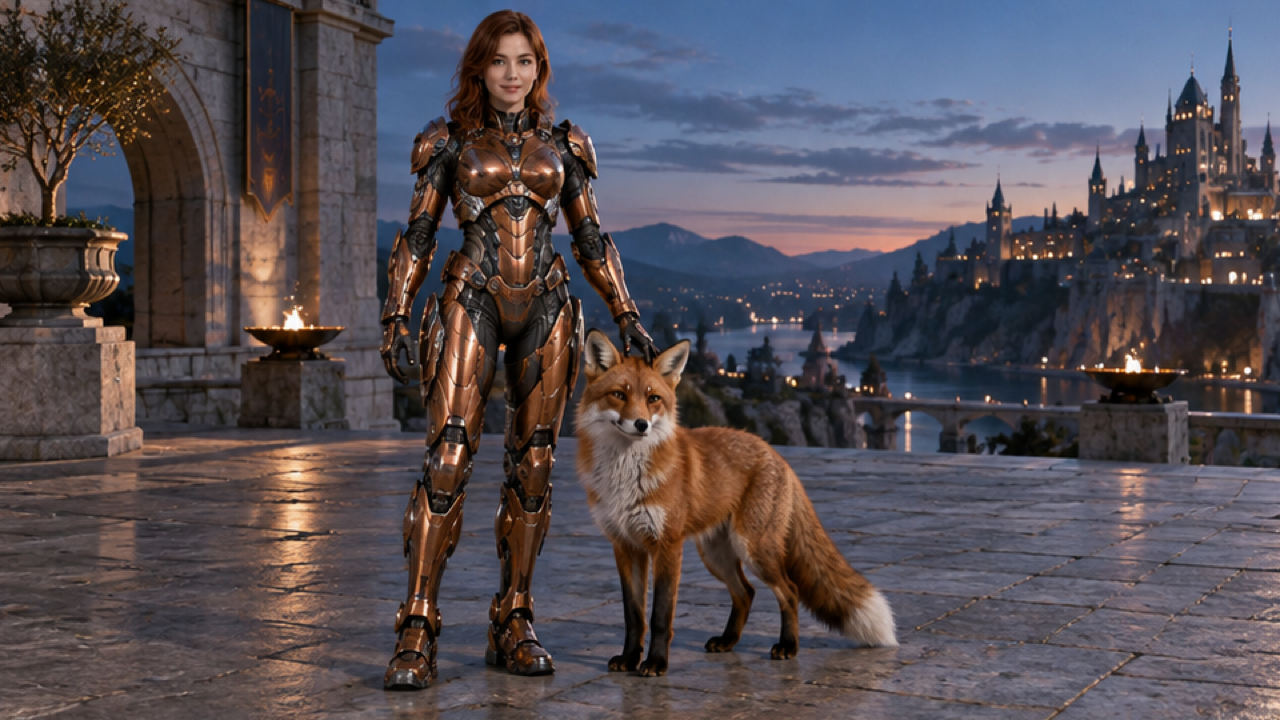
These external images illustrate human-scale plates and uncovered faces. The fox and fruit belong to the source scenes; the effect focuses on chest-to-limbs armor assembly around the uploaded person.
Open-face armor reference
A person with an uncovered face wears copper-colored human-scale armor beside a fox on a terrace at dusk.
Dreamina ↗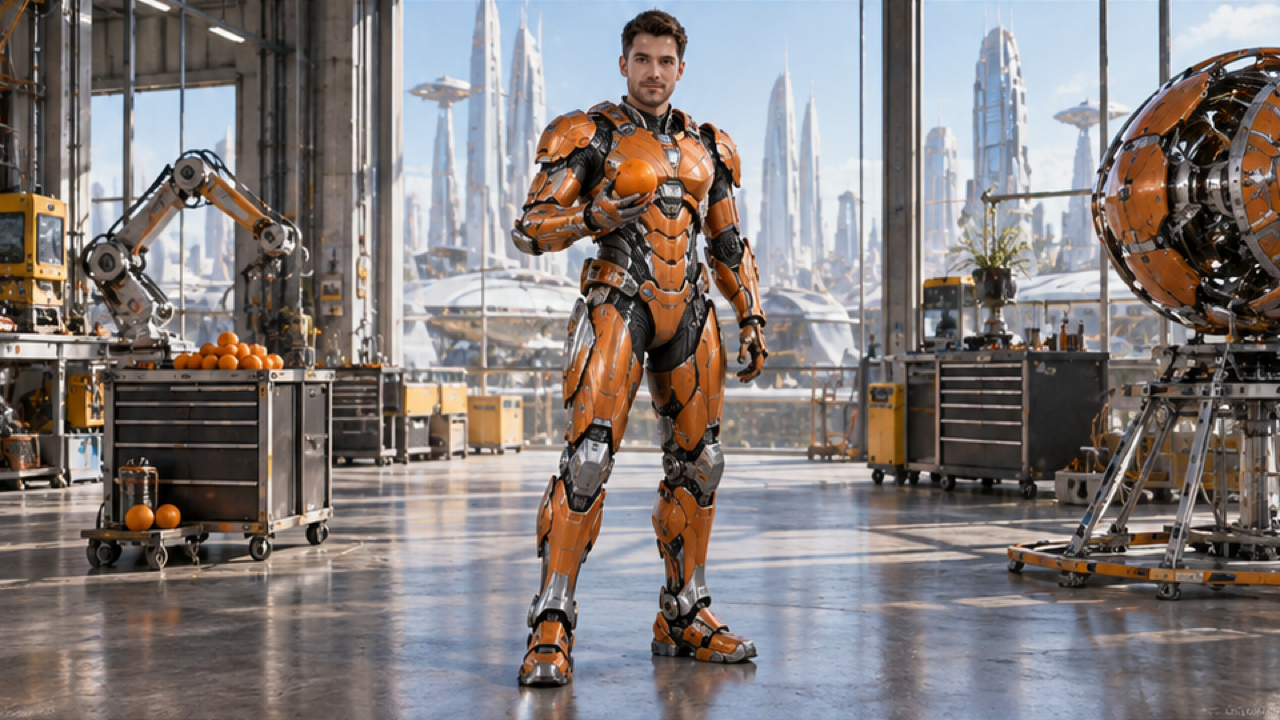
Articulated armor reference
A person in orange articulated armor stands in a bright workshop holding an orange, with the face uncovered.
Dreamina ↗External visual references, not FYP FX-generated results. They illustrate the setting or style; the generated 5-second clip may differ.
Create and inspect the armor assembly
The best reference shows the body the suit must follow, with enough room to see the plates unfold.
Upload a clear suit reference
Choose one full-body JPG or PNG with visible face, separated arms and readable legs. Leave room around the shoulders.
Generate the armor assembly
Confirm the source aspect ratio and 568-credit cost, then create one silent 5-second chest-to-limbs transformation.
Review the visor and joint fit
Follow the plates through shoulders, elbows and legs. Keep the human scale and open face readable before downloading.
AI Mecha Transformation FAQ
A half-body image supplies less information for the lower armor. Prefer a full-body portrait when the legs and feet matter to your edit. Keep arms separate from the torso so plates can follow the visible joints.
There is no suit selector. The preset generates metallic armor inspired by the source outfit’s colors and asks for an open visor. Exact shapes, colors and face visibility can still vary, so inspect the finished design.
Treat that as a weak assembly, even if the glow looks striking. Use a simpler body outline with separated arms and fewer overlapping objects, then check the moving joints rather than only the final armored frame.
The preset uses 568 credits for a silent 5-second, 720p result in the photo’s aspect ratio. A different pose or new take requires another generation; check the image preview and balance first.
No. Download the silent clip and add mechanical sounds separately. Align them to visible plate movements and keep captions away from the visor and chest, where the transformation is easiest to follow.
An open visor is the intended design, but armor and facial details are generated and can vary. Try a sharper, front-facing portrait with clear lighting. Keep a take where the face remains readable through the assembly.
No. It is a compact wearable-armor reveal in the source setting, without weapons, combat or destruction. Generation may take several minutes. If the task is unresolved, check history before requesting another take.
Plan credits for an armor-up take
Review plans before trying a different body pose or outfit-color reference.