What Is the AI Mecha Transformation Effect?
The AI Mecha Transformation effect builds a wearable armored suit around the person in a photo, with metallic plates unfolding and locking into place. The intended mecha stays human-sized with an open face area. FYP FX focuses on a suit transformation and finished pose, rather than a giant robot, weapons or combat.
Create AI Mecha Transformation568 credits per 5-second video · 720p · Silent video
Preset details reviewed by FYP FX ·
Show the joints the armor needs to follow
The transformation wraps plates around an existing body. A full-body portrait with a simple stance reveals the shoulders, elbows and legs more clearly than bulky overlapping clothing or crossed arms.
- Use a full-body or half-body portrait with clear shoulders and arms.
- Leave space around the torso so the unfolding armor can be seen without a tight crop.
Upload one JPG or PNG photo, up to 20 MB.
A wearable suit with a visible face
- Armor details and face visibility can vary; the preset does not offer a selectable suit design.
- This is a transformation sequence, without a battle scene or generated mechanical sound.
The output is a 5-second, 720p silent video. The aspect ratio follows your photo. Generation can take several minutes.
Compare open faces and articulated armor
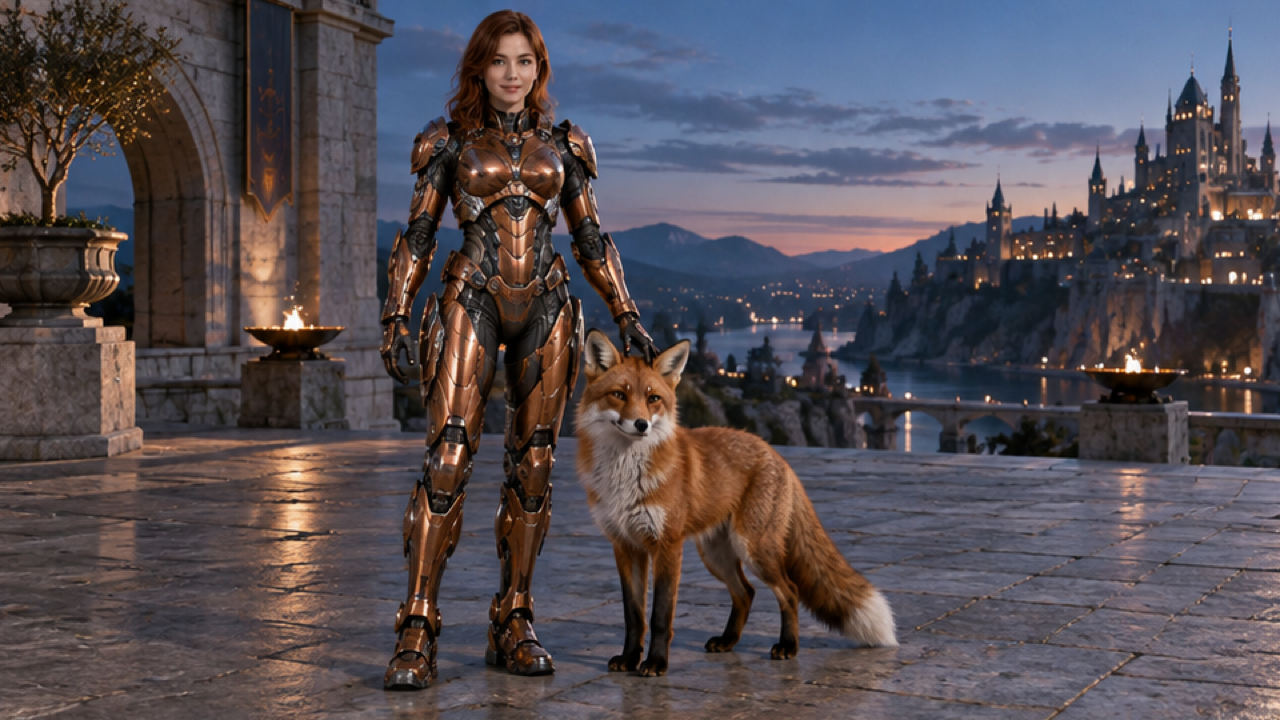
These external images illustrate human-scale plates and uncovered faces. The fox and fruit belong to the source scenes; the effect focuses on chest-to-limbs armor assembly around the uploaded person.
 Visual reference
Open-face armor reference
A person with an uncovered face wears copper-colored human-scale armor beside a fox on a terrace at dusk.
Dreamina ↗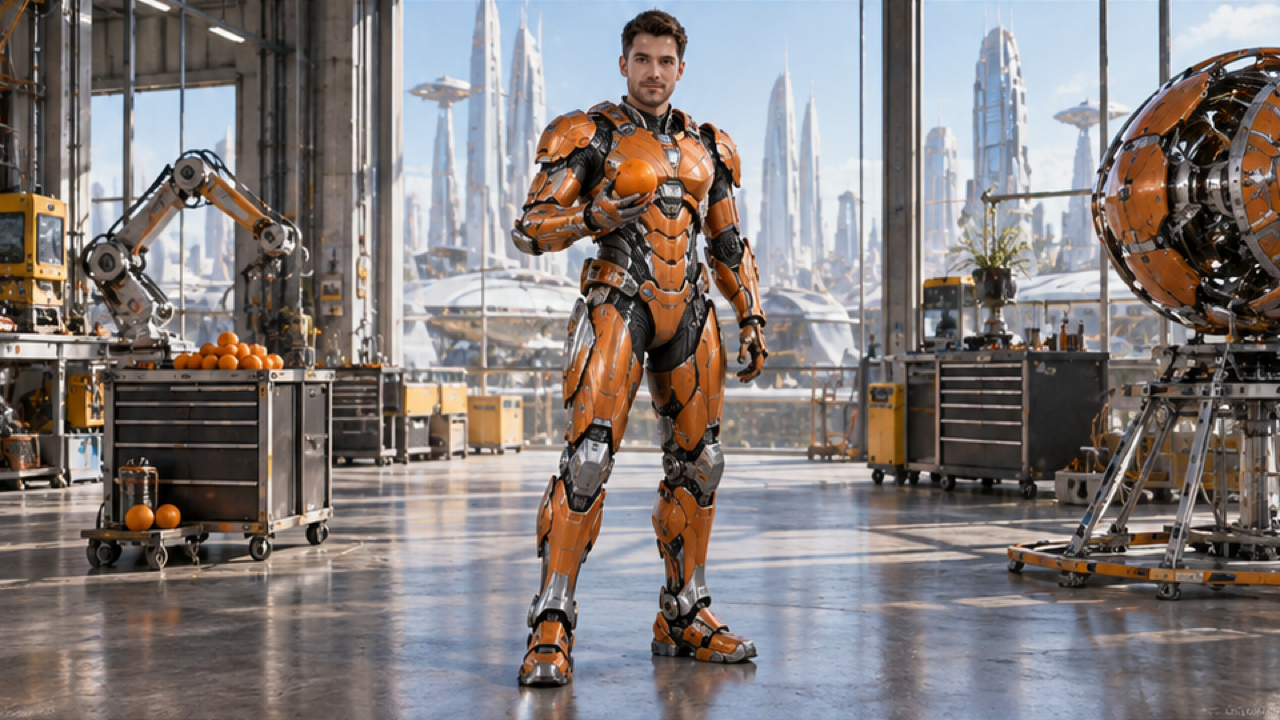 Visual reference
Articulated armor reference
A person in orange articulated armor stands in a bright workshop holding an orange, with the face uncovered.
Dreamina ↗External visual references, not FYP FX-generated results. They illustrate the setting or style; the generated 5-second clip may differ.
How the armor-up sequence assembles
The person stays human-sized while the outfit becomes a mechanical suit in the source setting.
01Anchor the suit at the chest
Metal panels begin to unfold around the torso, taking inspiration from the source outfit’s colors without changing the person into a giant machine.
02Build outward across the joints
Shoulder and limb plates lock into place. Their position should follow the body rather than creating extra arms or bending like fabric.
03Finish with the visor open
A fitted suit and readable face complete the transformation. Subtle sparks and glow support the assembly without hiding its structure.
For a TikTok mecha transformation, keep the unarmored opening and the finished suit in the edit. Place text away from the chest plates and open visor so the assembly remains visible.
Sign in with enough credits to generate. View credit plans.
Read the full AI Mecha Transformation tutorialUnderstanding the wearable mecha effect
What is an AI mecha transformation here?
Metallic armor unfolds around the person in a photo, moving from the chest through shoulders and limbs before ending in a wearable suit. The intended design stays human-sized and leaves the face visible through an open visor.
Does the person become a giant robot?
No. The preset focuses on human-scale armor following the source body proportions. The original setting remains the backdrop, with a slight camera movement. Giant-robot scale, battles, weapons and destruction are outside this transformation.
Can I use outfit colors to influence the suit?
The preset takes inspiration from the source outfit’s colors, so distinct clothing colors can provide a visual cue. There is no armor design selector or exact color lock, and plate shapes and finishes can vary.
Why is a full-body image preferable?
It shows more of the body the armor must fit, especially knees, lower legs and feet. A half-body photo leaves those areas outside the reference. Clear shoulders and separated limbs help you judge whether the plates follow the joints.
More AI effects to explore
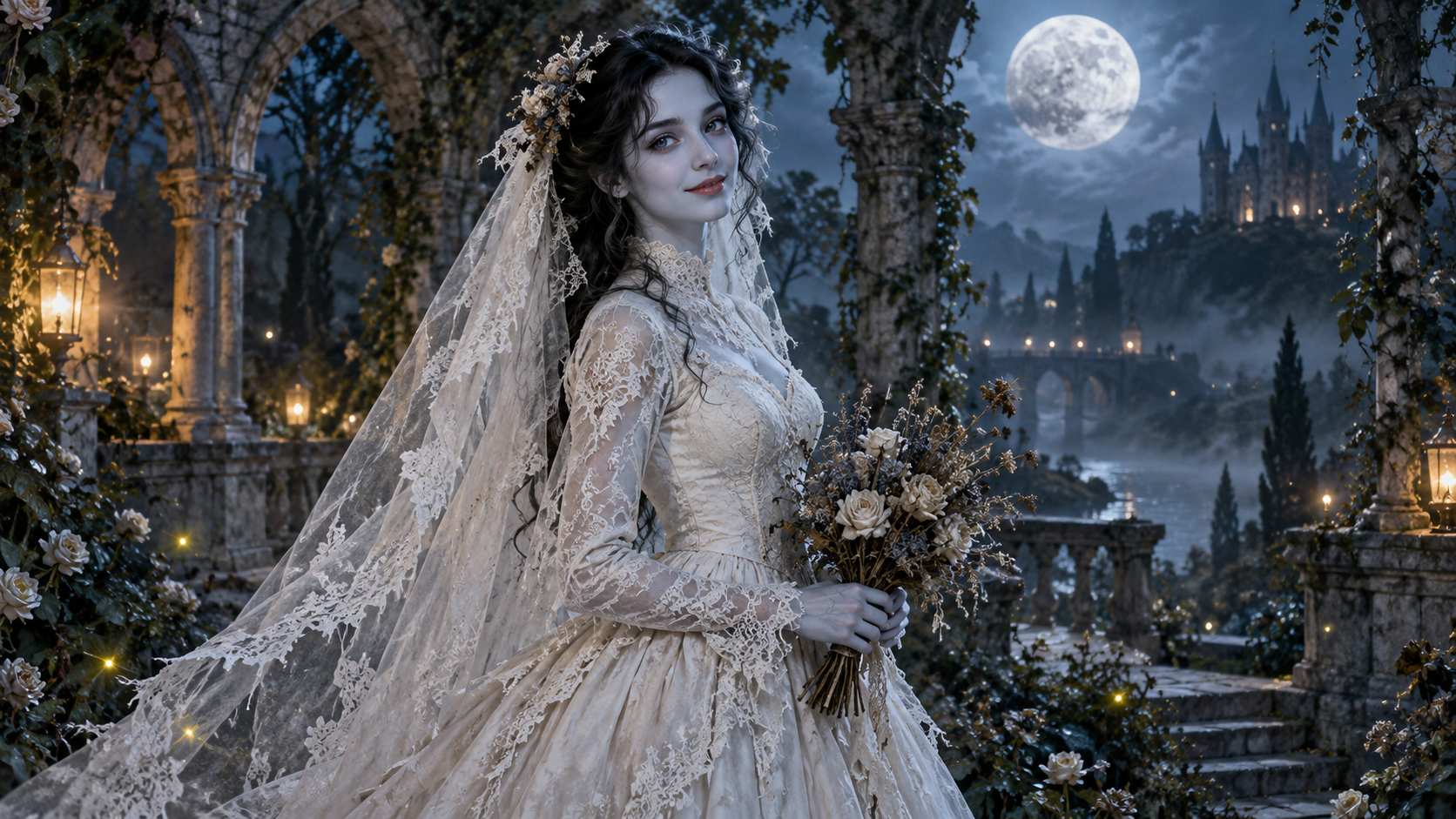
AI Corpse Bride
Transform into a gothic Halloween bride with an intact pale-blue complexion, vintage gown and drifting veil in a moonlit garden.

AI Talking Skeleton
Become a friendly toy-like skeleton in your own outfit and scene, with a small jaw movement and nod in a silent clip.
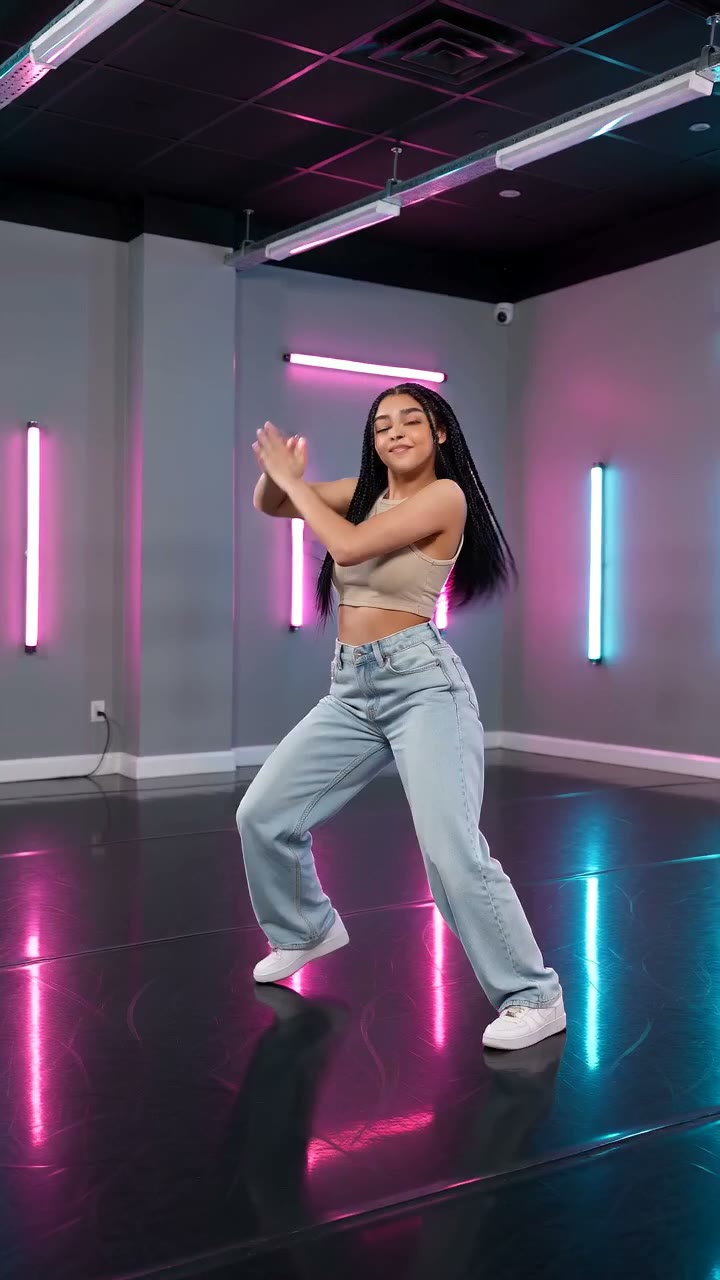
AI Neon Glow Dance
Make a short neon dance from one photo: sway, lift your arms, add one low kick and hold a wide stance.
Build a suit around your own portrait
Start with a clear body outline for a short human-scale armor reveal in the photo’s original setting.
Open AI Mecha Transformation