Quick answer
An AI armor-up clip needs plates that follow the person’s joints, not just a dramatic final suit. Open AI Mecha Transformation with a full-body reference: the preset assembles armor from chest to shoulders and limbs, keeping the wearer human-sized with an open visor.
The mecha transformation introduction explains the wearable-suit concept. This tutorial shows what to frame and inspect in a TikTok mecha transformation, especially elbows, shoulder plates and the face during assembly.
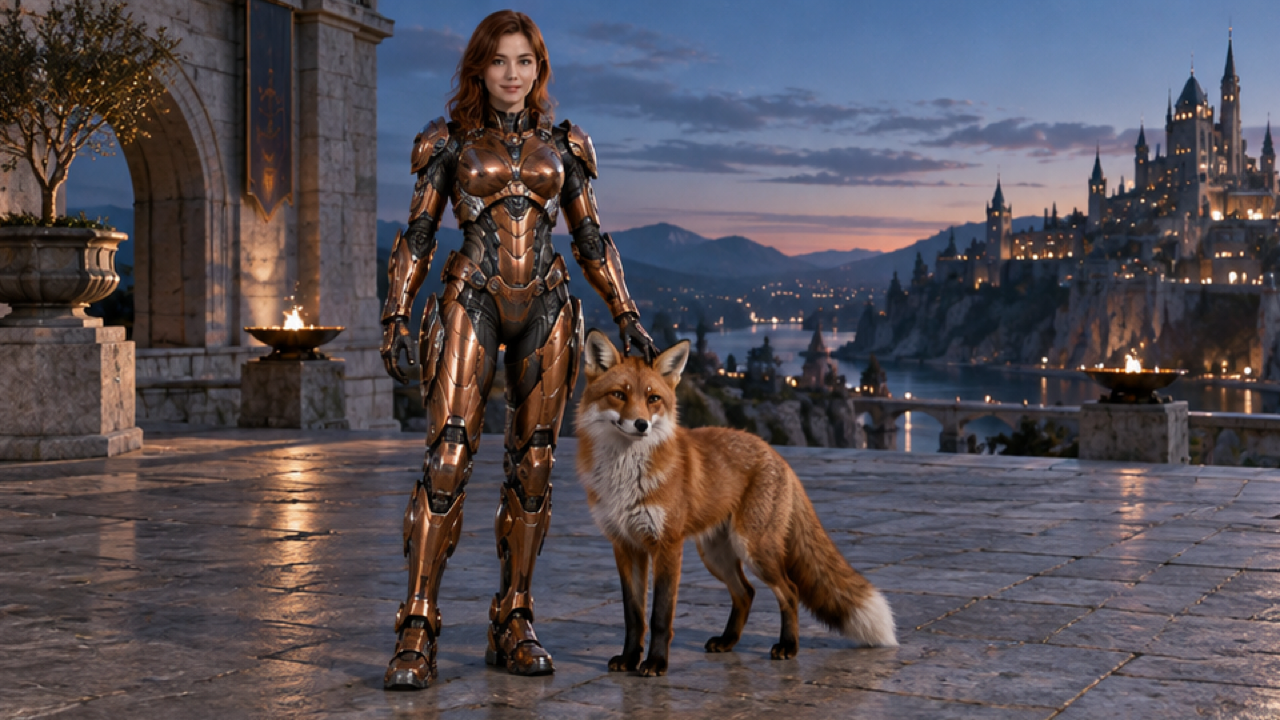
External visual reference from Dreamina. Not a FYP FX-generated result.
An armor-up sequence is most satisfying when the metal seems to assemble around a real body: chest pieces settle, shoulder plates align and the helmet leaves the face visible. The transformation stays personal because the subject remains human-scale rather than becoming a building-sized robot.
AI Mecha Transformation on FYP FX creates a 5-second, 720p video for 568 credits. It uses one uploaded photo as the opening frame, follows that photo’s aspect ratio and produces a silent clip. The fixed preset focuses on armor assembly, with an open visor and no weapons requested.
1. Show the body the armor needs to fit
Prefer a clear full-body photo showing both legs and feet. A half-body image is allowed, but the AI must invent more of the lower body for the assembly. Leave space around the limbs so the armor has room without immediately touching the frame.
A relaxed upright pose with separated arms is useful. Avoid hands pressed over the face, a large object across the chest or an overlapping group photo. Very loose fabric can also make the body outline less obvious, while a simple outfit gives clearer proportions to work from.
Keep the face sharp and well lit. It is the main identity cue after the outfit becomes armor. The preset uses the source outfit’s colors as a reference, but exact color matching, facial details and plate shapes may vary.
Choose your crop before uploading. A tall image can accommodate more of the body; a wider one can leave room for the shoulders and camera movement. This effect follows the source aspect ratio rather than forcing a single canvas shape.
2. Upload and confirm the armor preset
Open the effect, sign in and select Click to upload. Choose one JPG or PNG up to 20 MB, inspect the preview and wait for the upload to finish. Check that the face and intended body framing are visible.
Read the displayed Silent · 720p, 5-second clip, photo-based aspect ratio and 568-credit cost. The armor design and assembly action are preset.
Select Generate once when the image and balance are ready. Processing can take several minutes. If you see a progress or timeout error, check generation history before submitting another task.
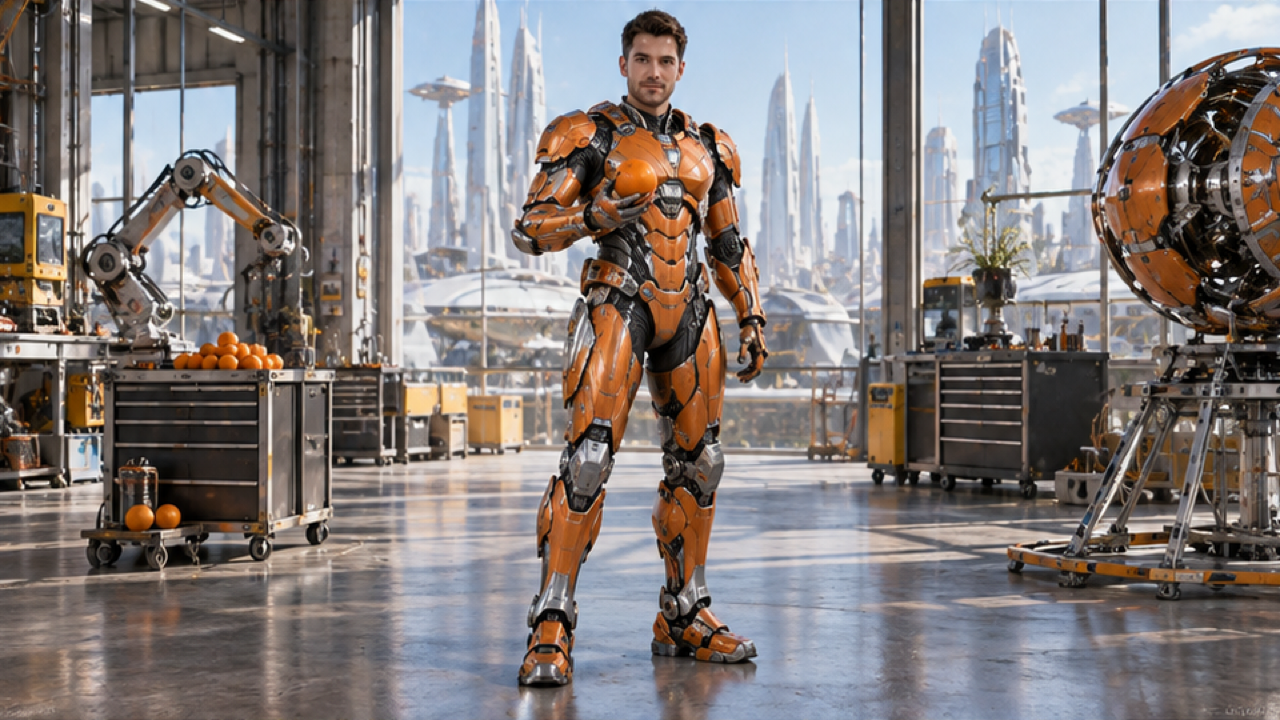
External visual reference from Dreamina. Not a FYP FX-generated result.
3. Follow the assembly through the joints
Watch the transformation at normal speed, then pause where the largest pieces settle. The intended result is a human-scale suit forming around the source pose, with the face visible through an open visor.
Review these details:
- Visor: the face should remain readable instead of disappearing behind a sealed helmet or changing identity.
- Chest and shoulders: plates should follow the torso and sit on the correct side of each joint.
- Arms and legs: watch for extra limbs, merged elbows or armor that bends like soft fabric. A simpler source pose with a clear body outline is worth trying when the plates intersect the torso.
- Scale: the person should remain proportionate rather than abruptly expanding into a giant robot.
- Continuity: the assembly should connect to the opening photo without an unexplained cut or duplicate subject.
Sparks and glow are supporting details. A coherent body and readable face are more useful than a large amount of light covering the assembly.
A visor that hides the face may call for a more direct, well-lit portrait. An unintended object or malformed suit is a failed detail to address before the finishing edit.
4. Time a TikTok mecha transformation edit to the plates
Use Download video after checking the body scale, joint fit and open visor. Retain a brief unarmored opening and the settled suit so the viewer can compare the same person before and after assembly. A final armor still alone does not show the transformation.
The clip is silent. Add mechanical clicks or an energy sound separately, placing short accents where the chest, shoulder and limb panels visibly settle. Keep captions away from the visor and chest. Preview at phone size and identify the sequence as AI-generated.
Can I turn the take into a giant-robot battle? This preset is a wearable, human-scale suit reveal in the source setting. It does not supply weapons, combat or destruction. Plan a different scene if that is the story rather than expecting a tighter crop or louder soundtrack to change the action.