What Is the AI Carpool Karaoke Effect?
The AI Carpool Karaoke effect places one or two people from a single photo in the front seats of a car, with smiling mouth movements and gentle head-and-shoulder sways. FYP FX creates a new 16:9 dashboard-camera scene. It is a silent visual performance, without singing audio or synchronization to a song.
Create AI Carpool Karaoke568 credits per 5-second video · 720p · Silent video
Preset details reviewed by FYP FX ·
A shared photo makes the duet
For a solo version, show one person. For a two-seat performance, use a single image containing both people with similar face size and lighting. The photo guides their appearance; it does not need to show a car.
- Use one photo containing one person or two distinct people, with every face visible.
- Show the upper bodies and avoid overlapping faces or large differences in subject size.
Upload one JPG or PNG photo, up to 20 MB.
Dashboard framing and small sing-along gestures
- One person becomes the driver; two people become the driver and passenger in a newly generated setting.
- No song, vocals or track-specific lip sync is generated. Add a soundtrack after downloading.
The output is a 5-second, 720p silent video. The scene uses a 16:9 aspect ratio. Generation can take several minutes.
Explore the car sing-along mood
These external references show front-seat framing and playful performance gestures that inspire the silent visual effect.
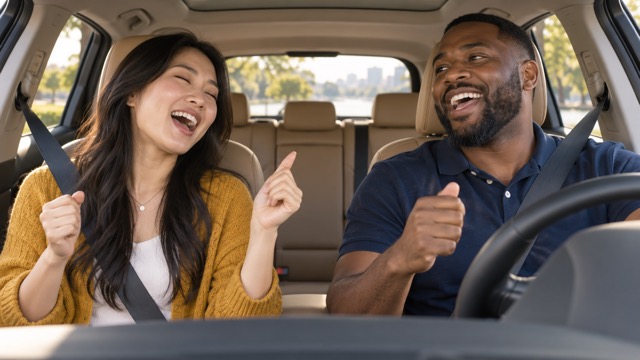 Visual reference
Front-seat duet reference
Two adults appear to sing from the front seats, viewed from the dashboard.
SuperMaker ↗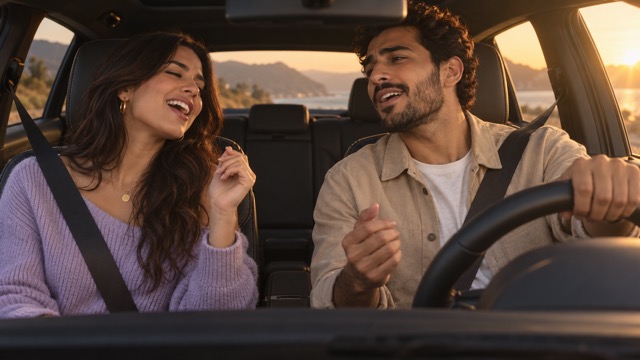 Visual reference
Daylight car performance reference
Two adults share a relaxed front-seat performance in warm daylight.
SuperMaker ↗External scene references, not FYP FX-generated results. Your 5-second clip may differ.
From portrait to front-seat performance
The new car scene is designed around a dashboard camera, with the people kept distinct as they move.
01The reference decides who appears
One person is placed in the driver’s seat; two people become driver and passenger. Both identities come from the same uploaded image.
02A sunny cabin frames the pair
The scene introduces front seats, warm daylight and scenery through the windows. The landscape frame leaves room for both seats.
03Small gestures sell the sing-along
Mouthed singing, head bobs and shoulder sways create the visual joke. The driver is directed to keep hands on the wheel and attention mainly on the road.
A TikTok carpool karaoke AI edit needs special care with cropping: retain the full 16:9 clip inside a vertical canvas if a center crop would cut off the passenger. Add sound after download.
Sign in with enough credits to generate. View credit plans.
Read the full AI Carpool Karaoke tutorialWhat the carpool karaoke visual includes
Does the carpool karaoke effect create actual singing?
It creates a silent performance with mouth movements and relaxed body gestures. There are no generated vocals, supplied lyrics or synchronization to a particular song.
Does the reference photo have to be taken inside a car?
No. It is an identity reference for the people, and the car interior is newly generated. Clear faces matter more than a matching dashboard.
Can the effect show a solo driver?
Yes. A one-person photo is directed to remain a one-person scene in the driver’s seat. A two-person photo supplies a driver and passenger.
Why is this effect landscape when I want to post on TikTok?
The 16:9 layout supports a two-seat dashboard view. You can place the downloaded video within a vertical edit, but this preset does not turn the car scene into a native vertical crop.
More AI effects to explore
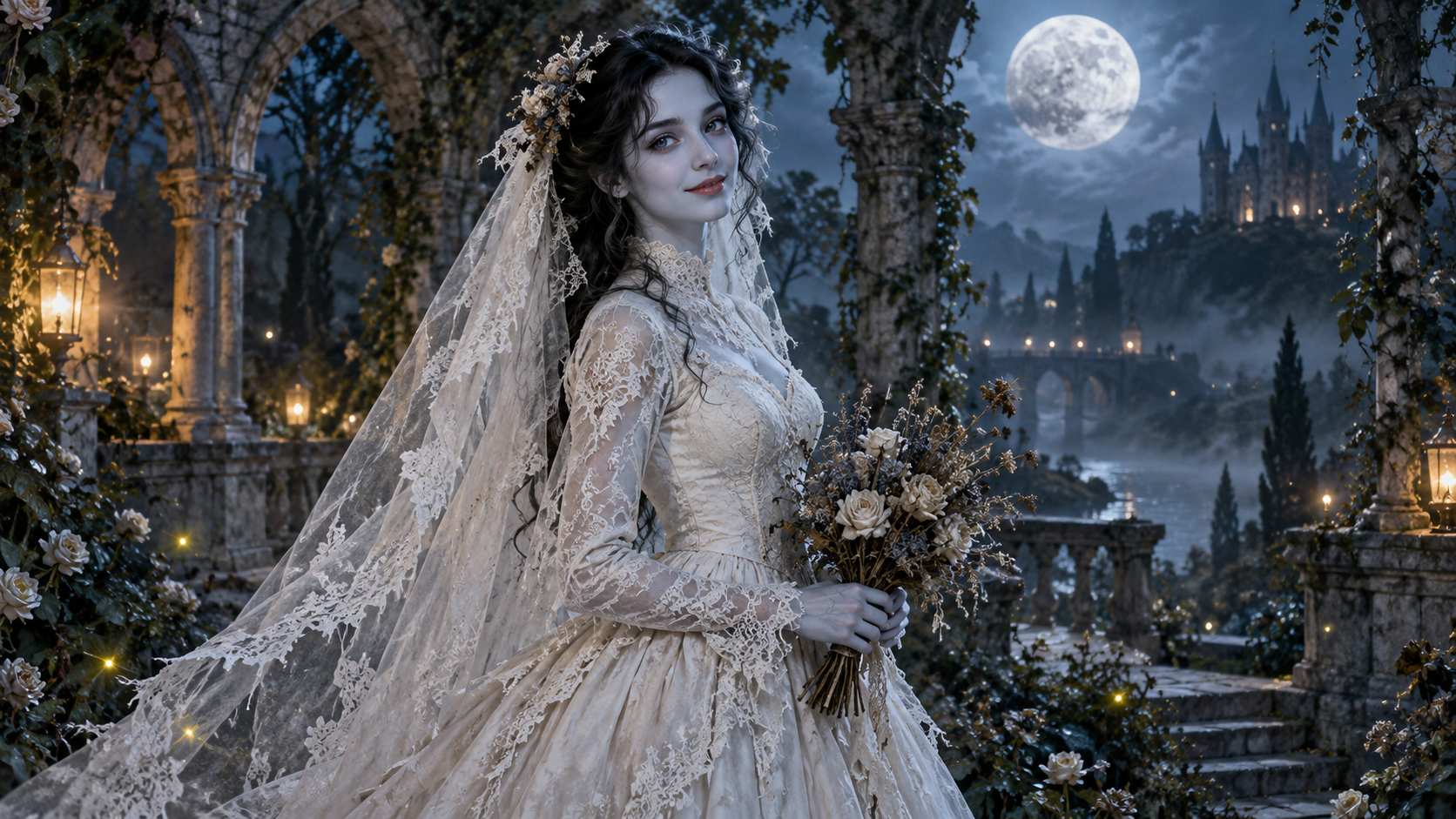
AI Corpse Bride
Transform into a gothic Halloween bride with an intact pale-blue complexion, vintage gown and drifting veil in a moonlit garden.
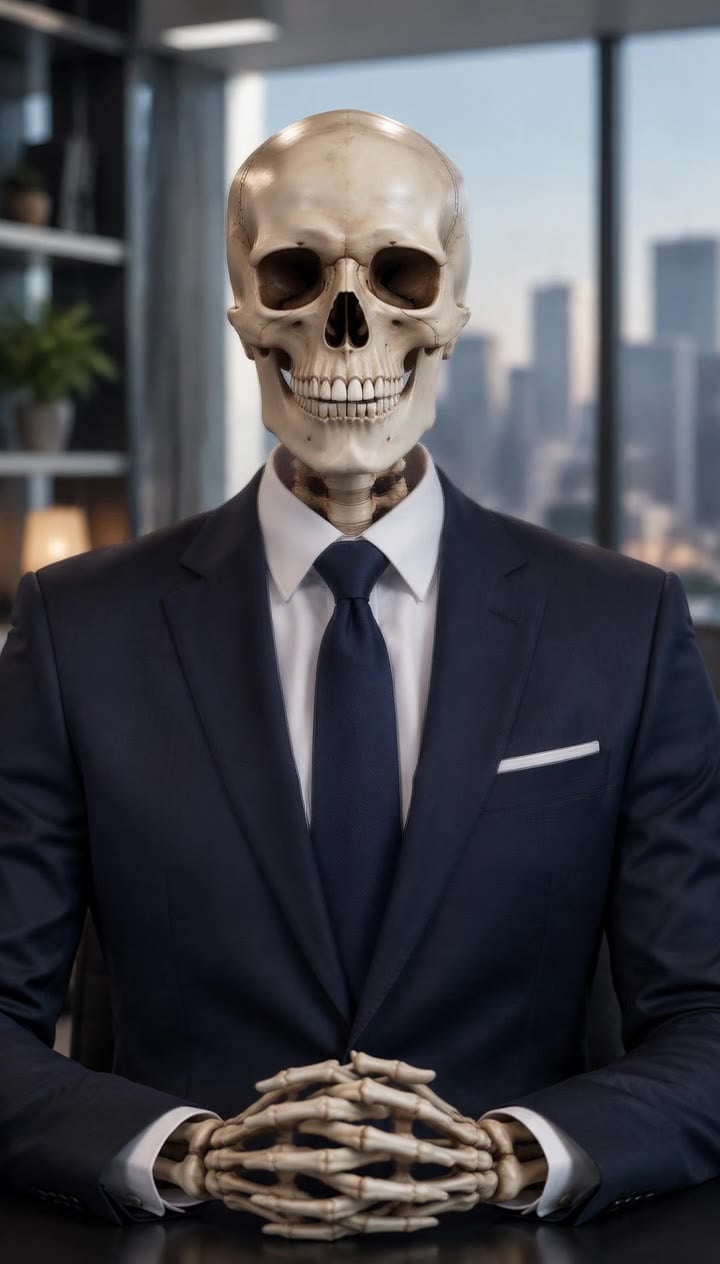
AI Talking Skeleton
Become a friendly toy-like skeleton in your own outfit and scene, with a small jaw movement and nod in a silent clip.
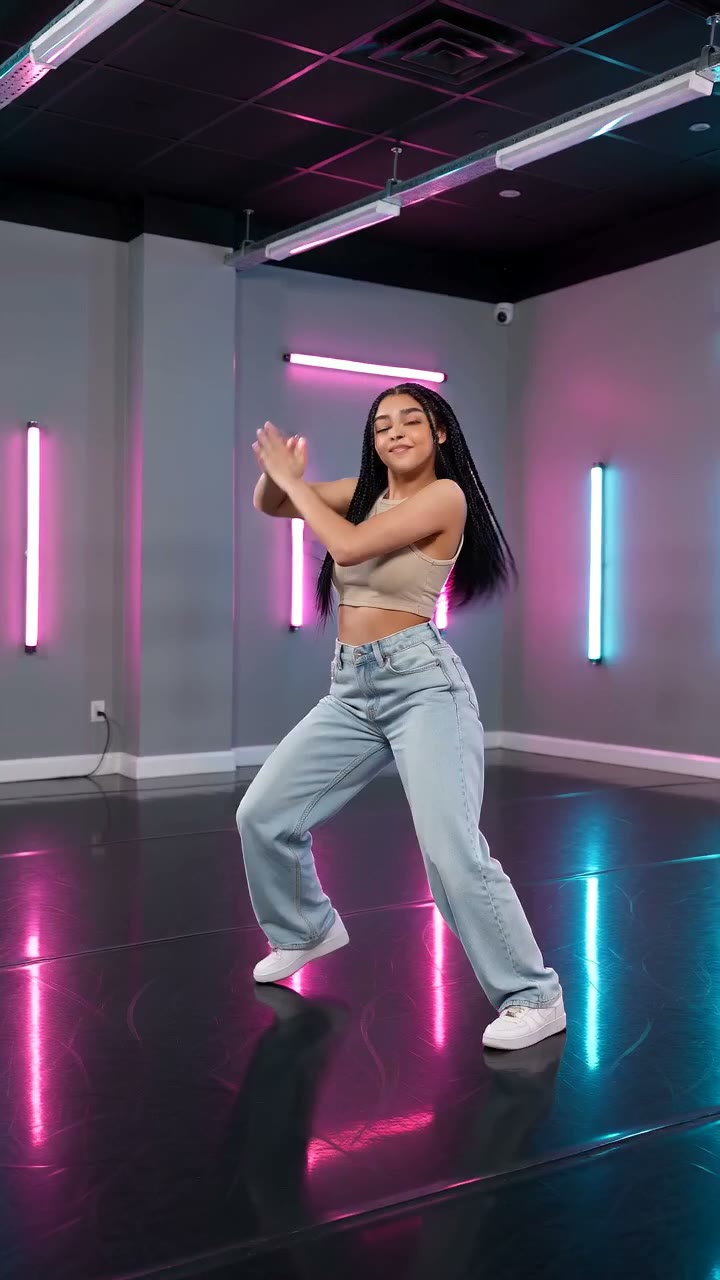
AI Neon Glow Dance
Make a short neon dance from one photo: sway, lift your arms, add one low kick and hold a wide stance.
Who is in your front-seat duet?
Pick one photo of a solo performer or two clearly separated people for the dashboard scene.
Create a carpool sing-along