What Is the AI Storm II Effect?
The AI Storm II effect contrasts a nearly still main subject with a coordinated crowd moving behind them on broad steps at dusk. FYP FX starts from one portrait and extends the surroundings into a crowd-dance scene. The visual focus is the calm lead against a short background arm-and-shoulder movement.
Create AI Storm II568 credits per 5-second video · 720p · Silent video
Preset details reviewed by FYP FX ·
Pick a pose that can hold the center
An upright solo portrait with relaxed arms supports the still-lead idea. Leave space around the head and shoulders so the background can open up without swallowing the person in front.
- Use a front-facing person with an unobstructed face and a relaxed, upright pose.
- Leave space around the shoulders; no crowd or dance pose is needed in the original photo.
Upload one JPG or PNG photo, up to 20 MB.
A calm center against a moving crowd
- Exact stillness, crowd size and synchronized gestures can vary across generations.
- This independent effect does not reproduce a film scene or a performer, and has no soundtrack.
The output is a 5-second, 720p silent video. The aspect ratio follows your photo. Generation can take several minutes.
Explore the crowd-dance mood
These references show a centered main subject against orderly rows of people, illustrating the contrast behind the crowd-dance concept.
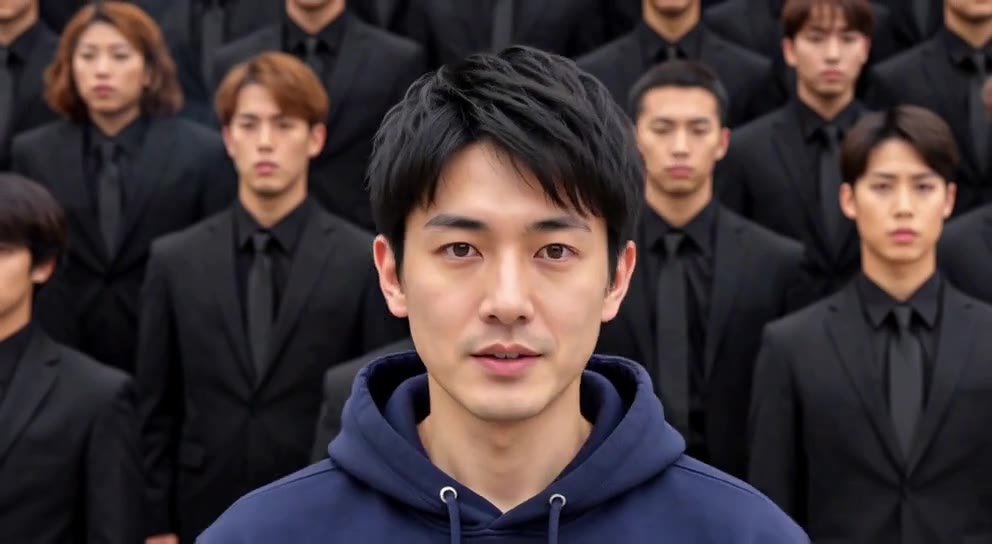 Visual reference
Centered crowd composition
A person in a navy hoodie stands in the center, with rows of people in dark suits behind them. The image is a reference for the main-subject and crowd framing.
GoEnhance ↗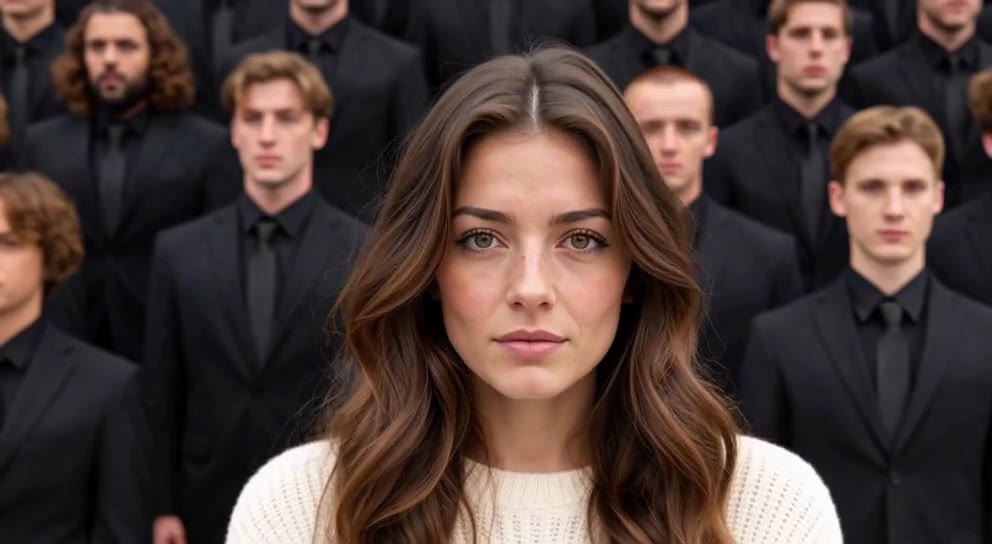 Visual reference
Front-facing subject reference
A person in a cream sweater faces the camera while rows of people in dark suits fill the background.
GoEnhance ↗External visual references, not FYP FX-generated results. They illustrate the setting or style; the generated 5-second clip may differ.
How the crowd reveal builds contrast
Storm II here is a still-person and moving-background composition. The lead’s restraint is part of the effect.
01The source portrait anchors the lead
The opening uses the person and framing from your photo. A clear, centered silhouette helps the viewer recognize who should stay calm.
02Dusk-lit steps open behind them
The camera gently pulls back as the surroundings extend into broad concrete steps, cool light and a little fog.
03The background moves while the lead holds
Rows of dancers perform one small arm-and-shoulder phrase. The lead remains nearly still, facing the camera, so the difference stays visible.
A Storm II TikTok edit works best when the crowd reveal stays wide enough to see. Use a short caption about the calm lead, then let the moving background make the point.
Sign in with enough credits to generate. View credit plans.
Read the full AI Storm II tutorialUnderstanding the Storm II composition
Is the main person supposed to dance?
The intended lead is nearly still while the crowd performs a short synchronized arm-and-shoulder movement. A little natural motion may occur, but a strong lead dance would change the central contrast.
Does the source photo need a crowd or steps?
No. The effect builds the dancers and concrete steps behind the person. A clean solo image helps distinguish the lead from those generated background figures.
Is Storm II a weather or lightning transformation?
This preset uses the name for a crowd-dance-inspired scene at dusk. It does not request storm damage, lightning or a weather spectacle.
Does the effect reproduce a film scene exactly?
It creates an independent crowd-dance interpretation using the person in your photo. It does not promise a film shot, performer likeness or original soundtrack.
More AI effects to explore
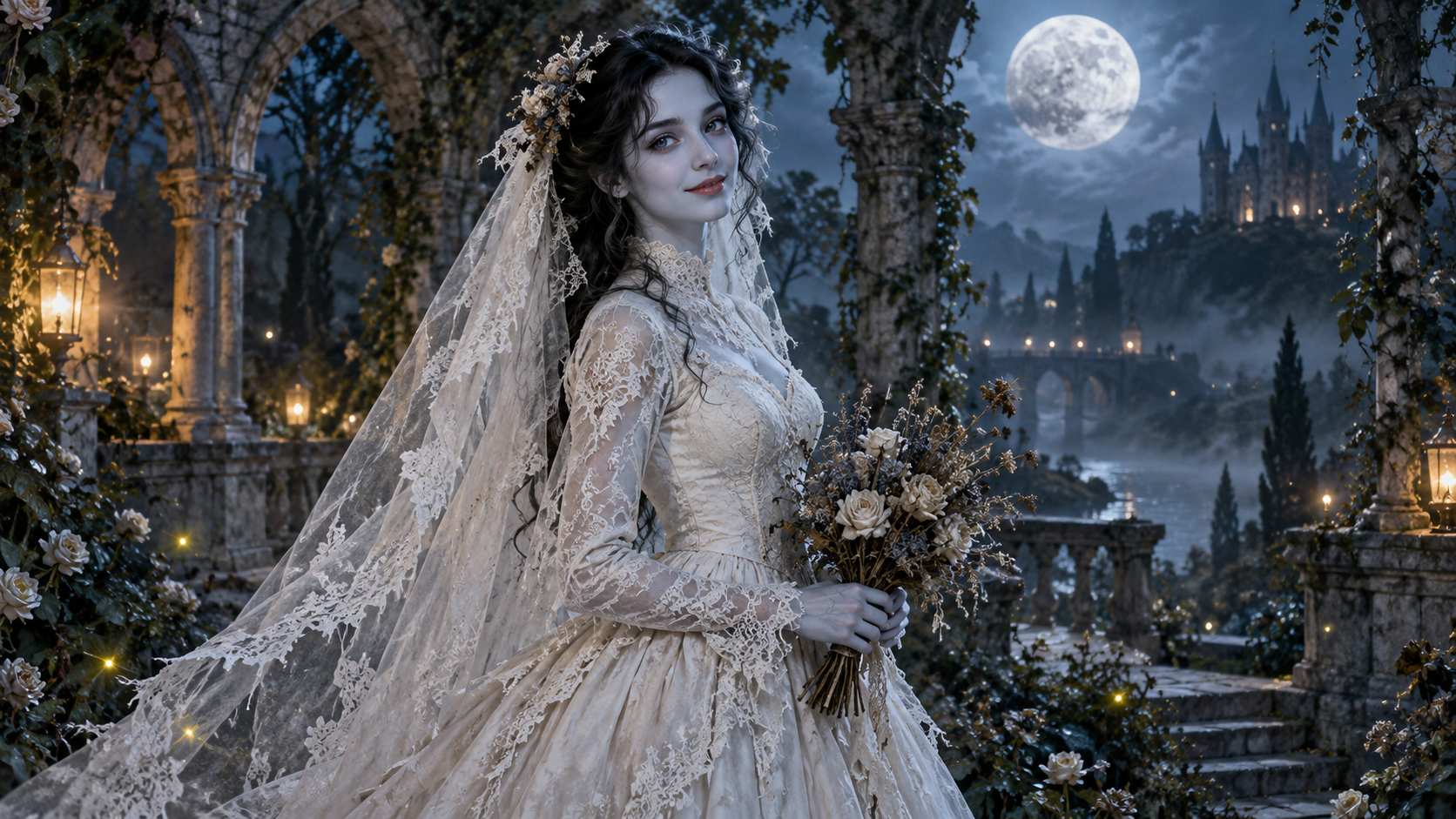
AI Corpse Bride
Transform into a gothic Halloween bride with an intact pale-blue complexion, vintage gown and drifting veil in a moonlit garden.

AI Talking Skeleton
Become a friendly toy-like skeleton in your own outfit and scene, with a small jaw movement and nod in a silent clip.
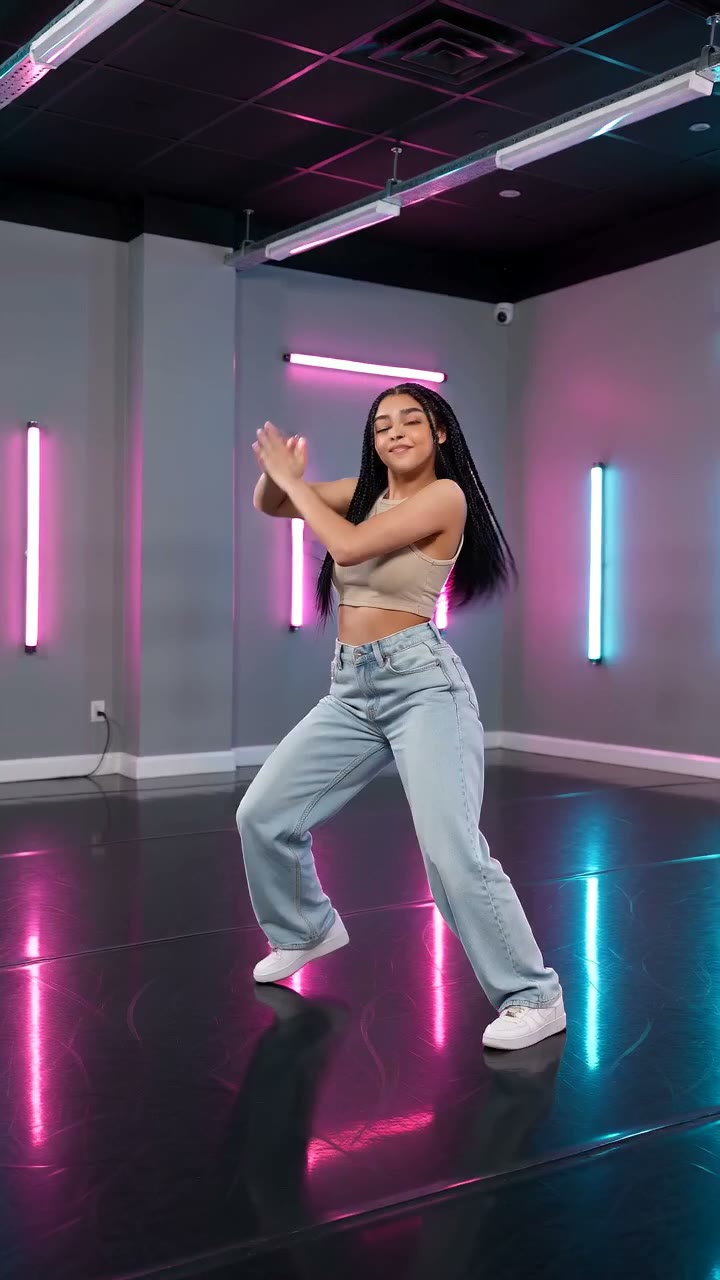
AI Neon Glow Dance
Make a short neon dance from one photo: sway, lift your arms, add one low kick and hold a wide stance.
Stay calm at the center of the scene
Choose one relaxed portrait to contrast with the background dancers.
Create the Storm II crowd reveal