What Is the AI Talking Skeleton Effect?
The AI Talking Skeleton effect replaces a portrait’s head with a friendly, toy-like cartoon skull and adds small jaw movements and a gentle nod. FYP FX keeps the body clothed and uses the original scene as a reference. “Talking” describes the visual motion: the clip is silent and does not lip-sync supplied speech.
Create AI Talking Skeleton568 credits per 5-second video · 720p · Silent video
Preset details reviewed by FYP FX ·
Start with a readable head and clothing outline
The skull replaces the face, so the portrait’s silhouette, outfit and setting carry the connection to the source. Hands can stay outside the frame.
- Upload a sharp front-facing or three-quarter portrait with the whole head visible.
- Use a simple background; visible hands are optional and may prompt a small hand gesture.
Upload one JPG or PNG photo, up to 20 MB.
A chatting gesture without generated speech
- The skull replaces facial details, so it will not retain a photorealistic version of the original face.
- There is no text-to-speech input, generated voice or exact lip sync in this preset.
The output is a 5-second, 720p silent video. The aspect ratio follows your photo. Generation can take several minutes.
Compare the dressed-skeleton compositions
These external stills illustrate desk framing, a readable skull and expressive posture. They do not demonstrate generated speech or lip sync; the live preset asks for a clothed body and small jaw motion.
 Visual reference
Dressed skeleton at a desk
A skeleton in a navy suit and tie faces the camera at an office desk, with its hands resting together. This external reference helps show a seated composition and retained clothing, not speech synthesis.
GoEnhance ↗ Visual reference
Warm study and upper-body framing
A skeleton sits at a wooden desk among books, a globe and warm lamplight. This reference shows framing and lighting; the FYP FX preset asks to retain the original outfit rather than expose the whole skeleton body.
GoEnhance ↗External reference images, not FYP FX-generated results. Your 5-second clip may differ.
Skull, jaw movement and a small nod
“Talking” describes a short visual rhythm. It does not mean the skeleton speaks a supplied sentence.
01Replace the head with a cartoon skull
The intended skull is smooth and toy-like, with friendly sockets and a simple jaw. The outfit continues to cover the body.
02Open and close the jaw
Two or three small jaw movements suggest chatting in a generic rhythm. They are not mapped to words or an audio track.
03Nod and pause
One gentle nod finishes the clip. A hand may gesture only if it is already visible in the source photo.
For a TikTok talking skeleton joke, write one short line that works as a voiceover or caption. Match your edit to the nod rather than promising word-perfect lip sync.
Sign in with enough credits to generate. View credit plans.
Read the full AI Talking Skeleton tutorialWhat the talking skeleton can and cannot say
What is an AI talking skeleton video?
It is a portrait animation with a cartoon skull, small jaw movements and a gentle nod. This preset creates the appearance of chatting, while the downloaded video remains silent.
Can I type a script for the skeleton?
This photo effect has no script or audio input. Its jaw follows generic preset movement; narration, captions or a reaction sound belong in your later edit.
Does the original face remain recognizable?
The skull intentionally replaces the human facial features. Clothing, hairstyle outline and background provide continuity, but a realistic human likeness is not promised.
Can I use it for a TikTok skeleton joke?
A short caption or voiceover can turn the nodding skull into a reaction. Keep the line brief and treat it as narration, since the generated jaw does not lip-sync to the joke.
More AI effects to explore

AI Corpse Bride
Transform into a gothic Halloween bride with an intact pale-blue complexion, vintage gown and drifting veil in a moonlit garden.
AI Neon Glow Dance
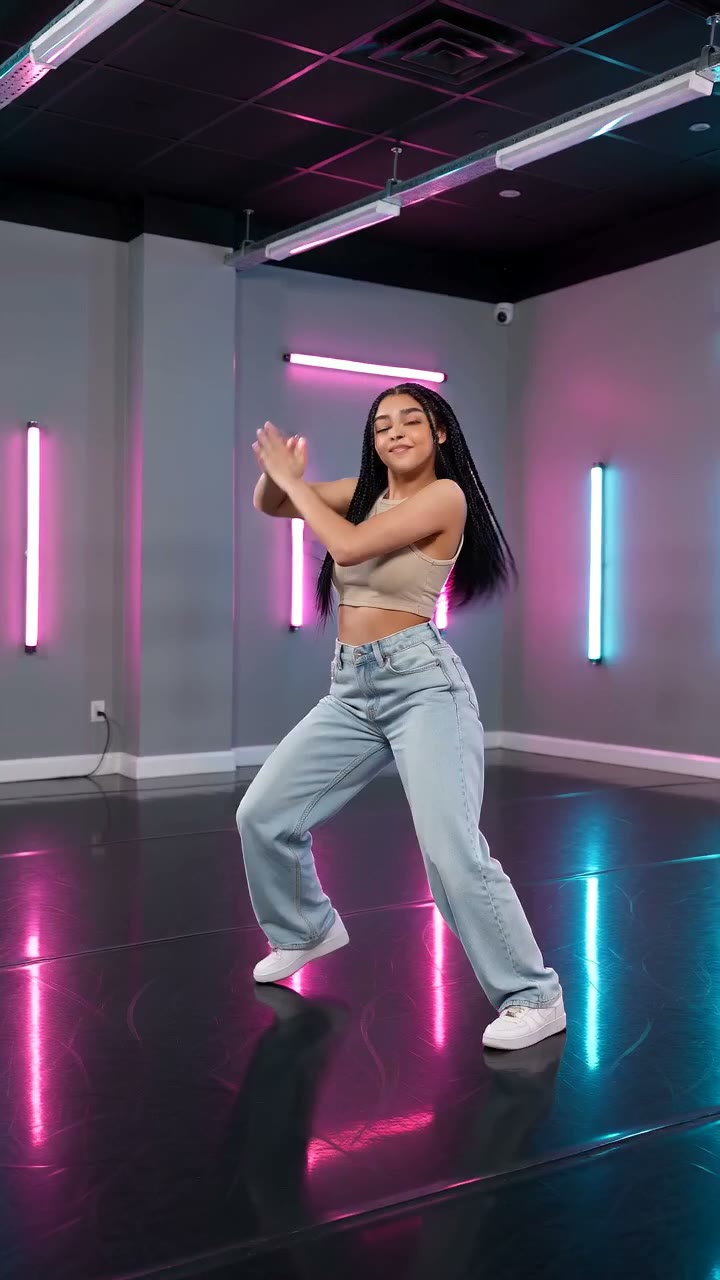
Make a short neon dance from one photo: sway, lift your arms, add one low kick and hold a wide stance.
AI Storm II
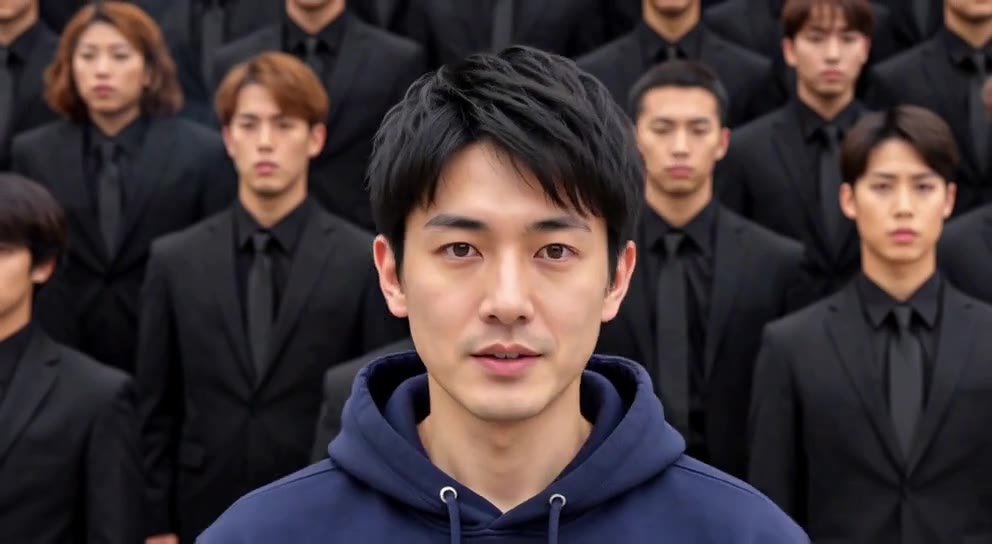
Stand still as the calm center while a synchronized crowd dances behind you.
Make the skull reaction first
Choose a clear upper-body portrait, review the jaw and nod, then decide whether the edit needs a caption or voiceover.
Animate a skeleton portrait