What Is the AI Barbie Slideshow Effect?
The AI Barbie Slideshow effect creates a doll-versus-real comparison in two stacked panels: a glossy fashion-doll interpretation above a photorealistic version of the same person. FYP FX animates one photo with subtle blinks and hair movement. Despite the name, each generation produces one video rather than an automatic multi-photo slideshow.
Create AI Barbie Slideshow568 credits per 5-second video · 720p · Silent video
Preset details reviewed by FYP FX ·
Choose a portrait that reads in both halves
The same hairstyle, pose and outfit colors connect the upper doll and lower realistic view. Keep the face unobstructed and leave space around the head, because each version occupies only part of the canvas.
- Choose a clear posed portrait or mirror selfie with one identifiable face.
- Allow space around the head so both stacked views can keep the face visible.
Upload one JPG or PNG photo, up to 20 MB.
Two stacked versions, one animated comparison
- The doll is a generic fashion-doll interpretation; this independent effect is not affiliated with Mattel.
- To make a multi-image slideshow, combine downloaded clips or still frames in an external editor.
The output is a 5-second, 720p silent video. The aspect ratio follows your photo. Generation can take several minutes.
Explore the doll-vs-real contrast
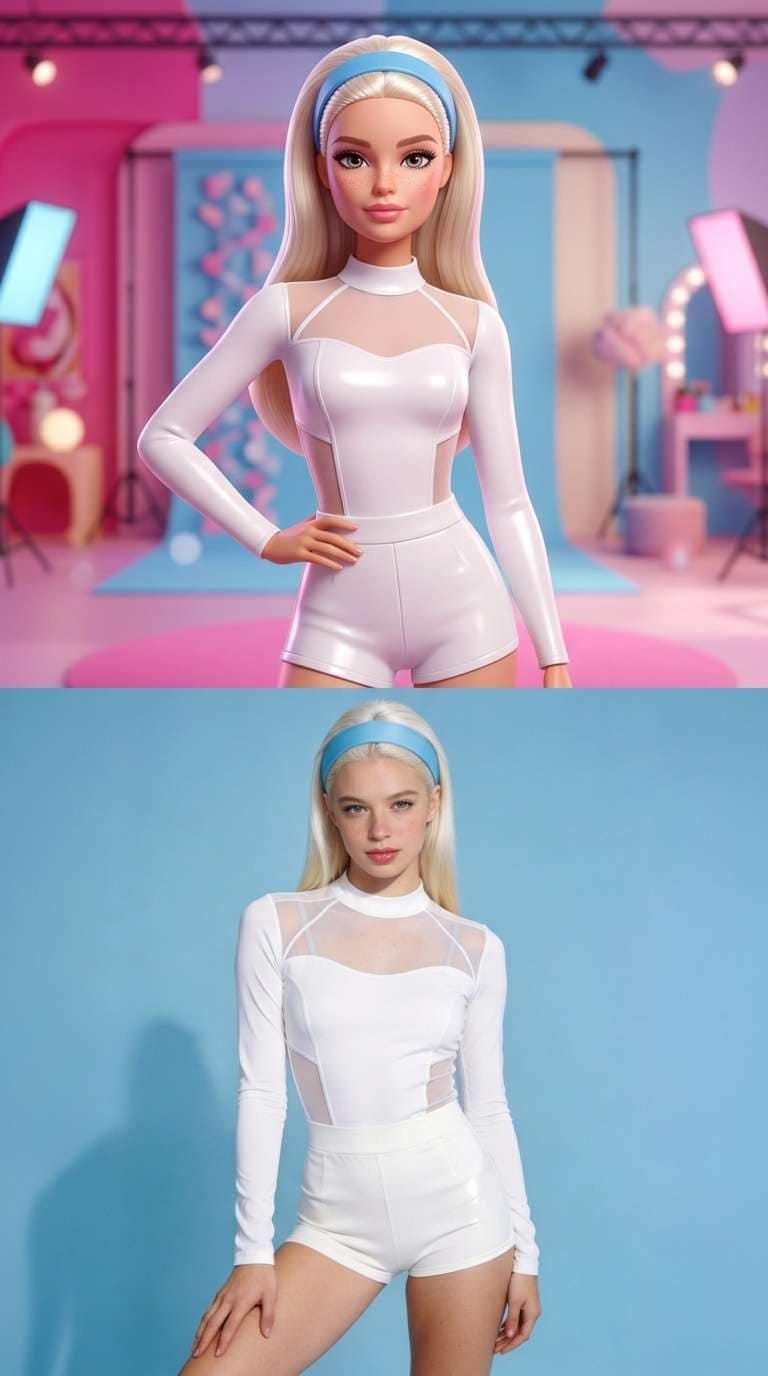
These references show the stacked doll-versus-portrait layout and the original portrait used to illustrate the face, pose and clothing.
 Visual reference
Doll-vs-portrait layout
A blonde fashion doll appears above a photographic portrait in two stacked panels, with matching white clothing in both.
Media.io ↗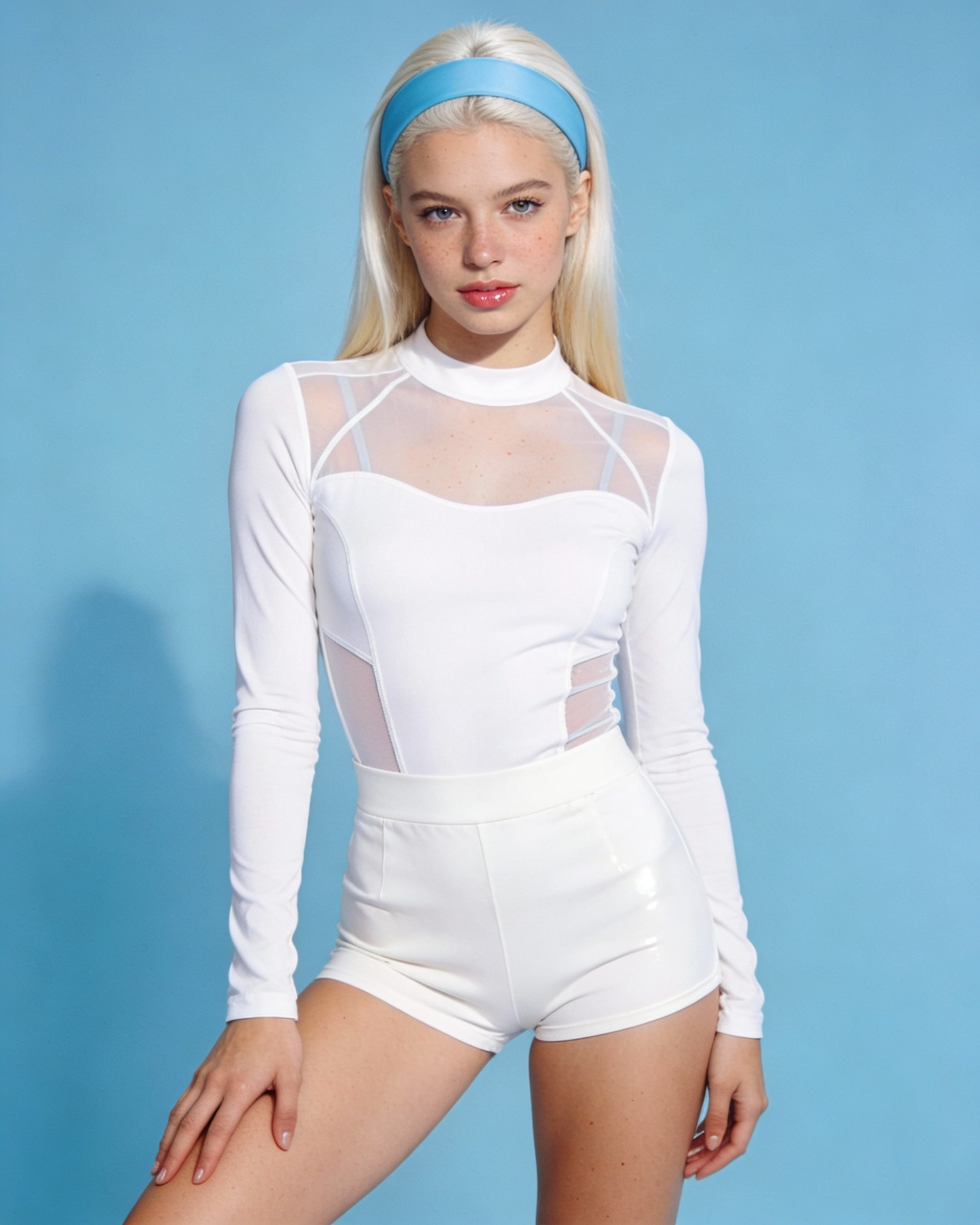 Visual reference
Original portrait reference
The original blonde portrait against a blue background is shown as a reference for the face, pose and white clothing.
Media.io ↗External visual references, not FYP FX-generated results. They illustrate the setting or style; the generated 5-second clip may differ.
How the doll-versus-real layout appears
The name suggests a slideshow, but this preset makes one continuous split-panel clip from one photo.
01The original view moves into the lower half
The opening portrait smoothly resizes into the lower portion of the same canvas. The image’s original aspect ratio remains the overall frame shape.
02A fashion-doll view appears above
A glossy 3D doll interpretation uses corresponding hair, outfit colors and pose. Friendly stylized eyes and a soft plastic sheen create the contrast.
03Small motion leaves time to compare
A slow blink and slight hair movement above, with subtle breathing below, keep the two versions readable without automatic slide changes.
For a Barbie-style TikTok slideshow, use the downloaded clip as one comparison or extract a clear frame in an editor. Several photos require separate preparations and manual slide assembly.
Sign in with enough credits to generate. View credit plans.
Read the full AI Barbie Slideshow tutorialUnderstanding the Barbie-style comparison
Is the result a slideshow of several uploaded photos?
No. One upload produces one animated comparison with a doll view above and a realistic view below. A multi-photo sequence is assembled separately after download.
Is the lower half the untouched original photo?
It is directed to retain a photorealistic version of the subject, but it is part of the generated clip. Facial detail and clothing can change in either half.
What makes the two panels look related?
Matching hairstyle, major outfit colors and pose help viewers connect the doll and realistic versions. A simple, readable portrait makes those cues easier to compare.
Is this an official Barbie or Mattel filter?
No. The effect creates an independent generic fashion-doll interpretation. It does not provide an official toy character, branded filter or Mattel affiliation.
More AI effects to explore
AI Corpse Bride
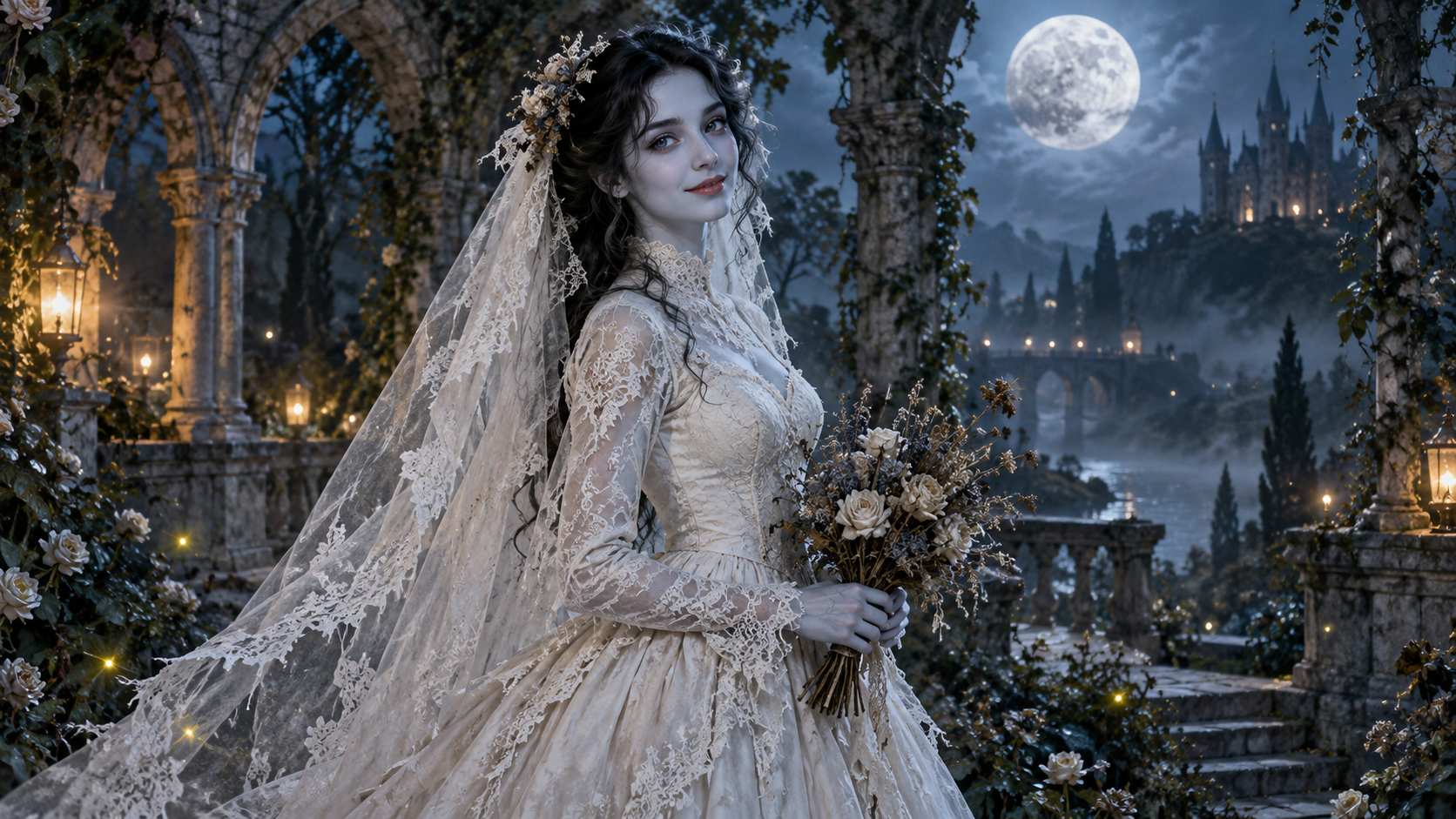
Transform into a gothic Halloween bride with an intact pale-blue complexion, vintage gown and drifting veil in a moonlit garden.
AI Talking Skeleton
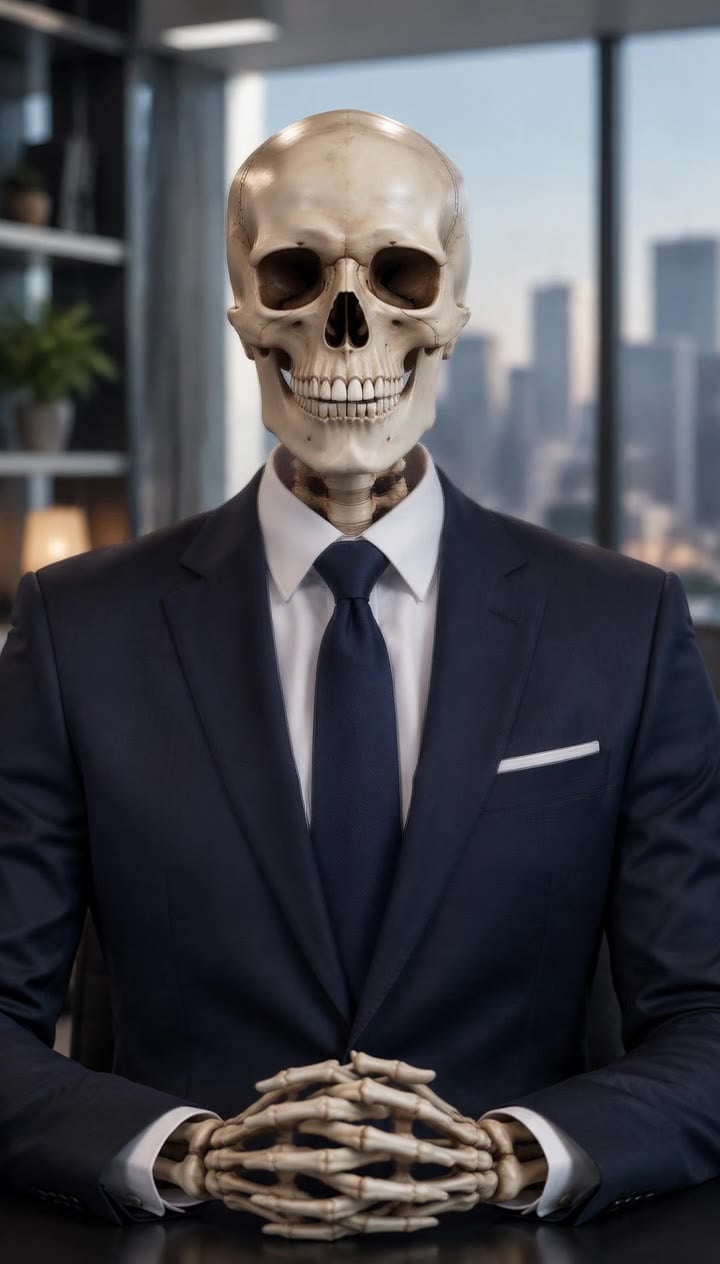
Become a friendly toy-like skeleton in your own outfit and scene, with a small jaw movement and nod in a silent clip.
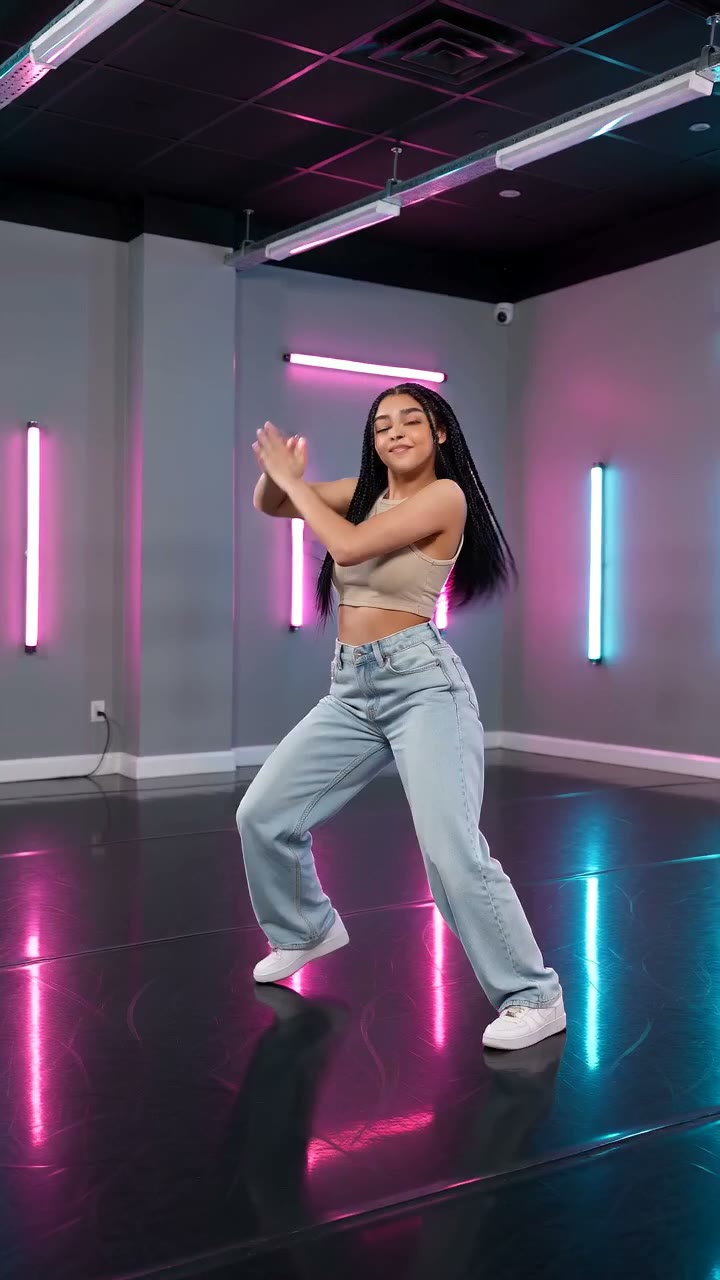
AI Neon Glow Dance
Make a short neon dance from one photo: sway, lift your arms, add one low kick and hold a wide stance.
See one portrait in two styles
Pick a clear pose and outfit to compare across the doll and realistic panels.
Create a doll-versus-real clip