What Is the AI Ghost Prank Filter Effect?
The AI Ghost Prank Filter turns a still selfie into a short reveal: the person faces the camera while a translucent, long-haired grey ghost slowly appears behind their shoulder. FYP FX generates a video from an uploaded photo, so this effect does not require a live camera or a filmed reaction.
Create AI Ghost Prank Filter568 credits per 5-second video · 720p · Silent video
Preset details reviewed by FYP FX ·
Leave a place for the ghost to appear
A little empty room beside a shoulder matters more than a spooky costume. A face-only selfie leaves little space for the second figure.
- Choose a sharp selfie or half-body portrait with an uncovered face.
- Leave visible background behind at least one shoulder so the ghost can appear beside the person.
Upload one JPG or PNG photo, up to 20 MB.
A slow reveal behind an unaware subject
- The intended movement is a slow reveal rather than a jump scare or a recorded reaction.
- The ghost is generated; its shape and distance from the face can vary.
The output is a 5-second, 720p silent video. The aspect ratio follows your photo. Generation can take several minutes.
Compare the shoulder-space compositions
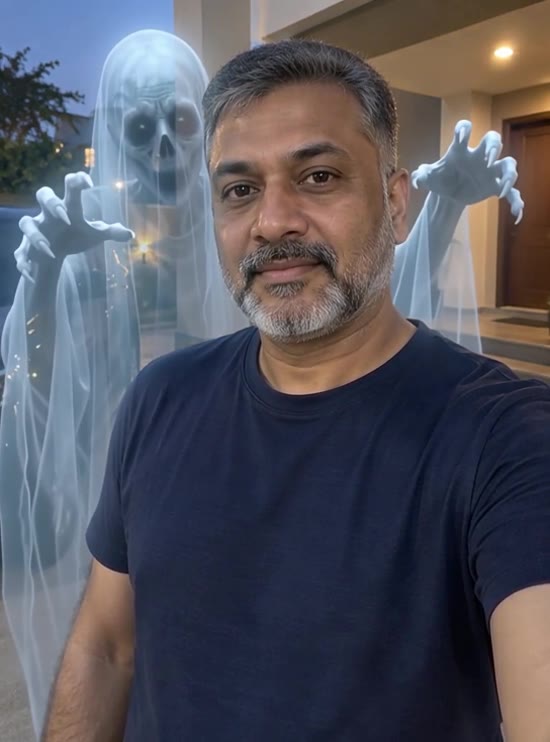
Both external references leave the person facing the camera while a ghost occupies the background beside a shoulder. Look at the separation between the two faces, rather than treating the stills as an animation preview.
 Visual reference
Man with a ghost reference
A man faces the camera with a translucent ghost behind his shoulder.
GoEnhance ↗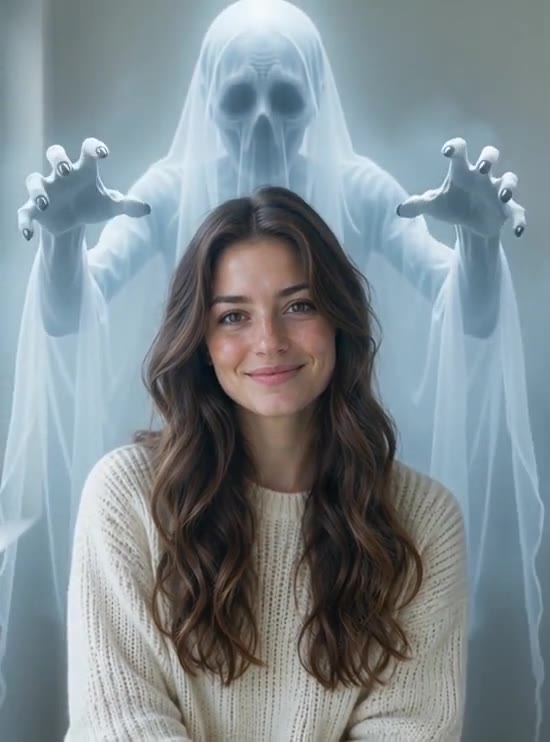 Visual reference
Indoor ghost reveal reference
A smiling woman appears indoors with a pale ghost behind her.
GoEnhance ↗External scene references, not FYP FX-generated results. Your 5-second clip may differ.
The three beats of the ghost-behind-you effect
The joke depends on a calm foreground portrait and a new shape emerging in the background.
01Keep the ordinary selfie readable
The person stays facing the camera with a calm or smiling expression. Their room and clothing provide the everyday setup.
02Raise the ghost behind a shoulder
A translucent grey figure with long hair and pale eyes slowly enters the space behind the subject, rather than charging at the camera.
03Pause near the reveal
The ghost settles beside the cheek while the person remains unaware. The finished frame should leave both faces readable.
For a TikTok ghost-behind-you edit, preserve the first ordinary-looking moment. Keep “look behind me” text out of the shoulder space where the reveal happens.
Sign in with enough credits to generate. View credit plans.
Read the full AI Ghost Prank Filter tutorialAbout the ghost-behind-you photo effect
What is the AI ghost prank filter?
It animates a still portrait into a fictional ghost reveal: a long-haired grey figure rises behind a shoulder while the person keeps facing the camera. The prank comes from what viewers notice behind the subject.
Is this a live TikTok ghost filter?
FYP FX generates a video from an existing photo. You do not film a live camera reaction or open this effect inside TikTok. Download the clip and prepare your post separately.
Should I use a frightened expression?
The preset asks for a calm or smiling person who does not notice the ghost. An ordinary selfie suits that setup better than a staged scream.
Does the scene include a jump scare?
The intended action is a slow rise and pause, without a lunge at the lens. The long hair and pale eyes can still look unsettling; review the reveal for the audience you have in mind.
More AI effects to explore
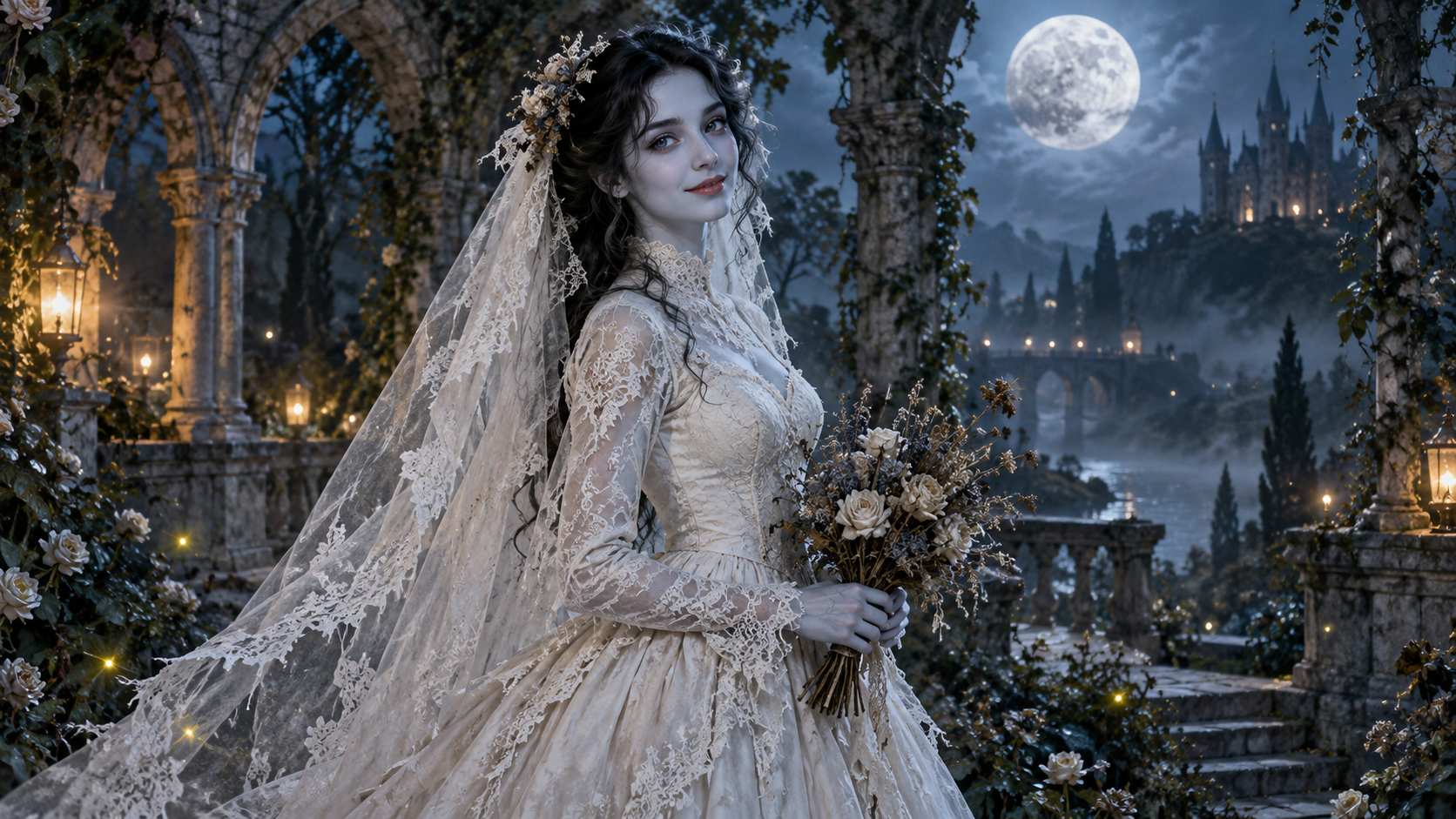
AI Corpse Bride
Transform into a gothic Halloween bride with an intact pale-blue complexion, vintage gown and drifting veil in a moonlit garden.

AI Talking Skeleton
Become a friendly toy-like skeleton in your own outfit and scene, with a small jaw movement and nod in a silent clip.
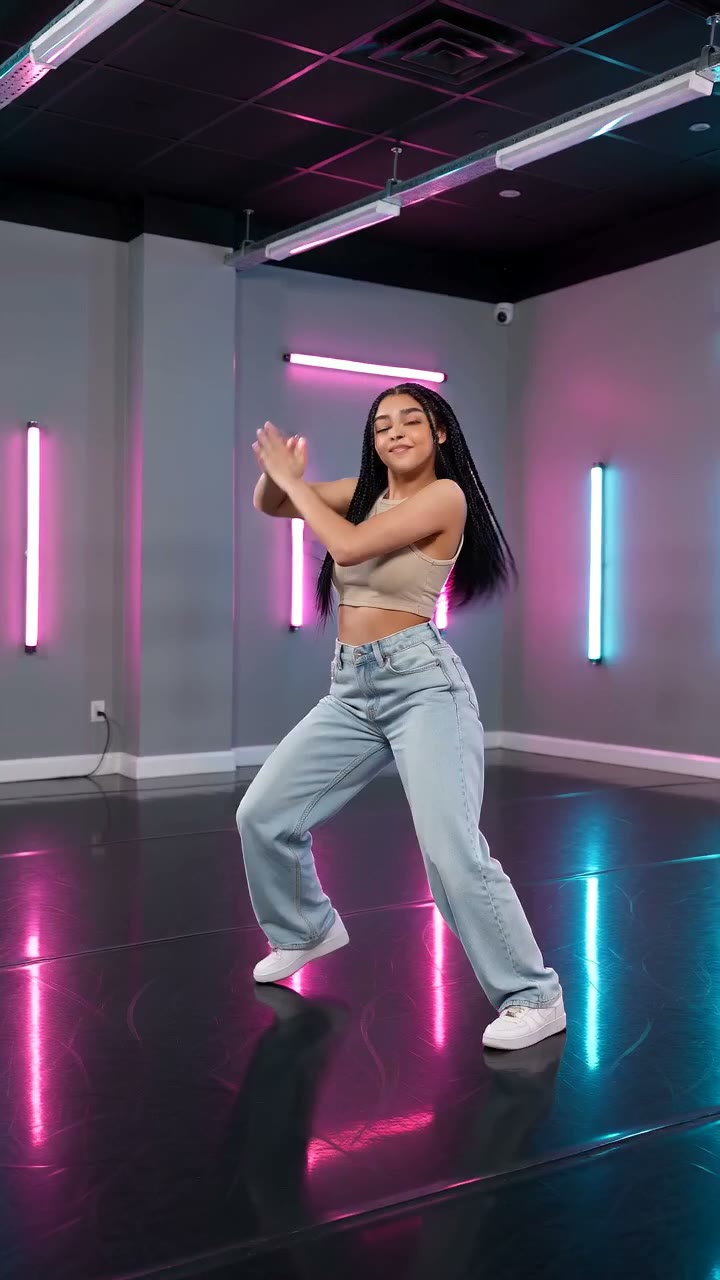
AI Neon Glow Dance
Make a short neon dance from one photo: sway, lift your arms, add one low kick and hold a wide stance.
Find the shoulder space in your selfie
Use an everyday portrait with an open patch of background for the slow ghost reveal.
Create a ghost reveal