What Is the AI Pumpkin Head Effect?
The AI Pumpkin Head effect replaces the head in a portrait with a friendly carved jack-o’-lantern, surrounded by orange sparkles and autumn leaves. The pumpkin glows and tilts slightly while the body stays mostly still. FYP FX uses the source photo’s outfit, pose and background as visual references.
Create AI Pumpkin Head568 credits per 5-second video · 720p · Silent video
Preset details reviewed by FYP FX ·
Give the jack-o’-lantern room above the neck
The head will be replaced, so choose the source for its neck, shoulders and outfit rather than for a facial expression you want to keep.
- Show one person’s whole head and shoulders with space around the hair.
- Use a clear, well-lit portrait with a simple background rather than a cropped head or group shot.
Upload one JPG or PNG photo, up to 20 MB.
A pumpkin replacement with a candlelit grin
- The face is intentionally replaced by a pumpkin, so this is a head transformation rather than a face-preserving portrait.
- The preset asks for a friendly Halloween look; the carving, glow and background details can vary.
The output is a 5-second, 720p silent video. The aspect ratio follows your photo. Generation can take several minutes.
Compare the portrait and pumpkin outline
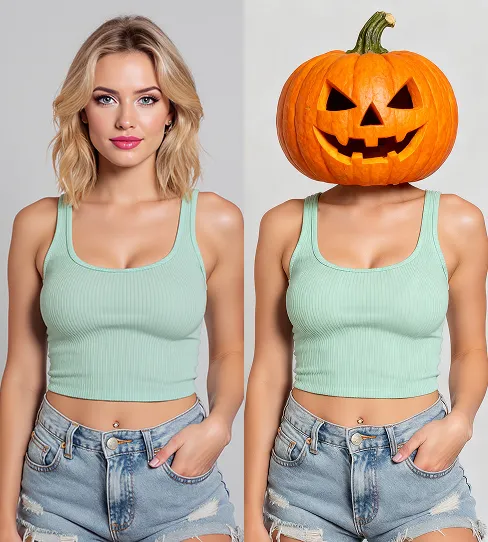
These external before-and-after references show how a wider carved head sits above familiar clothing. Compare head clearance and the neck connection; they do not demonstrate the motion of this preset.
 Visual reference
Portrait-to-pumpkin reference
An external before-and-after image compares an adult portrait with a friendly carved pumpkin head on a clothed body.
VideoWeb AI ↗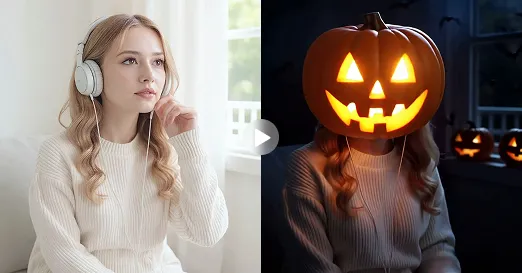 Visual reference
Warm-lit pumpkin comparison
An external comparison pairs a portrait with a candlelit jack-o’-lantern head in warm evening light.
Flyne AI ↗External scene references, not FYP FX-generated results. Your 5-second clip may differ.
From portrait to glowing pumpkin head
The outfit and still body provide continuity while the head becomes the focus of the Halloween change.
01Begin with the original portrait
The uploaded pose, body and setting establish the scene before the transformation. A visible neck gives the new head an understandable attachment point.
02Gather leaves and orange sparkles
A warm swirl circles the head before a glossy carved pumpkin takes its place. The human face is intentionally replaced.
03Hold a cheerful pumpkin tilt
The candlelit jack-o’-lantern turns slightly while the body stays mostly still. The stem, grin and neck join should remain readable.
For a TikTok pumpkin head transformation, keep the stem and carved grin clear of overlay text. Leave a short ordinary-portrait beat so the change has a visible starting point.
Sign in with enough credits to generate. View credit plans.
Read the full AI Pumpkin Head tutorialUnderstanding the pumpkin head transformation
What changes in an AI pumpkin head video?
The head becomes a friendly carved jack-o’-lantern with a warm inner glow. Orange sparkles and autumn leaves introduce the change, while the body, clothes and original pose act as visual anchors.
Will my face remain on the pumpkin?
The preset replaces the human face with a triangular-eyed carved grin. It is a head transformation rather than a portrait with orange makeup or a face pasted onto a pumpkin.
Do I need a pumpkin or a Halloween costume in the photo?
No. An ordinary one-person portrait is enough. The generated scene supplies the pumpkin, leaves and candle glow; a clear neck and uncropped head are more useful than props.
What makes this suitable for a TikTok Halloween transformation?
The before-and-after change can be read through the same outfit and body. Keep the ordinary-photo opening in your edit so viewers can see the head change, rather than showing only a pumpkin still.
More AI effects to explore
AI Corpse Bride
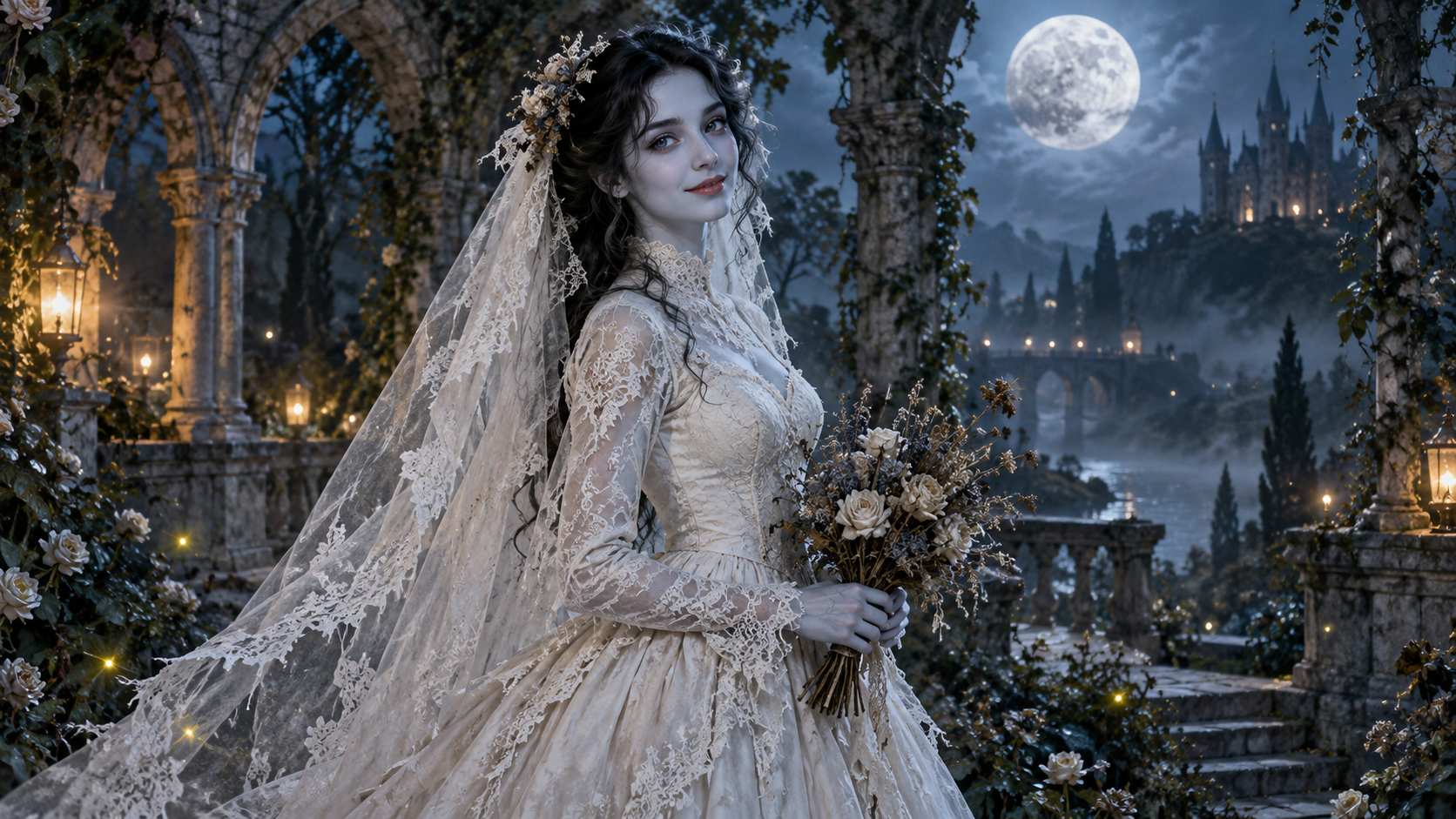
Transform into a gothic Halloween bride with an intact pale-blue complexion, vintage gown and drifting veil in a moonlit garden.

AI Talking Skeleton
Become a friendly toy-like skeleton in your own outfit and scene, with a small jaw movement and nod in a silent clip.
AI Neon Glow Dance
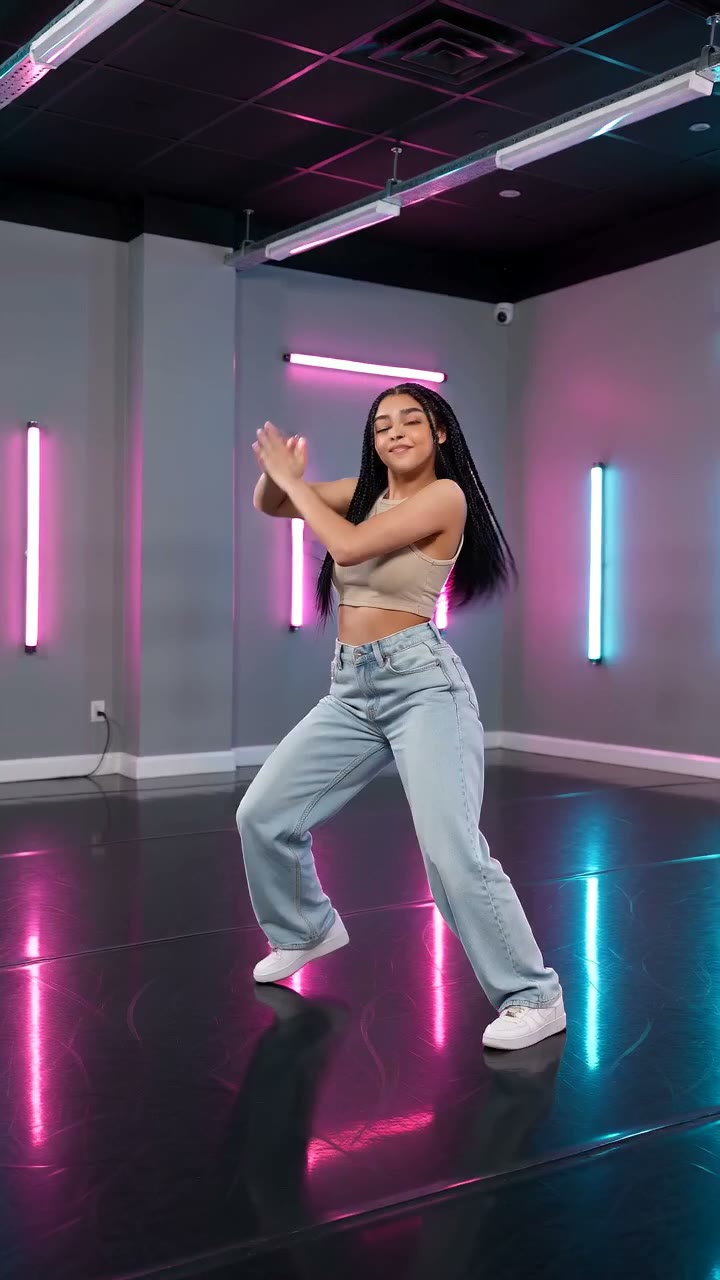
Make a short neon dance from one photo: sway, lift your arms, add one low kick and hold a wide stance.
Keep the outfit, change the head
Choose a portrait with a visible neck and room for a wider pumpkin, then make the candlelit reveal.
Make a pumpkin head video