What Is the AI Broom Riding Effect?
The AI Broom Riding effect turns a portrait into a playful Halloween flight: the person hops onto a wooden witch broom and lifts above moonlit rooftops. FYP FX uses one photo to guide the person’s appearance while AI builds the flying pose, broom and night sky in a continuous five-second scene.
Create AI Broom Riding568 credits per 5-second video · 720p · Silent video
Preset details reviewed by FYP FX ·
Choose a body reference for the flying pose
A full-body or roomy half-body photo shows more of the person than a selfie. The broom, airborne pose and rooftops are created for the flight.
- Use one person with a clear face, ideally in a full-body or half-body photo.
- Leave room around the arms and torso so the generated broom-riding pose has a clear reference.
Upload one JPG or PNG photo, up to 20 MB.
A lighthearted takeoff above moonlit roofs
- The flying pose and setting are generated, so limbs, clothing and facial details can change.
- This preset creates one short flight and does not include music, voices or flying sound effects.
The output is a 5-second, 720p silent video. The aspect ratio follows your photo. Generation can take several minutes.
Look at the rider, broom and open sky
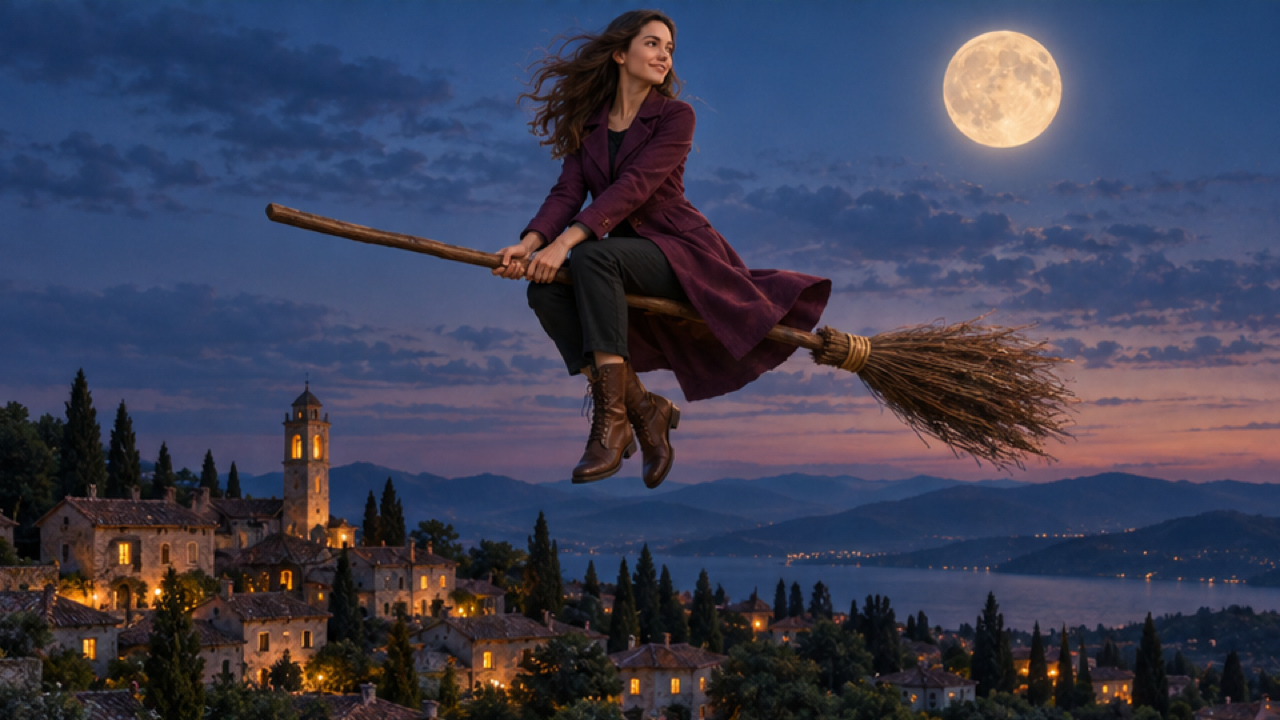
These external illustrations show a complete broom-riding silhouette above moonlit rooftops or a courtyard. Use the space around the rider as a framing reference; the images do not show this preset’s takeoff.
 Visual reference
Moonlit village flight reference
An external illustrative image shows an adult woman in a plum long coat, black trousers and brown boots riding a wooden broom above village rooftops, with a full moon in the upper-right sky.
Dreamina / CapCut ↗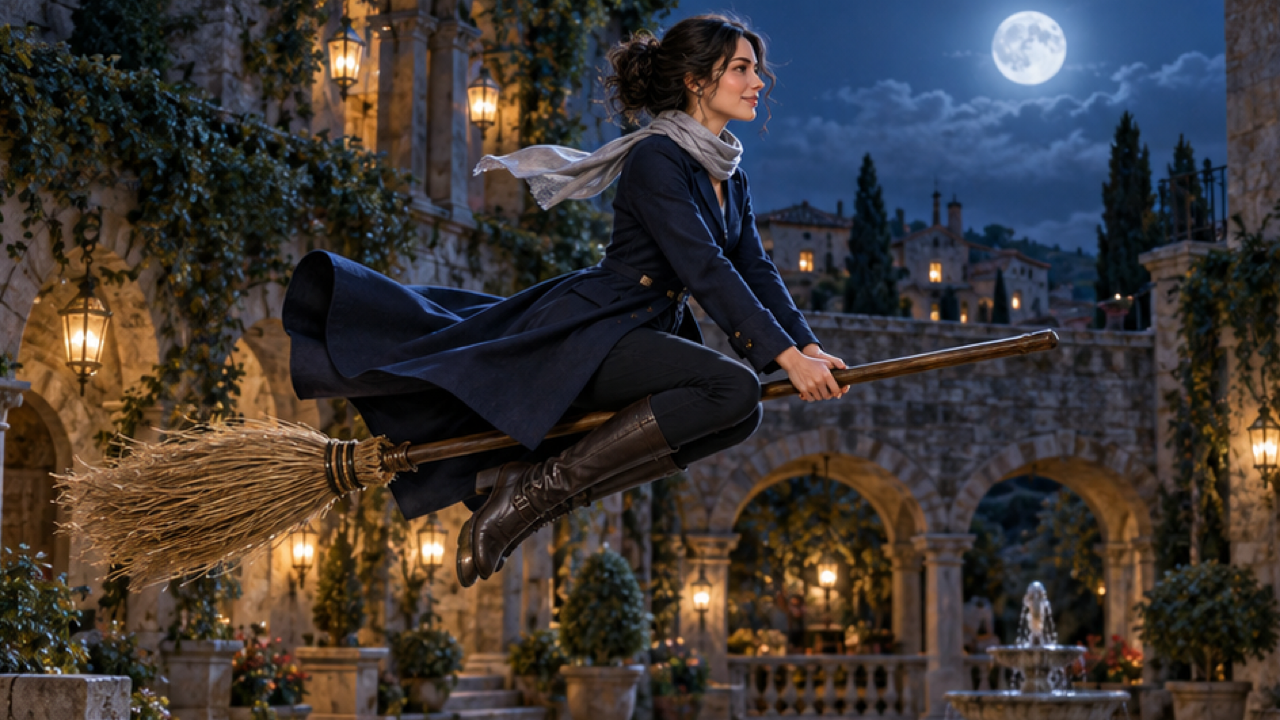 Visual reference
Lantern-lit courtyard flight reference
An external illustrative image shows an adult woman in a navy long coat and a short silver-grey scarf hovering on a wooden broom above a stone courtyard lit by warm lanterns, with a full moon behind her.
Dreamina / CapCut ↗External visual references, not FYP FX-generated results. Your 5-second clip may differ.
The short witch-broom flight sequence
The action has one destination: lift from the ground into a side-tracked flight, with no long journey or landing sequence.
01Move onto a wooden broom
The person’s face, hair and outfit guide a generated riding pose. A real broom does not need to be in the upload.
02Kick off into the night
The intended action is a joyful lift above quiet suburban rooftops, with moonlight establishing the Halloween setting.
03Track the rider through the sky
The camera follows beside the rider as hair and clothing flutter. The face, hands and broom should form one coherent moving subject.
For a TikTok broom flying edit, keep the takeoff in view and place captions in the open sky. Preview the full broom and rider before cropping to the feed.
Sign in with enough credits to generate. View credit plans.
Read the full AI Broom Riding tutorialAbout the AI broom flying effect
What is an AI broom riding video?
It turns a photo into a fictional Halloween flight: the person hops onto a wooden witch broom and soars over moonlit rooftops. The broom, flying posture and night sky are generated.
Do I have to pose on a real broom?
No. A clear full-body or half-body portrait can supply the person’s appearance. Leave room around the arms and torso so the generated riding posture has an understandable body reference.
Will it keep the original location?
The intended flight takes place above rooftops at night, so the source setting is not the final destination. The person’s face, hairstyle and outfit are the appearance references.
Can this make a witch flying clip for TikTok?
Yes, as a short fantasy clip you download and edit. Start with a vertical photo if a vertical composition is useful, while leaving enough room for the rider and broom.
More AI effects to explore
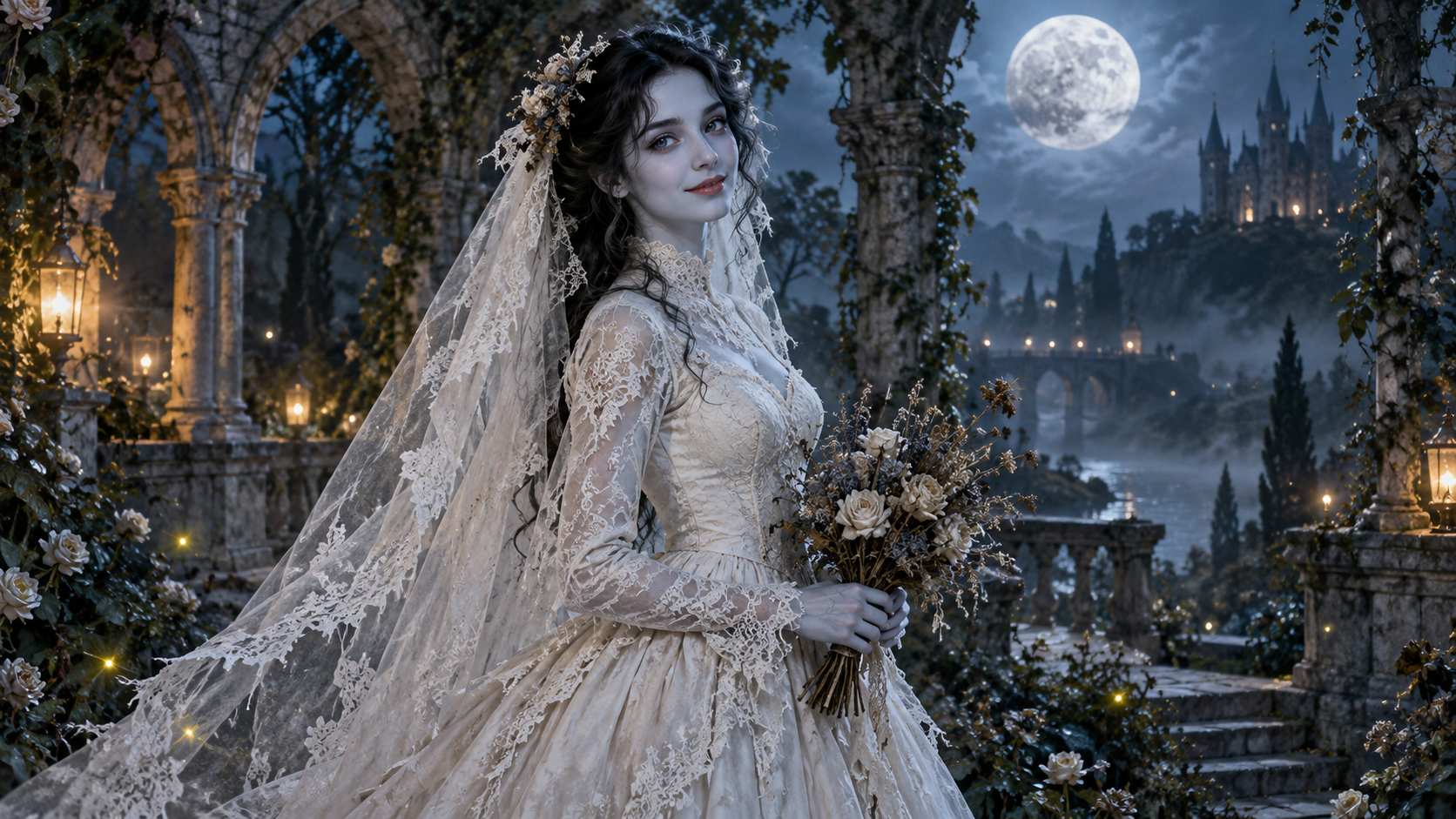
AI Corpse Bride
Transform into a gothic Halloween bride with an intact pale-blue complexion, vintage gown and drifting veil in a moonlit garden.
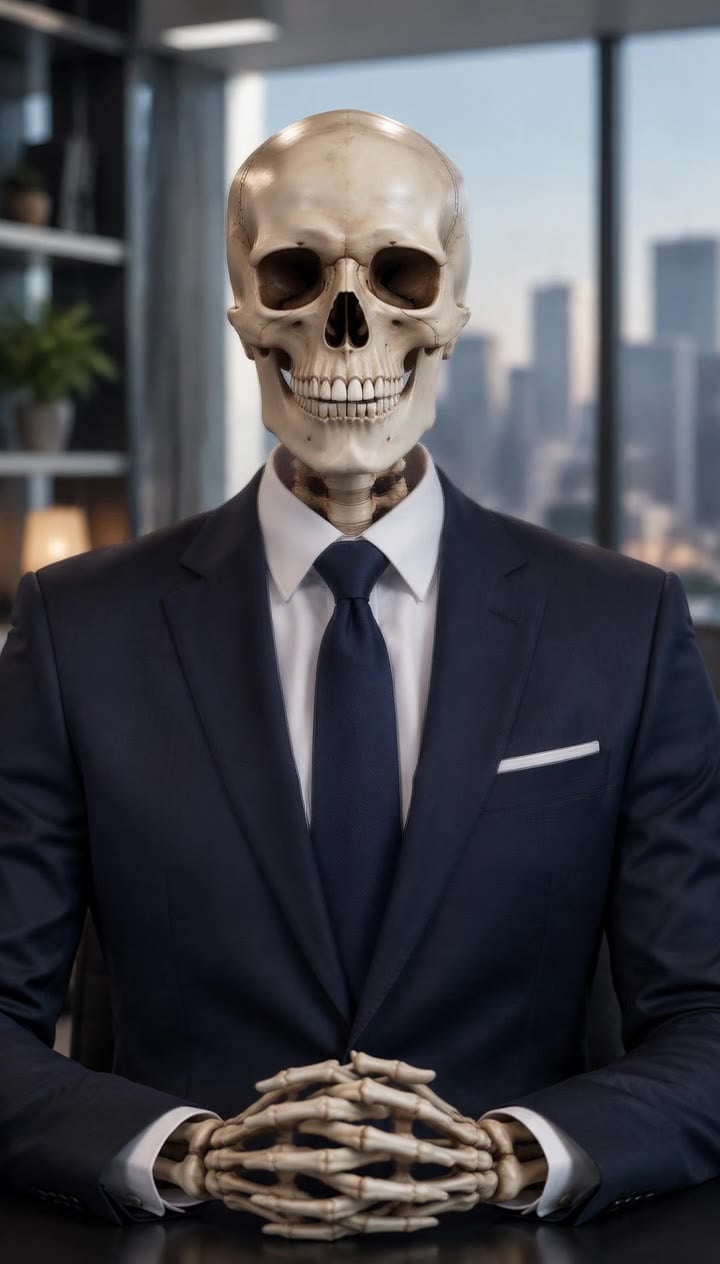
AI Talking Skeleton
Become a friendly toy-like skeleton in your own outfit and scene, with a small jaw movement and nod in a silent clip.
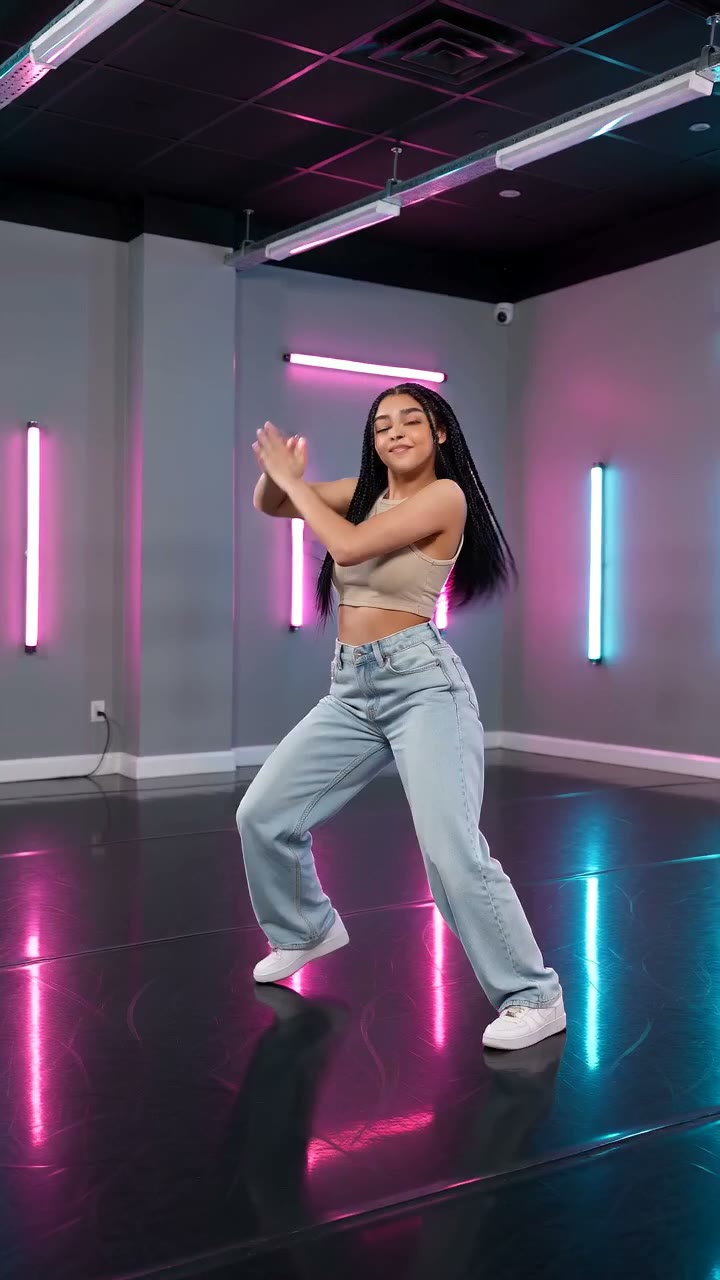
AI Neon Glow Dance
Make a short neon dance from one photo: sway, lift your arms, add one low kick and hold a wide stance.
Turn a portrait into the rider
Choose a roomy body reference and let the preset build the broom, takeoff and moonlit flight.
Create a broom flight