What Is the AI Deep Sea Effect?
The AI Deep Sea effect changes an ordinary portrait into a calm underwater scene with blue water, soft light rays, small bubbles and distant fish. The person floats gently with a slight shoulder turn while hair and clothing drift. FYP FX uses a photo taken on land; underwater filming is unnecessary.
Create AI Deep Sea568 credits per 5-second video · 720p · Silent video
Preset details reviewed by FYP FX ·
Leave room for hair and fabric to drift
A land portrait with a clear face is enough. Loose fabric and visible hair can make the mild current easier to see, while a relaxed posture supports the quiet floating mood.
- Choose a clear face with space around the head and shoulders.
- Flowing clothing or visible hair gives the water movement more detail to work with.
Upload one JPG or PNG photo, up to 20 MB.
Blue-water atmosphere with restrained movement
- The intended motion is a gentle float rather than swimming, flips or a distress scene.
- Water, hair and facial details are generated and may differ from the photo; the clip has no underwater audio.
The output is a 5-second, 720p silent video. The aspect ratio follows your photo. Generation can take several minutes.
Study floating fabric and surface light
These external underwater references illustrate separation between the face, drifting fabric and blue background. Use them to consider calm buoyancy and light from above, rather than expecting the same fish or clothing.
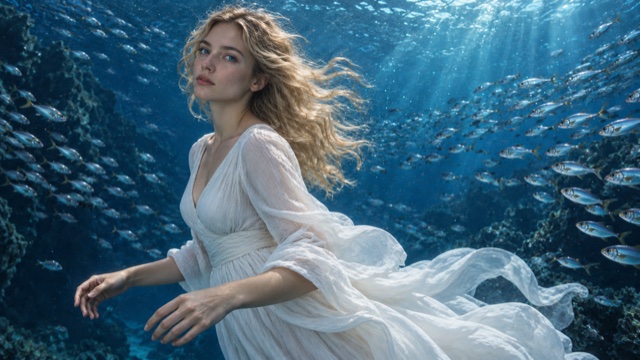 Visual reference
Floating fabric in blue water
A white dress and long hair drift through deep-blue water, with fish around the subject and light from the surface.
SuperMaker ↗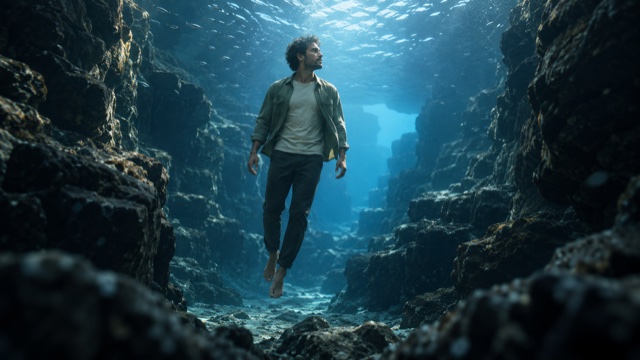 Visual reference
Light from the surface
Soft light from above separates the floating figure from the surrounding blue water and rocks.
SuperMaker ↗External scene references, not FYP FX-generated results. Your 5-second clip may differ.
The anatomy of a calm underwater portrait
The effect changes the surroundings first, then adds small buoyant details around a recognizable person.
01Begin with the land portrait
The source pose and framing establish the subject before the surroundings become clear deep-blue water.
02Let the figure float gently
A small shoulder turn, drifting clothing and moving hair suggest buoyancy while the face stays oriented toward the camera.
03Add depth behind the subject
Surface light, a few rising bubbles and distant fish provide the underwater setting without requiring a large swimming action.
A TikTok deep sea AI edit works as a quiet change of atmosphere. Leave the face and the blue space around it visible; add a calm audio bed separately if the post needs sound.
Sign in with enough credits to generate. View credit plans.
Read the full AI Deep Sea tutorialAbout the deep sea photo effect
What does the AI Deep Sea effect change?
It changes a portrait’s surroundings into blue ocean water, then adds a gentle float, drifting hair and fabric, small bubbles and distant fish. The source person and outfit guide the figure throughout the short scene.
Do I need an underwater photo?
No. The effect starts from a normal photo taken on land. A clear, relaxed portrait provides the subject reference; the ocean, light and buoyancy are generated, so you do not need to stage an underwater shoot.
Is the person meant to swim or spin?
The intended movement is a small shoulder turn in a gentle float. Swimming strokes, full rotations, flips and distress are outside this preset’s scene. A calm expression fits the effect better than an action pose.
Does short hair or fitted clothing rule out the effect?
No. Those features simply offer fewer flowing details for the current to move. A clear face, useful shoulder space and readable posture still support the underwater portrait; long hair and a flowing dress are optional.
More AI effects to explore
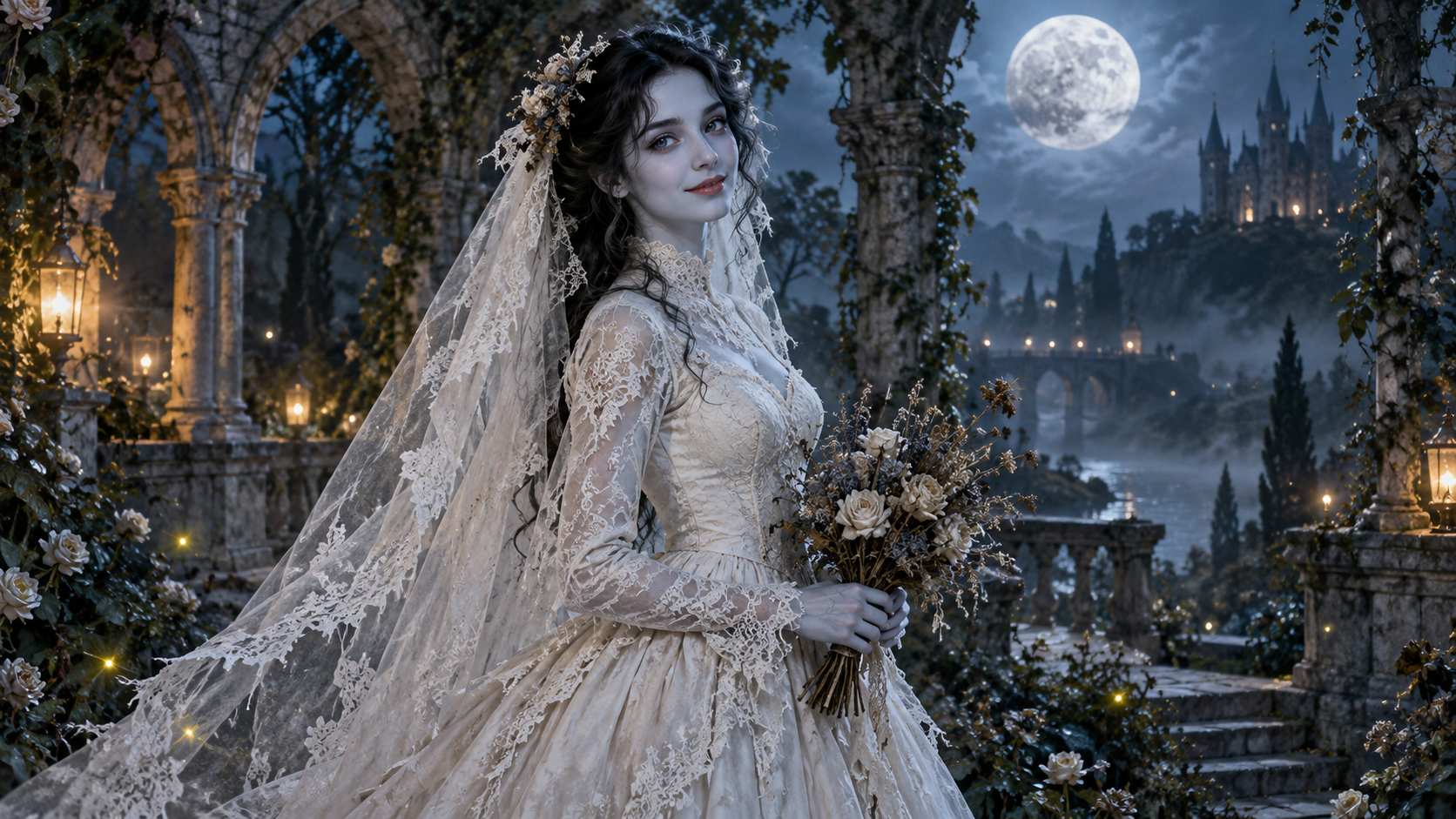
AI Corpse Bride
Transform into a gothic Halloween bride with an intact pale-blue complexion, vintage gown and drifting veil in a moonlit garden.

AI Talking Skeleton
Become a friendly toy-like skeleton in your own outfit and scene, with a small jaw movement and nod in a silent clip.
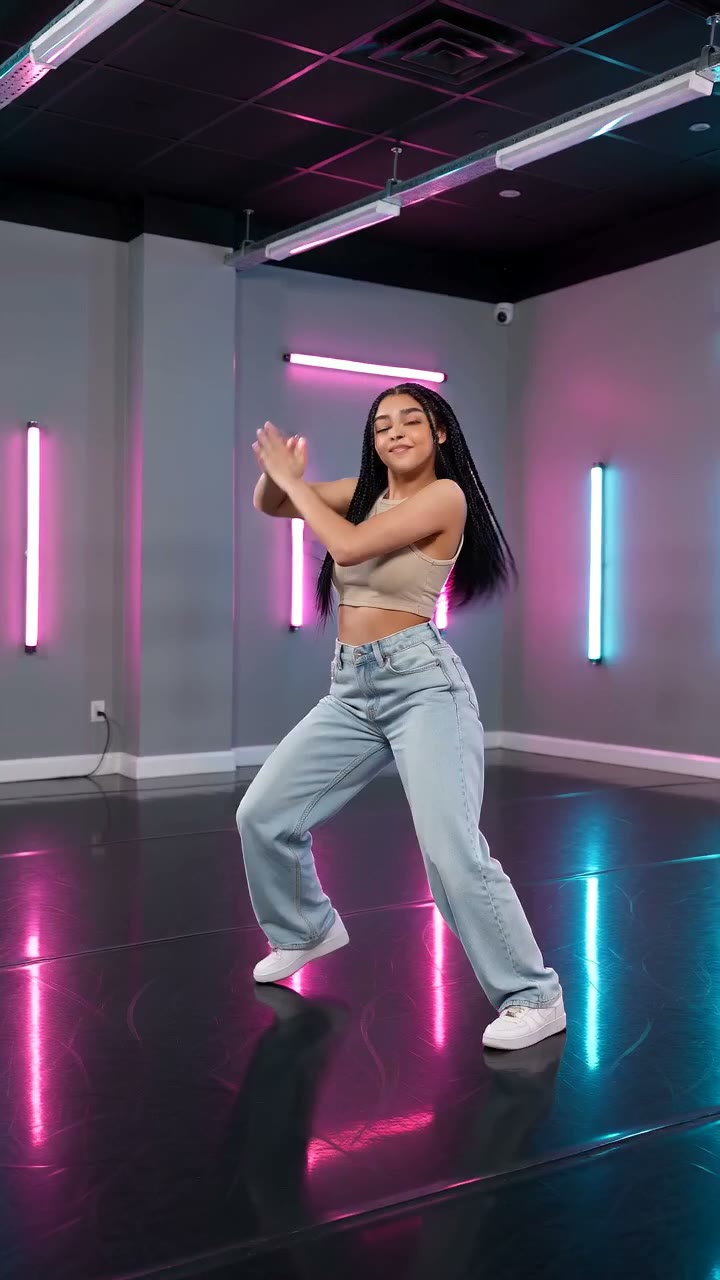
AI Neon Glow Dance
Make a short neon dance from one photo: sway, lift your arms, add one low kick and hold a wide stance.
Turn a land portrait into a calm float
Choose a relaxed pose with room around the shoulders for water, drifting fabric and soft surface light.
Open AI Deep Sea