What Is the AI Moonwalk Dance Effect?
The AI Moonwalk Dance effect animates a standing person into two alternating backward glides, using a raised heel and a sliding flat foot before finishing in a balanced pose. FYP FX starts from one photo and aims to retain the person’s face, outfit, setting and source aspect ratio.
Create AI Moonwalk Dance568 credits per 5-second video · 720p · Silent video
Preset details reviewed by FYP FX ·
The shoes and floor define the moonwalk
Choose a standing full-body image with both shoes in contact with a visible floor. A slight side angle can make heel lift and backward travel easier to see; a face-only photo leaves the defining action outside the frame.
- Upload a standing full-body photo with both shoes completely visible.
- Keep open floor behind the person and avoid crossed legs or a crop at the ankles.
Upload one JPG or PNG photo, up to 20 MB.
Two glides rather than a full dance routine
- Close-ups and seated portraits do not provide the foot and floor references this movement needs.
- Foot contact and facial details can vary; no famous song, costume change or celebrity performance is included.
The output is a 5-second, 720p silent video. The aspect ratio follows your photo. Generation can take several minutes.
Explore the moonwalk setup
Use these external references for full-body framing, visible shoes and clear floor space for the dance.
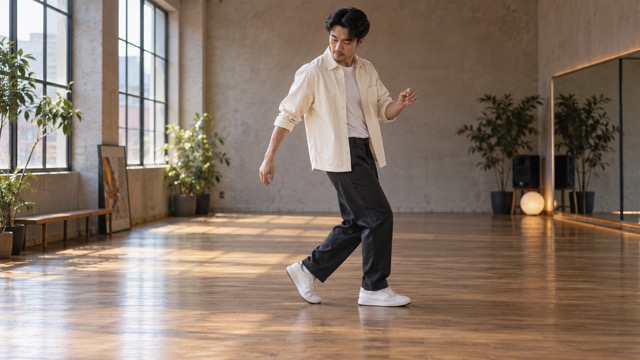 Visual reference
Full-body dance framing
A side-on full-body view keeps both shoes and the floor visible, with room around the dancer.
SuperMaker ↗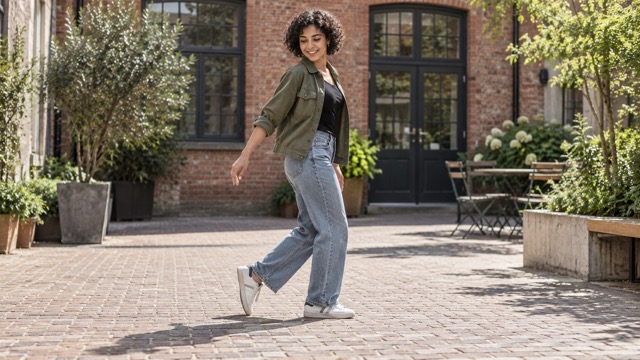 Visual reference
Heel lift and floor contact
Notice the raised heel on one shoe and the other shoe resting flat on the ground.
SuperMaker ↗External scene references, not FYP FX-generated results. Your 5-second clip may differ.
What happens during the backward glide
The apparent smoothness comes from alternating support and sliding feet. The intended motion stays small and controlled in the original setting.
01One heel lifts to support the body
The person starts upright with relaxed arms. One heel rises while the opposite shoe remains flat against the floor.
02The flat shoe slides backward
The flat foot glides back as the raised-heel foot supports the weight. Both shoes should still appear connected to the floor.
03The feet switch roles and settle
A second glide reverses the supporting and sliding feet, then the person finishes in a balanced still pose without a jump or spin.
For a photo-to-moonwalk TikTok video, keep the floor visible in the final crop. Put the caption above the waist and align an added beat with a glide rather than covering the shoes with text.
Sign in with enough credits to generate. View credit plans.
Read the full AI Moonwalk Dance tutorialUnderstanding the AI moonwalk motion
What makes this a moonwalk rather than walking backward?
The intended illusion uses a flat shoe sliding backward while the other heel is raised, then switches the feet. Ordinary backward steps lift and replace the feet instead. Generated footwork can vary.
Can a selfie or seated portrait show the effect?
Those photos omit the standing legs and floor contact that define the move. A full-body standing image with both shoes visible is the suitable reference.
Does the person change clothes or become a celebrity?
The scene is directed to use the person’s existing appearance, outfit and setting. There is no celebrity costume change or specific stage performance in this preset.
Is a dance studio required in the source photo?
No. A simple visible floor with room behind the person is enough to show the intended glides. Furniture, steps or a tight ankle crop can make the floor relationship harder to read.
More AI effects to explore
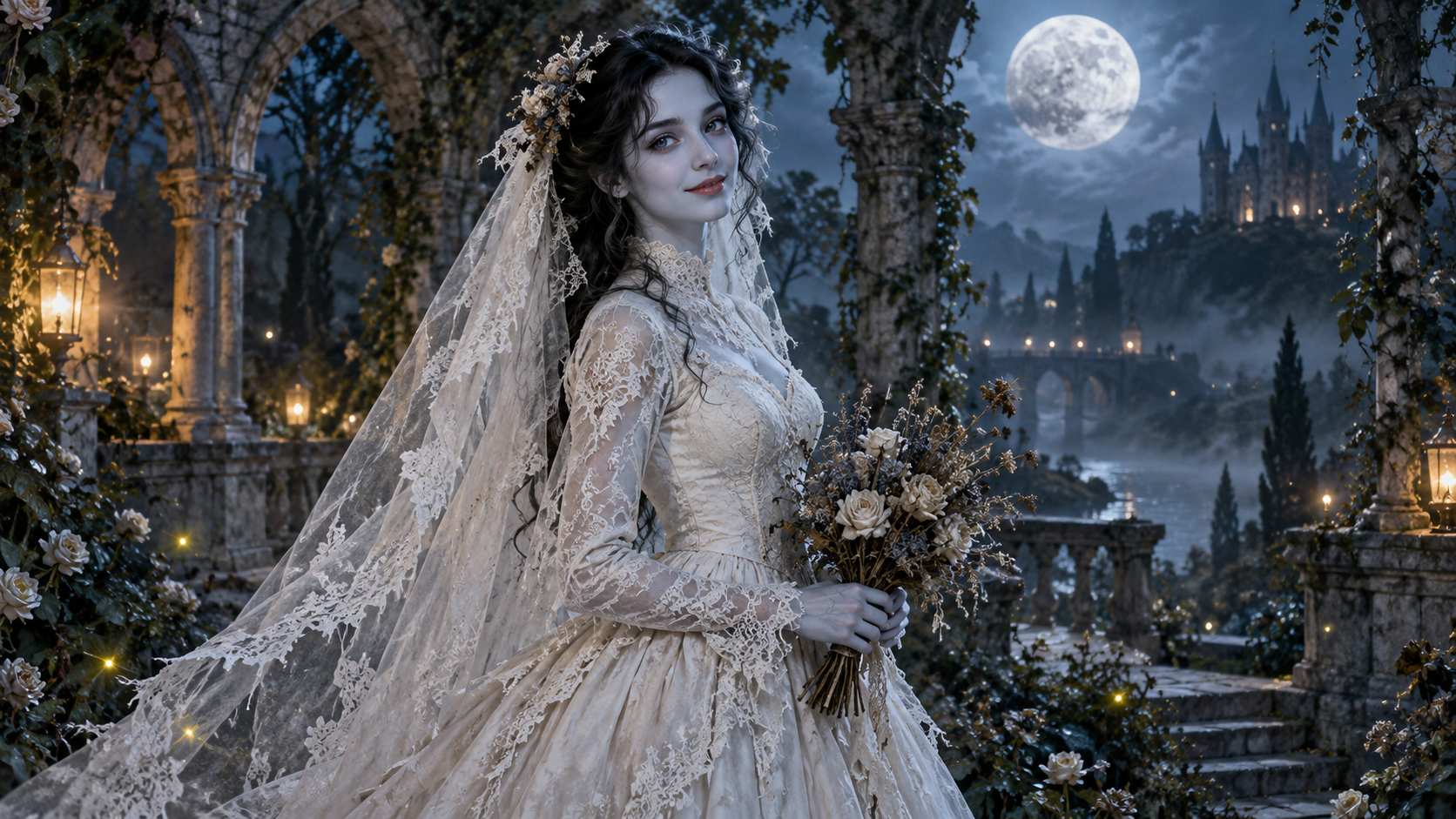
AI Corpse Bride
Transform into a gothic Halloween bride with an intact pale-blue complexion, vintage gown and drifting veil in a moonlit garden.

AI Talking Skeleton
Become a friendly toy-like skeleton in your own outfit and scene, with a small jaw movement and nod in a silent clip.
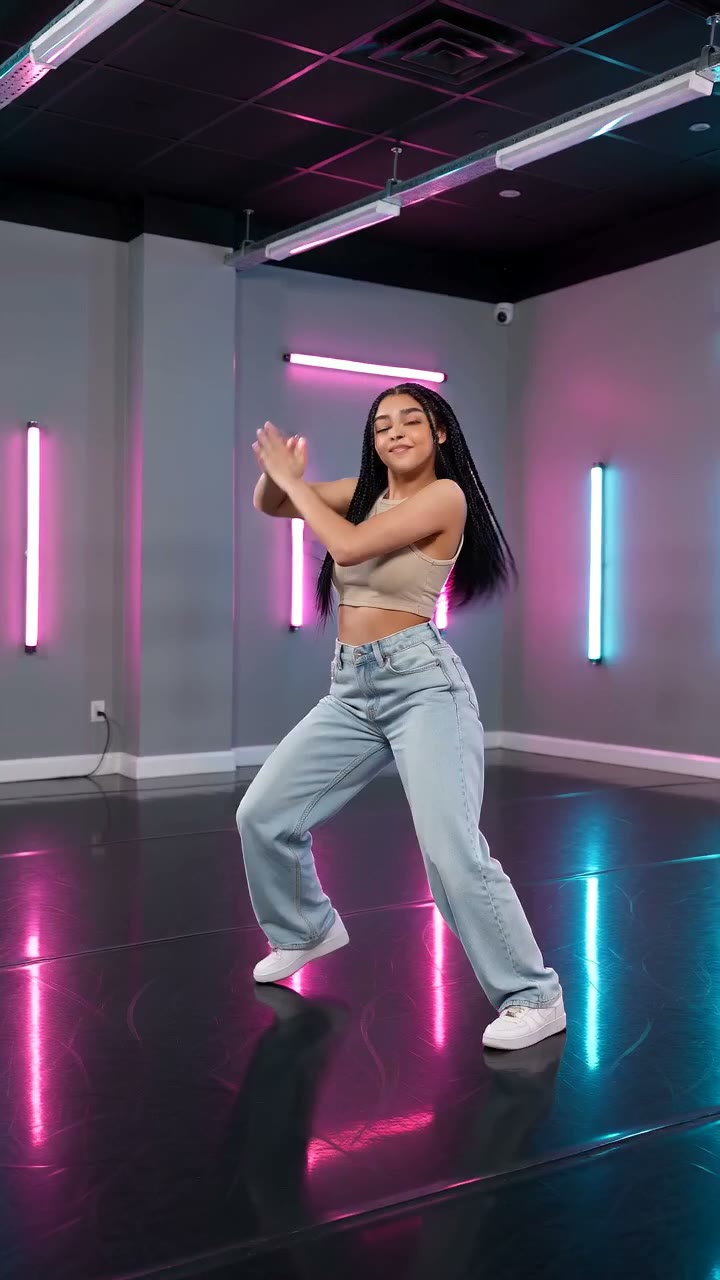
AI Neon Glow Dance
Make a short neon dance from one photo: sway, lift your arms, add one low kick and hold a wide stance.
Give your portrait room to glide
Start with a full-body image and enough clear floor behind the shoes.
Create a photo moonwalk