What Is the AI Tesla Roadster Effect?
The AI Tesla Roadster effect turns one portrait into a fictional flying-car scene: the person sits in a futuristic sports-car cockpit, presses a button and lifts briefly above traffic. FYP FX generates the car and movement around your subject. This independent effect is not a real vehicle demonstration or a Tesla-endorsed feature.
Create AI Tesla Roadster568 credits per 5-second video · 720p · Silent video
Preset details reviewed by FYP FX ·
Choose the driver reference, not a car advertisement
The subject is your person in a generated cockpit. A sharp waist-up portrait with a clear face and arm outline supplies more useful driver detail than a distant photograph of a sports car.
- Upload a waist-up portrait with a clear face and visible hands where possible.
- Leave space around the shoulders and arms for the cockpit and button-press pose.
Upload one JPG or PNG photo, up to 20 MB.
A fictional button press and brief lift-off
- The car is a generated science-fiction design, with no guarantee of an accurate Tesla model.
- The scene focuses on a short lift-off; facial details, controls and hands may vary and engine audio is absent.
The output is a 5-second, 720p silent video. The aspect ratio follows your photo. Generation can take several minutes.
Compare cockpit framing and the lift-off gap
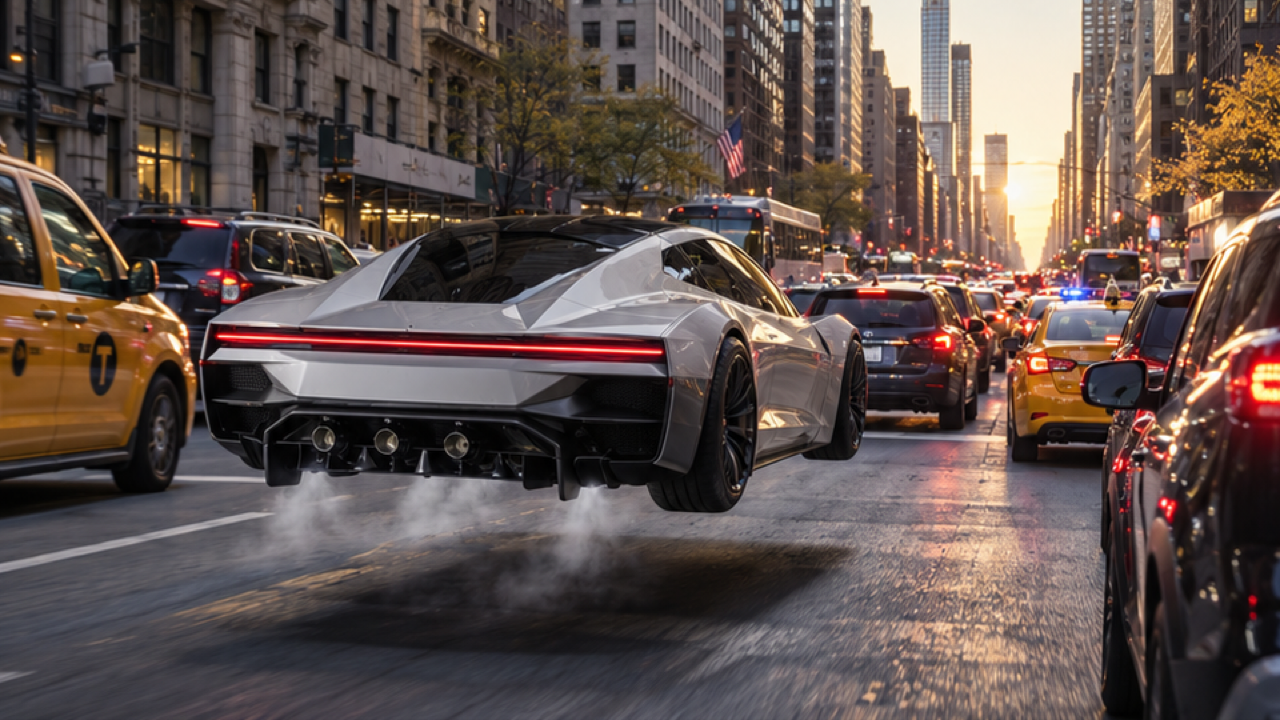
The hovering car illustrates the space above traffic; the cabin poster illustrates the driver view. Its caption is part of the original external image. These references do not demonstrate actual vehicle capabilities.
 Visual reference
Hovering sports-car reference
A futuristic silver-white sports car hovers a short distance above city traffic, with vapor and a shadow underneath.
Visual reference image (original source unverified) ↗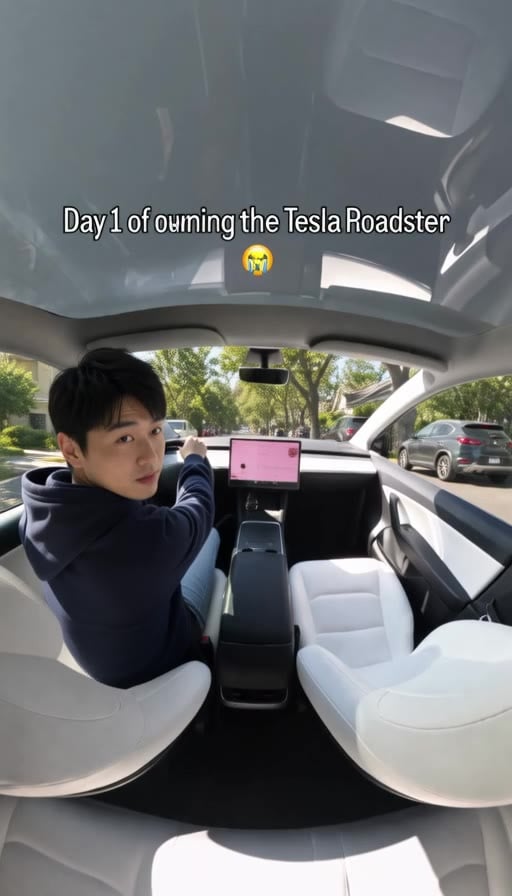 Visual reference
Cabin trend-poster reference
A seated driver looks back inside a white car cabin. This external trend poster includes the caption from the original image.
GoEnhance ↗External visual references, not FYP FX-generated results. They illustrate the setting or style; the generated 5-second clip may differ.
The flying-car scene in three beats
The compact scene connects a cockpit gesture to a visible gap between the sports car and the road.
01Establish the person in the cockpit
A futuristic sports-car interior forms around the portrait, keeping the driver’s face as the scene’s identity cue.
02Show the control gesture
The driver reaches for a cockpit button. The short gesture should read without hiding the face or merging the hand into the controls.
03Lift briefly above traffic
The car rises a short distance, making the road-to-car gap visible. The intended ending is a small sci-fi lift, not a long aerial trip.
A TikTok flying-car edit needs room for both the driver and the lift-off gap. Keep the caption clear of the cockpit gesture and identify the scene as fictional AI imagery.
Sign in with enough credits to generate. View credit plans.
Read the full AI Tesla Roadster tutorialAbout the fictional Roadster-style effect
What does the AI Tesla Roadster effect depict?
It places the person from a portrait in a futuristic sports-car cockpit, with a button press followed by a short lift above traffic. It is a fictional flying-car scene created around your subject.
Does the clip show an actual Tesla capability?
No. The car and movement are generated sci-fi imagery. The effect is independent of Tesla and should not be presented as an accurate vehicle demonstration, an endorsed feature or footage of a real flying car.
Should I upload a car or a driver portrait?
Use a person portrait with a clear face and upper body. The cockpit and car are generated. A vehicle-only image does not provide the driver identity that the button-press scene needs.
Can I choose an exact Roadster model or interior?
This preset does not provide model, trim or cockpit selectors. The generated sports-car design and controls can vary. Choose the effect for the fictional driver-and-lift moment rather than exact automotive detail.
More AI effects to explore
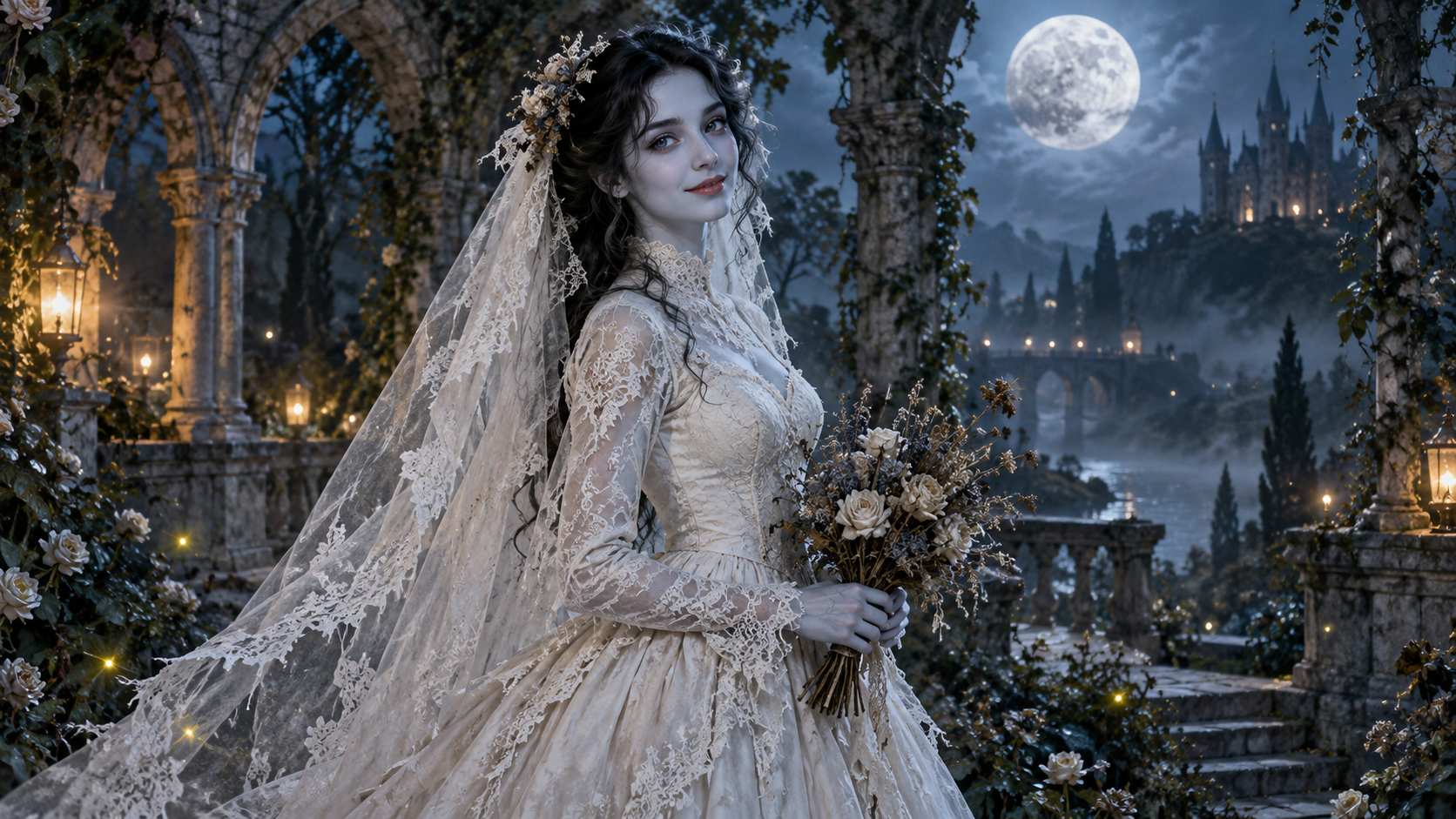
AI Corpse Bride
Transform into a gothic Halloween bride with an intact pale-blue complexion, vintage gown and drifting veil in a moonlit garden.
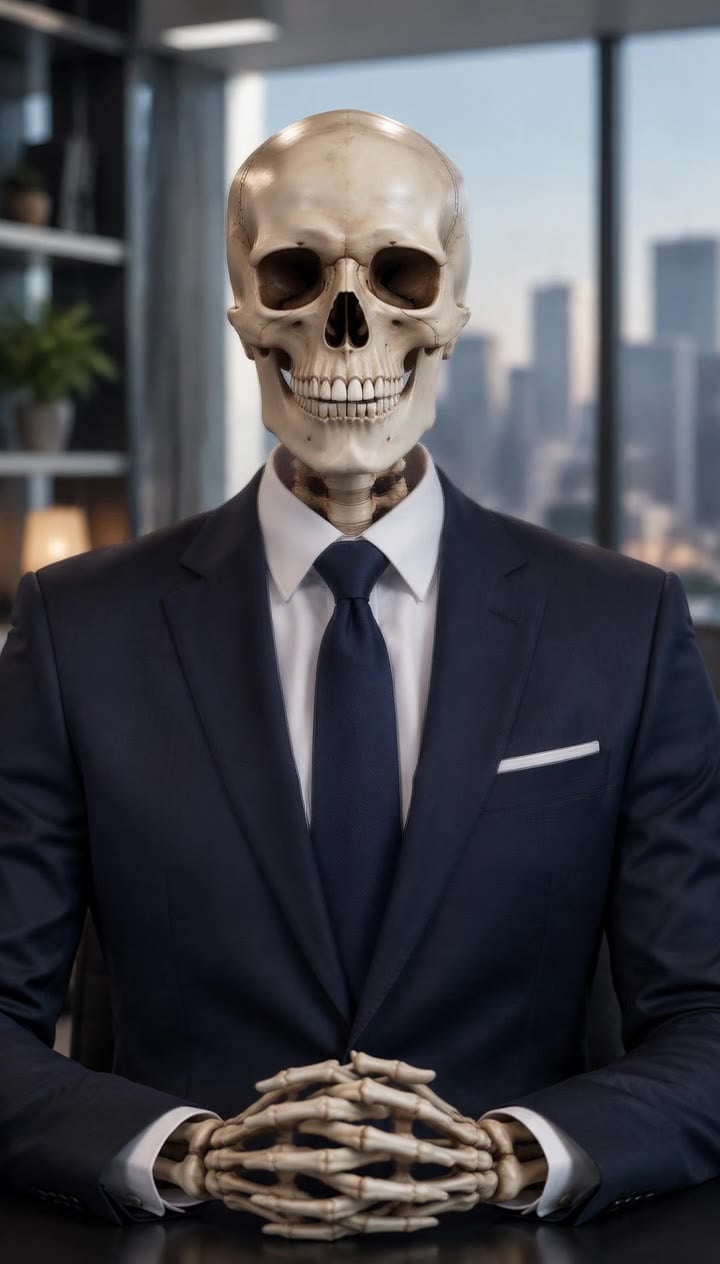
AI Talking Skeleton
Become a friendly toy-like skeleton in your own outfit and scene, with a small jaw movement and nod in a silent clip.
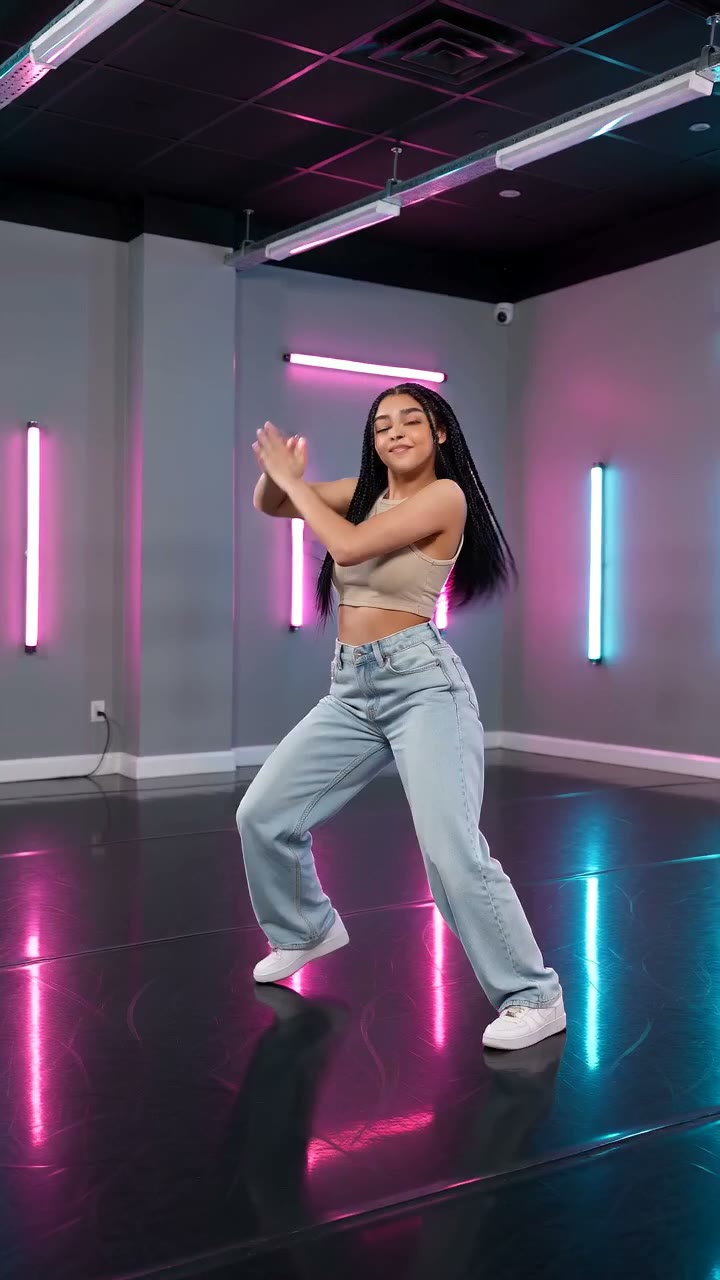
AI Neon Glow Dance
Make a short neon dance from one photo: sway, lift your arms, add one low kick and hold a wide stance.
Make a fictional flying-car moment
Bring one portrait for the driver. The futuristic cockpit and short traffic lift are part of the fixed scene.
Open AI Tesla Roadster