How to turn a selfie into a Baby Mustache video
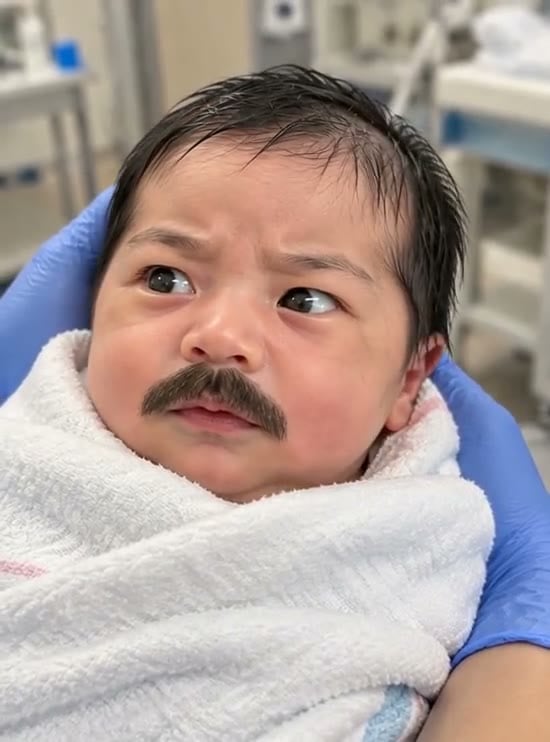
To make a Baby Mustache video, upload one clear adult selfie to the Baby Mustache generator, check the generation quote and select Generate. The preset uses the selfie as its opening frame, then requests a rounded baby face, a thick adult-style mustache and a tiny blink or flutter.
Use an adult selfie rather than a real infant photo. This creates a fictional face-transformation joke; it does not predict what a real baby will look like. The effect is also different from Don’t Wake My Baby, which starts with a car photo and builds a sleepy car gag.
| Before you start | Current setting |
|---|---|
| Upload | One front-facing adult selfie, JPG or PNG, up to 20 MB |
| Finished video | 5 seconds, 720p, silent |
| Framing | Follows the source photo’s aspect ratio |
| Generation price | 284 credits at the current quote |
| Controls | Fixed transformation; no age slider or mustache menu |
Five seconds is the video length. Processing can take several minutes. This guide describes the configured preset; it does not report a reviewed FYP FX video generation.
1. Choose a selfie that gives the mustache a clear place to sit
The upper lip is the most useful detail to check before uploading. If it is hidden by a hand, deep shadow or hair, the effect has less clear facial information to work with.
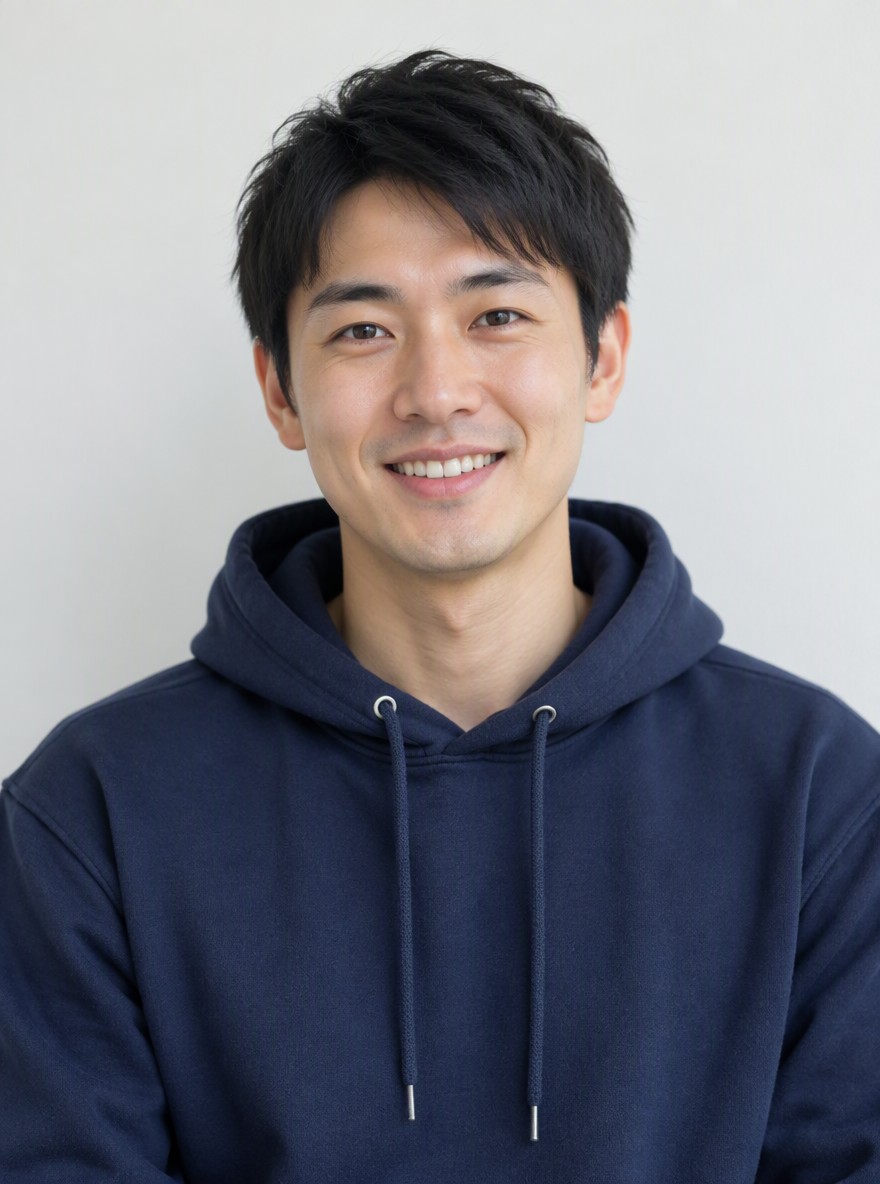
Choose one adult facing the camera, with both eyes, the whole mouth and the outline of the face visible. A relaxed mouth or small closed-mouth smile is a practical starting point. A wide-open laugh changes the shape of the lip area and can make the mustache harder to read during the transition.
Use even light and a sharp original image. Avoid strong beauty filters that smooth away facial detail, extreme side angles and groups. Keep enough of the head in frame to show the hair color the preset is asked to use for the mustache. A mouth-only crop removes the eye and face information needed for the rest of the transformation.
For a vertical post, choose a portrait selfie before uploading. The video follows your source aspect ratio; there is no separate aspect-ratio control for this preset.
2. Check the preview and submit one generation
Open Baby Mustache, sign in and upload the selfie. Wait for the preview to finish loading. Check that the eyes and upper lip are still visible and that you selected the intended photo.
Confirm the displayed 284-credit quote and your available balance, then select Generate once. The newborn-like proportions, thick mustache and small facial movements are fixed instructions. There is no prompt box for changing the facial-hair style or expression.
If progress stops updating, check My videos and your balance before starting again. A new generation is another paid attempt at the displayed quote. Contact support when the previous task or charge remains unclear.
3. Review the change, not just the final frame
Watch the full five seconds, including the moment when the adult face changes. A good-looking ending can still contain a brief warped eye or broken mustache earlier in the clip.
| Intended moment | Requested movement | What to inspect |
|---|---|---|
| Opening second | Start from the adult selfie, round the face and add a thick mustache. | The eyes and mouth remain distinct; the mustache sits above the lip rather than across the teeth. |
| Around 1–3 seconds | A tiny blink, slight frown and faint mustache flutter. | Eyelids close and reopen naturally; the mustache remains continuous as the mouth moves. |
| Around 3–5 seconds | Hold a slightly amused baby face. | The ending face stays clear, with readable facial hair and consistent source traits. |
These intervals describe the requested sequence, not guaranteed timing. Skin tone, eye color and hair color are intended to stay related to the source, but facial proportions and identity can drift. The preset asks for subtle handheld-style movement, so a perfectly locked frame is not promised.
If the mustache or face looks wrong
| Problem in the clip | What to change before another attempt |
|---|---|
| Mustache is patchy or crosses the mouth | Use a sharper, front-facing image with a relaxed mouth and no hand or hair covering the upper lip. |
| Eyes stretch or disappear during the blink | Choose even lighting with both eyes fully visible; avoid glare and a strong side angle. |
| The transformed face loses too much likeness | Try a less filtered source with clear eye, hair and face details. Exact identity is still not guaranteed. |
| The video has the wrong shape for your post | Choose a portrait or landscape source to match the intended edit before generating. |
Changing the photo may help the input, but it does not guarantee a particular result. Review the existing attempt first and budget for the displayed cost of any new generation.
4. Add the punchline after downloading
Use Download video when the clip is ready. The output has no voice, humming, music or other sound. Add a comic sound or track you have permission to use in your editor, placing the beat at the blink or the first clear appearance of the mustache.
Keep captions away from the eyes and upper lip. The final held expression can work as a reaction, although a seamless loop is not guaranteed. If you crop for TikTok or Reels, check the whole transformation again so the mustache stays in view. Identify the edit as AI-generated when sharing.
Common questions
Is “baby born with a mustache” the same idea?
Here, that phrase describes the same visual joke: baby-like facial proportions paired with exaggerated adult facial hair. The input for this FYP FX preset is one adult selfie.
Can I choose a different mustache or add speech?
There is no facial-hair selector or speech control. The fixed preset requests one thick mustache and subtle facial motion. Add sound separately after downloading.
Does the effect replace the whole scene?
The selfie supplies the opening frame. Facial and background details can still change as the video is generated; this is not a guaranteed background-preserving edit.
For the effect definition and photo requirements, read the Baby Mustache explanation. When your selfie is ready, open the Baby Mustache generator.