Make the opening person easy to recognize
The AI Earth Zoom Out tool starts from one person photo and imagines a continuous pull-back through scenery and clouds to Earth in space. The expanded view is generated; it does not use an address, map or satellite data to reconstruct the real location. The effect introduction explains the intended scale change.
The preset creates a silent, 5-second, 720p video for 284 credits. The aspect ratio follows your source photo. Check the displayed quote before generating.
Step 1: Choose the opening view
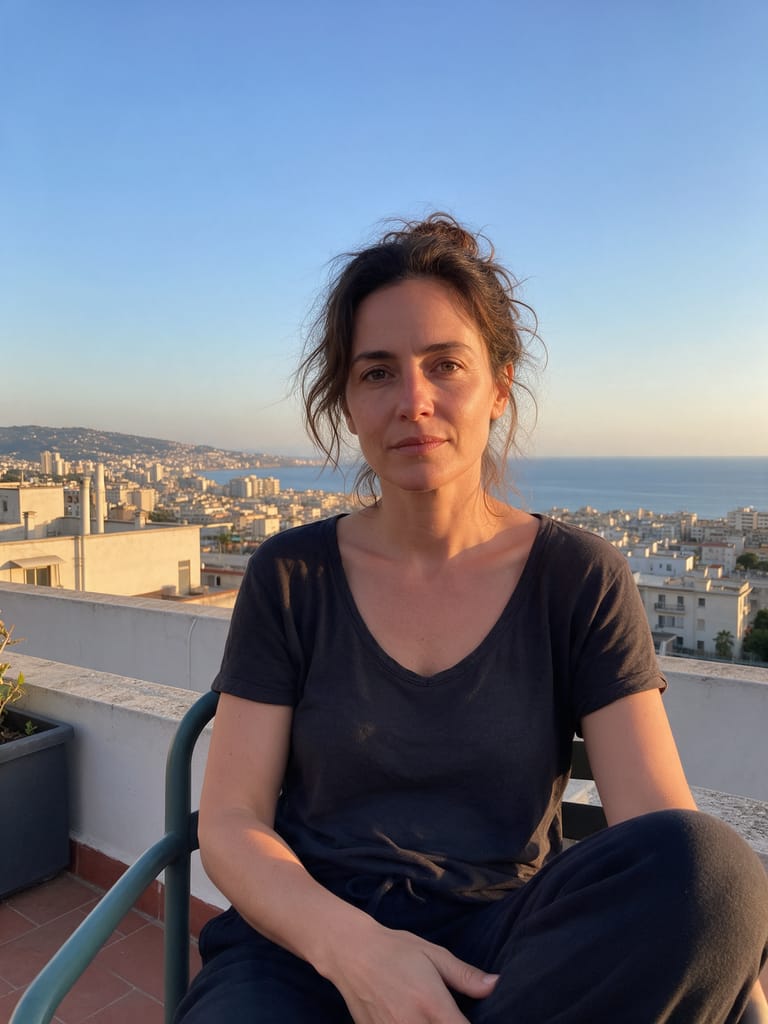
Use one JPG or PNG, up to 20 MB, showing one person with a clear face and some surroundings. Use an image you have permission to use.
The face only needs to be readable near the start. An upper-body or medium shot gives viewers a person to recognize before the pull-back accelerates. A very distant person may already be too small; an extreme face crop gives the model little information about the surrounding scene.
An outdoor or open setting can make the first scale change easier to follow. It does not make the later streets, landscape or globe geographically accurate.
Step 2: Upload and generate once
Open AI Earth Zoom Out, sign in and upload the photo. Wait for the upload to finish and check the starting face in the preview. Confirm your balance covers 284 credits, then select Generate once.
There is no country, address, GPS or destination selector. Processing can take several minutes; the five-second label describes the result. If status is unclear, check My videos and your balance before submitting again.
Step 3: Review the scale change rather than expecting constant face detail
The preset asks for a brief opening on the person, an accelerating pull-back through generated surroundings and clouds, then a hold on the whole globe. The person is intended to become too small to recognize. Losing face detail at orbital scale is part of the sequence.
| Check | What to review |
|---|---|
| Opening identity | The face resembles the source before the person shrinks. |
| Direction of travel | The view keeps pulling away rather than jumping forward and back. |
| Transitions | Scenery, clouds and globe connect without obvious cuts or sudden replacements. |
| Ending frame | The whole globe is visible long enough to read as the finale. |
Treat continents and scenery as imagined visual elements, rather than evidence of the photographed place. If the opening is weak, try a clearer person photo. If the transitions are broken, a simpler open setting may help a new attempt, but cannot guarantee continuity. Each generation uses credits.
Step 4: Download and time a rising sound
Use Download video in the studio, or open the finished clip in My videos. Add a rising whoosh in your editor and let it resolve when the globe settles. The output is silent.
Keep personal captions near the beginning while the person is readable, and avoid covering the final globe. Identify the clip as AI-generated if you share it.
FAQ
Will it zoom out from my exact location?
No. The photo supplies the opening view; the expanded geography is generated.
Why does the person disappear?
The intended scale grows from a person to a whole planet. The subject becomes too small to read.
Can I choose a country or add map labels?
No. This preset has no map or label controls.
Pick a clear opening photo and create an AI Earth Zoom Out video. For an effect that aims to keep the person roughly the same size, see the AI Dolly Zoom guide.