AI Creation Studio
How to Make an AI Pumpkin Head Video From One Photo
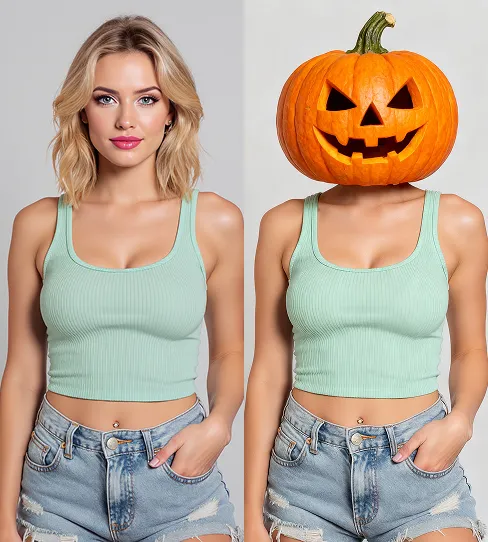
Turn a portrait into a glowing jack-o’-lantern video. Choose a useful photo, check the 284-credit preset, and review the Halloween transformation.
Read post
Learn how to turn photos into AI effect videos for TikTok and other short-form posts. These guides cover photo choice, upload steps, motion checks and fixes, plus adding sound and captions after downloading.
Compare presets and photo requirements in the effect studio, then open a tutorial below.
Turn a portrait into a glowing jack-o’-lantern video. Choose a useful photo, check the 284-credit preset, and review the Halloween transformation.
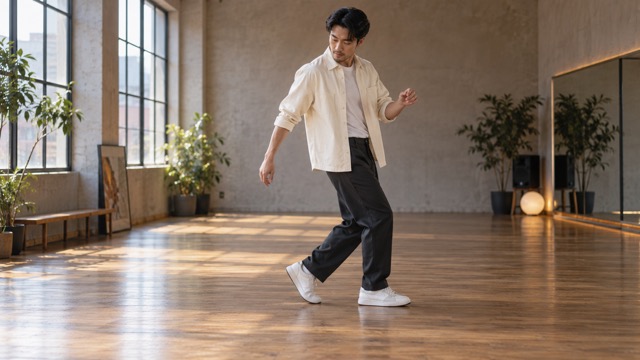
Create an AI moonwalk video from one full-body photo. Check photo tips, the 284-credit cost, footwork, silent output, and download steps.
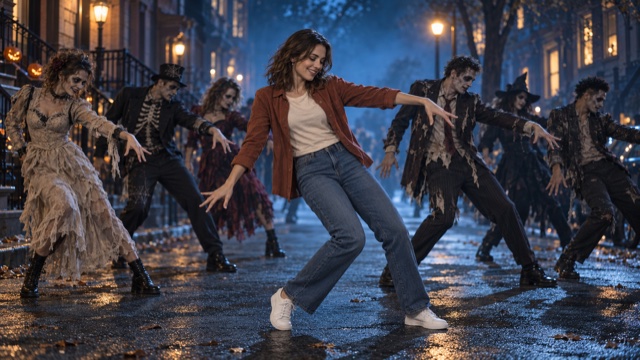
Create a Halloween zombie dance from one photo. Check photo tips, the 284-credit cost, silent output, hands and footwork, and download steps.
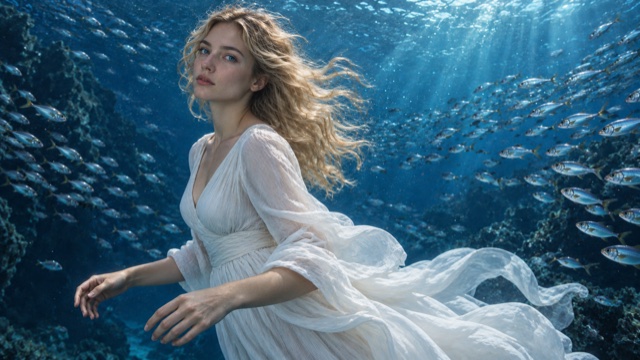
Turn a portrait into a dreamlike underwater clip: photo tips, credit cost, what to check in the motion, and how to share it.
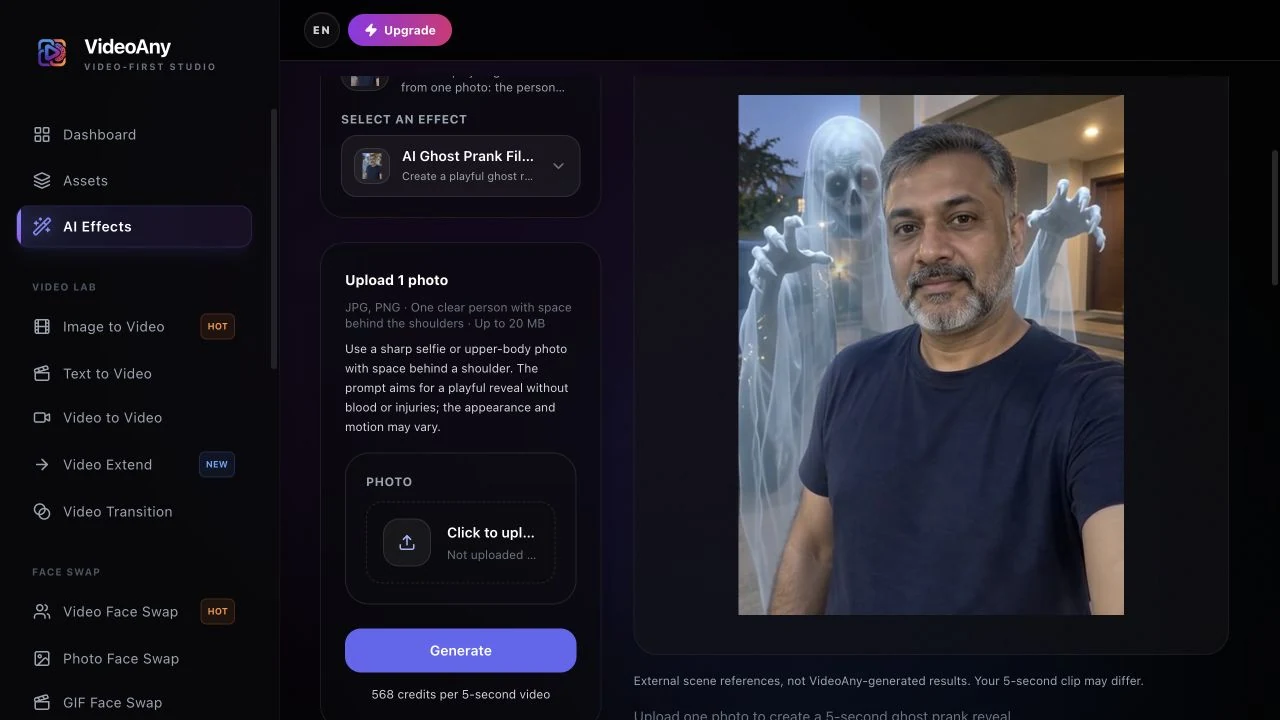
Make an AI ghost prank video from one photo with FYP FX: shoulder-space tips, current credit cost, silent output, troubleshooting, and download steps.
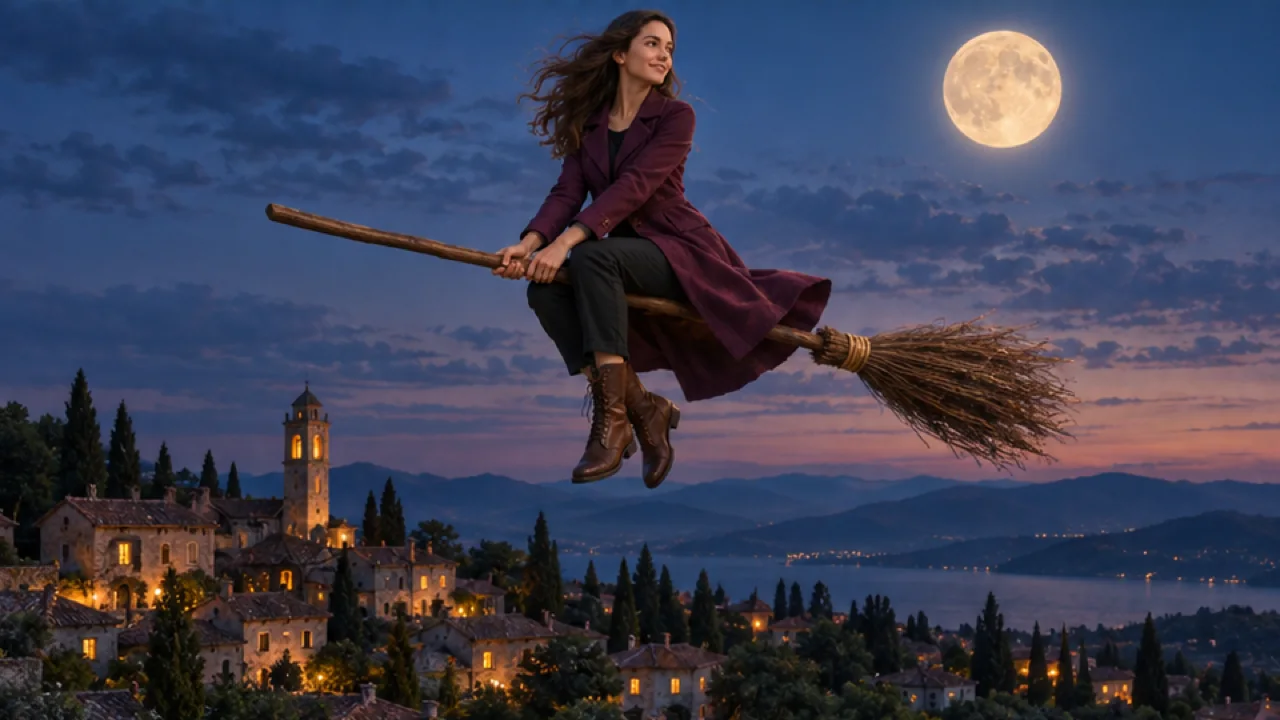
Make an AI broom riding video from one photo with FYP FX: photo tips, current credit cost, silent output, troubleshooting, and download steps.
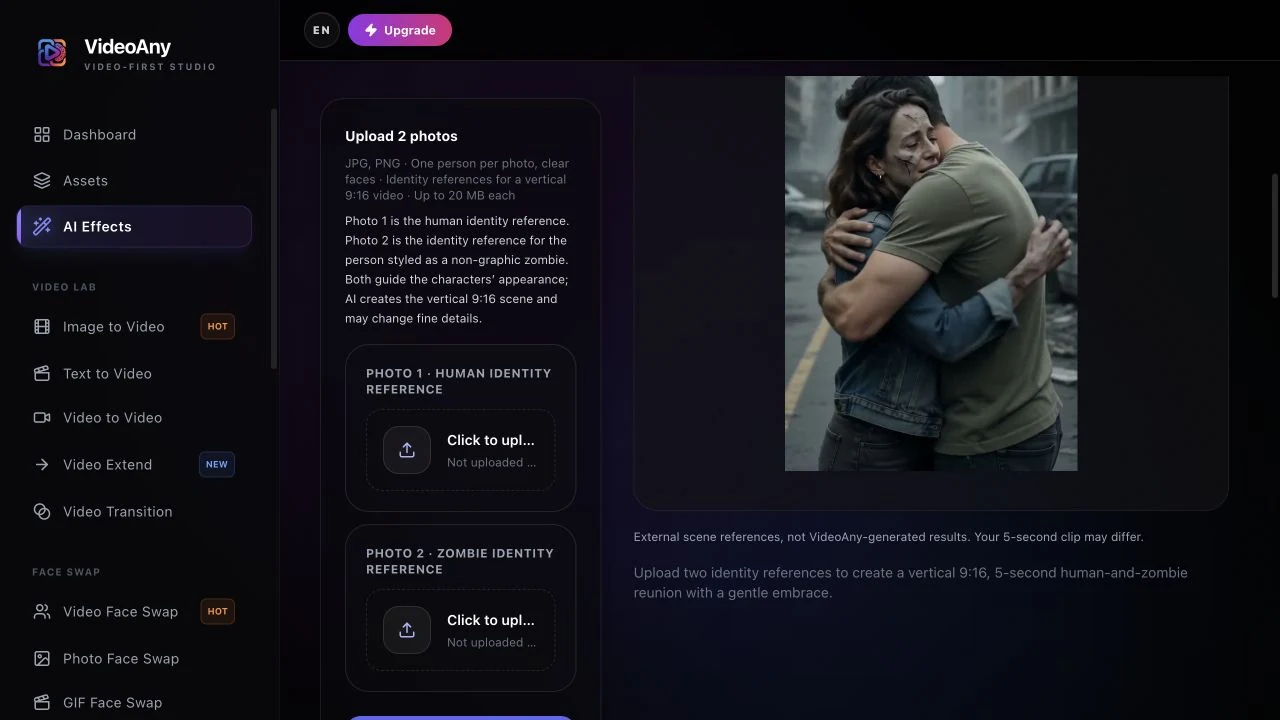
Make an AI zombie love story from two photos with FYP FX: upload roles, current credit cost, silent output, troubleshooting, and download steps.