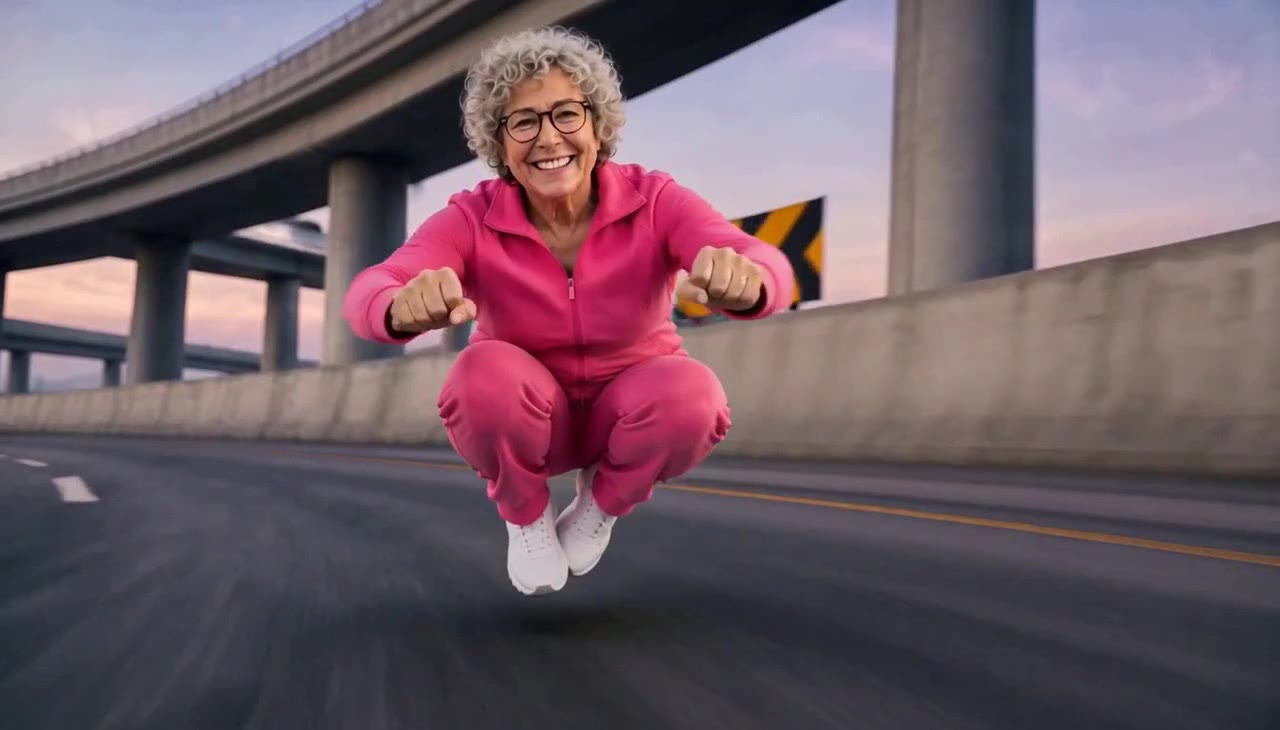
How to Make an AI Toc Toc Dance Video From One Photo
Turn a standing photo into a playful toc-toc knock-and-tap dance: framing tips, credit cost, what to check in the knocks and landing, and how to time a sound for TikTok.
Learn how to turn photos into AI effect videos for TikTok and other short-form posts. These guides cover photo choice, upload steps, motion checks and fixes, plus adding sound and captions after downloading.
Compare presets and photo requirements in the effect studio, then open a tutorial below.

Turn a standing photo into a playful toc-toc knock-and-tap dance: framing tips, credit cost, what to check in the knocks and landing, and how to time a sound for TikTok.

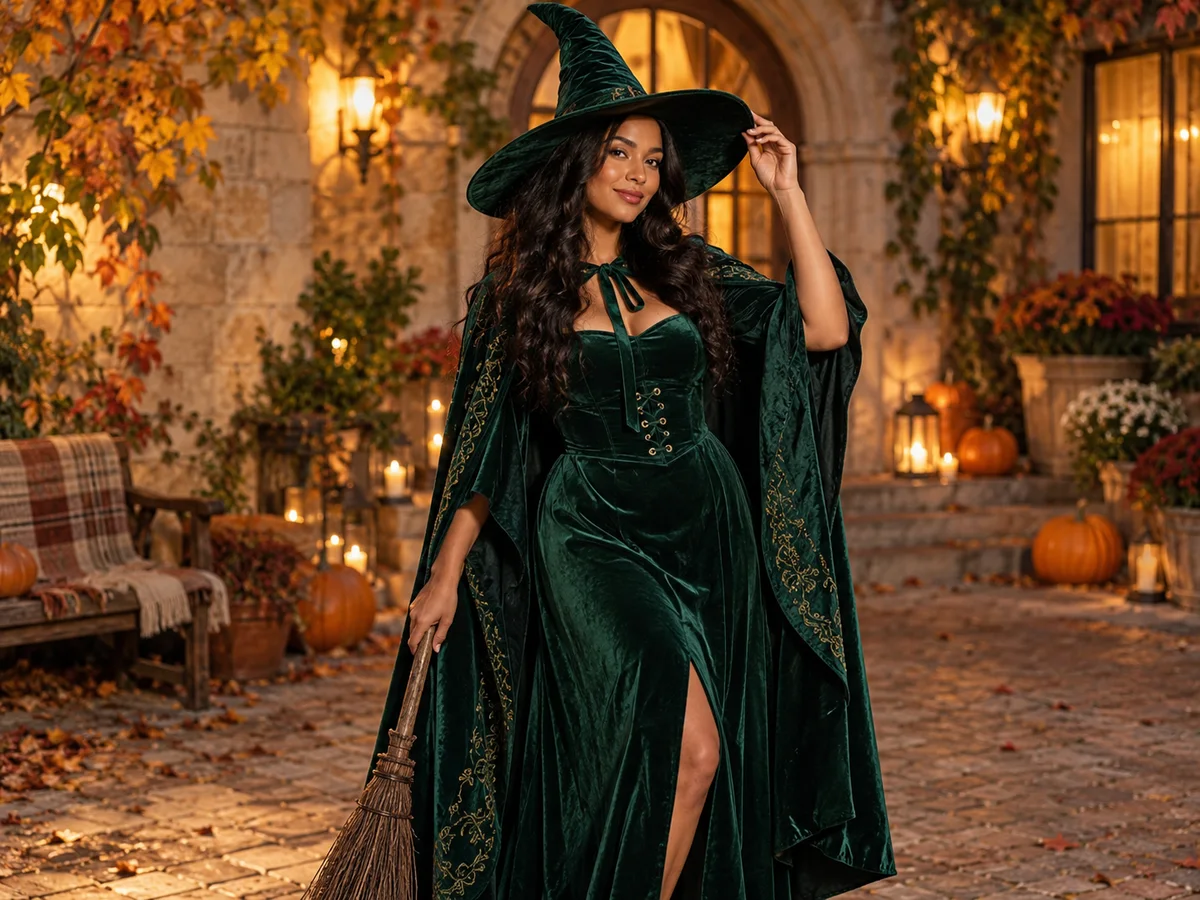
Turn a portrait into a playful Halloween costume morph: picking the right shot, credit cost, what to check in the reveal, and how to post it for TikTok.

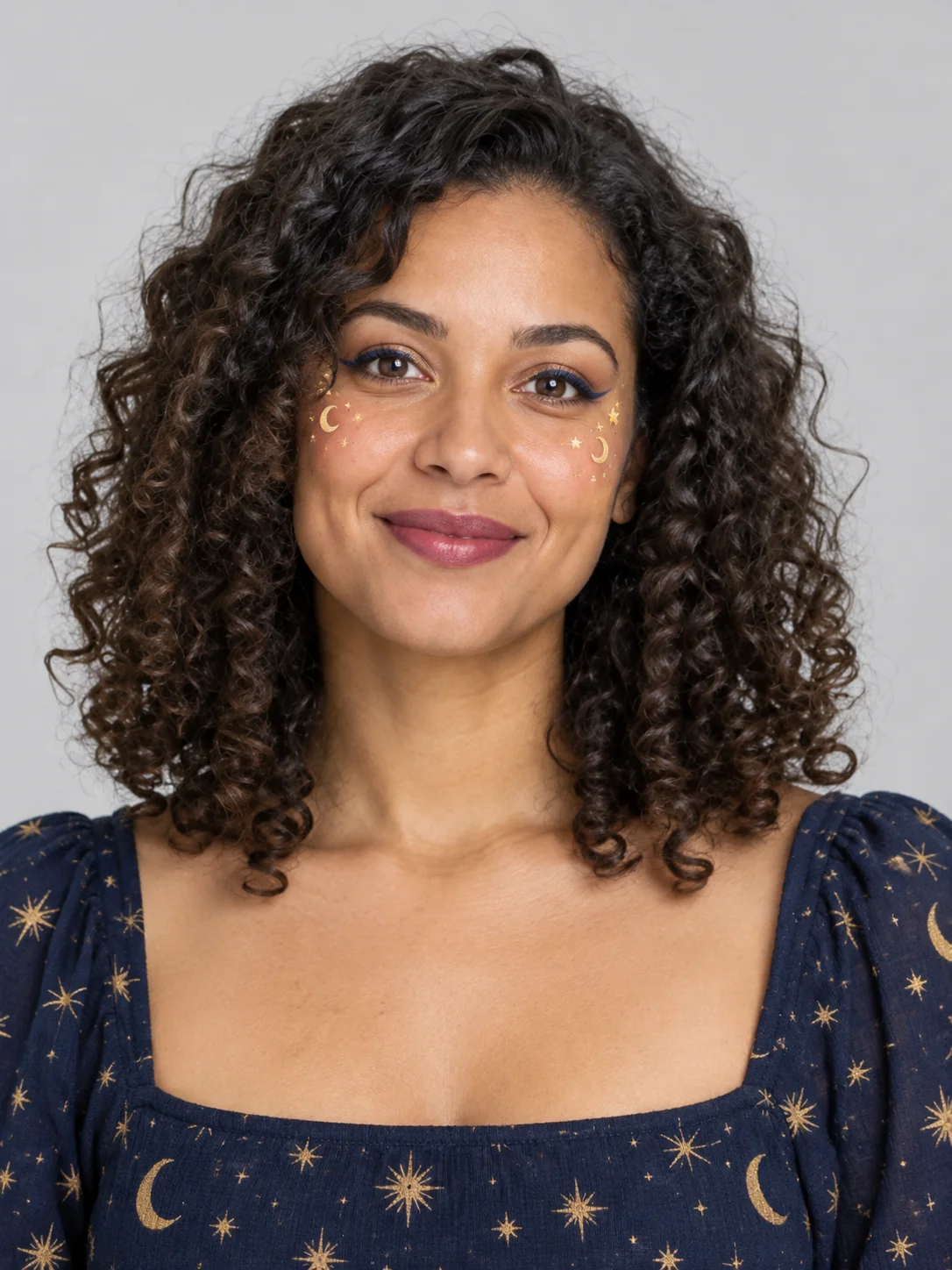
Turn a portrait into a stylized Halloween makeup clip: picking the right face photo, credit cost, what to check in the glitter and contour, and how to post the reveal.

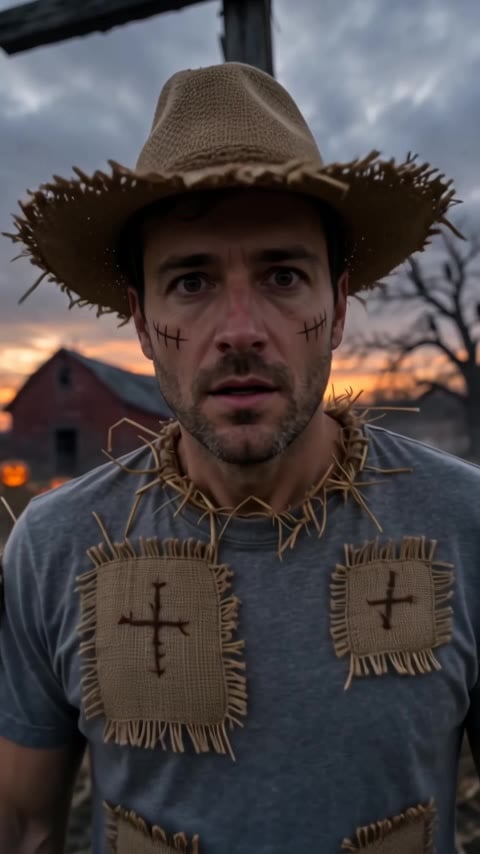
Turn a portrait into a cinematic scarecrow transform: picking the right shot, credit cost, what to check in the fabric and straw, and how to post it.

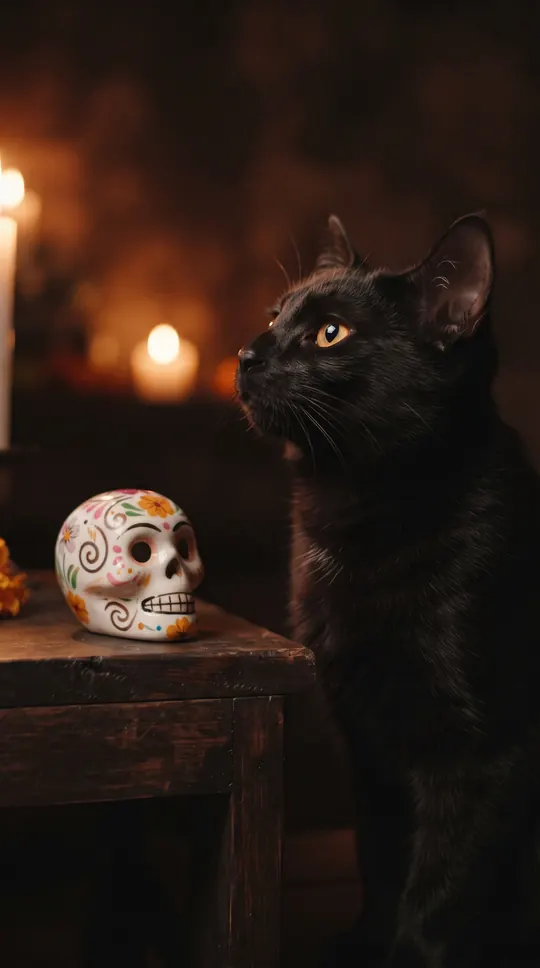
Turn a pet portrait into a quiet Day of the Dead memorial clip: picking the right photo, credit cost, what to check in the glow and turn, and how to share it with care.

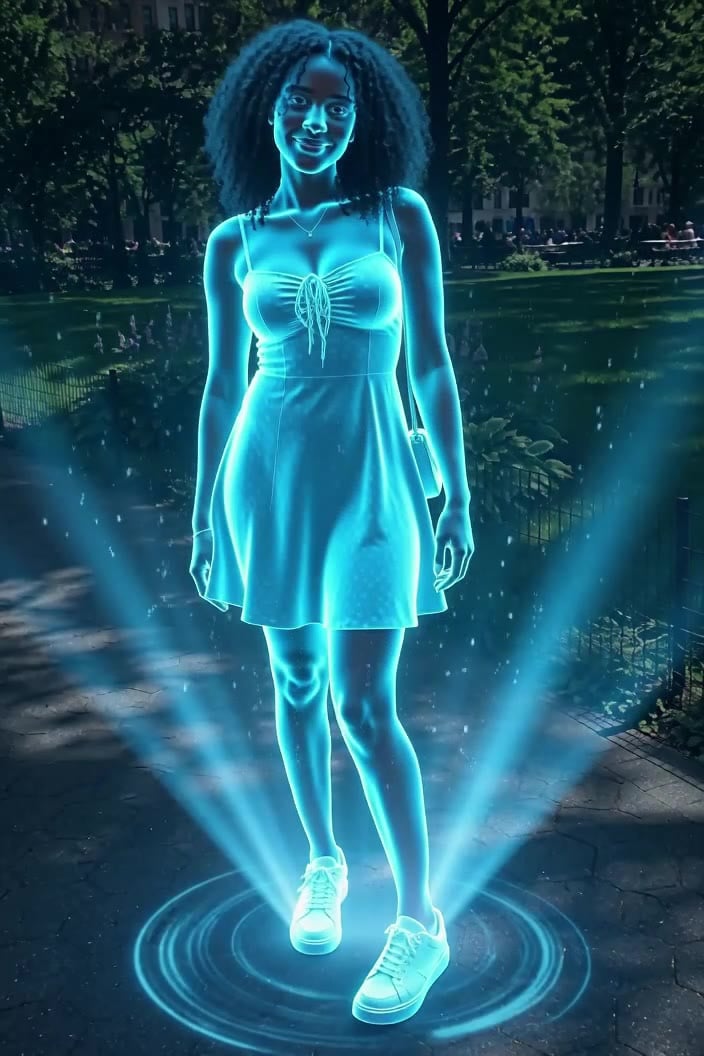
Turn a photo into a glowing sci-fi hologram: the best framing for the scan, credit cost, what to check in the glow and how to add a sci-fi sound for TikTok.

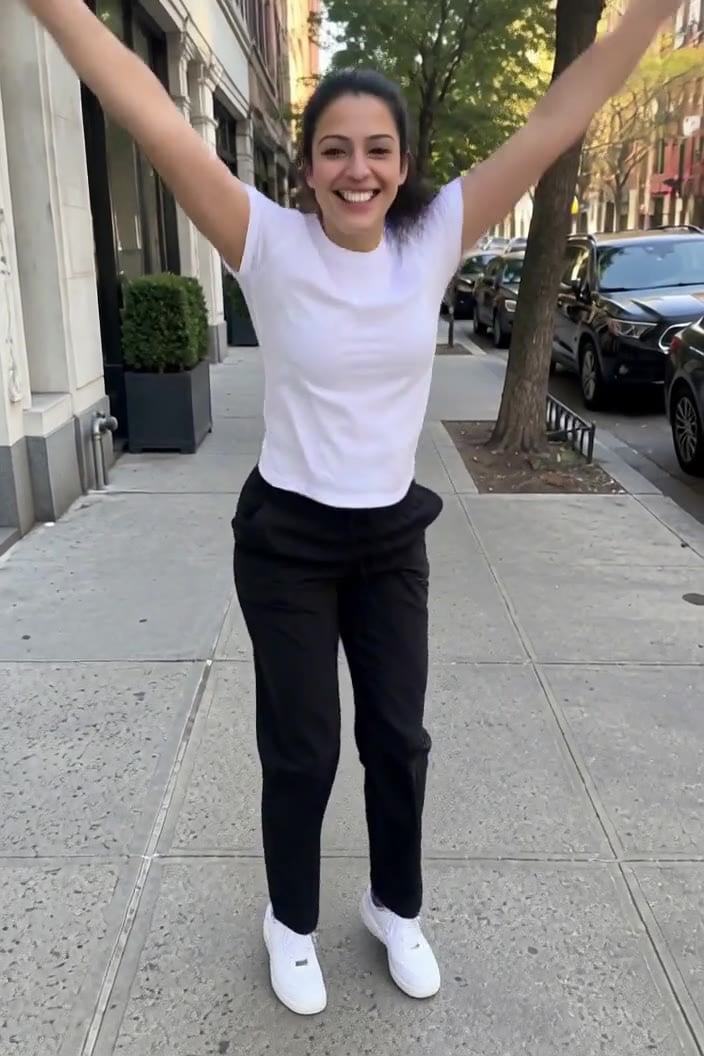
Turn a standing photo into a clean AI backflip: framing for the take-off and landing, credit cost, what to check in the rotation, and how to time music for TikTok.

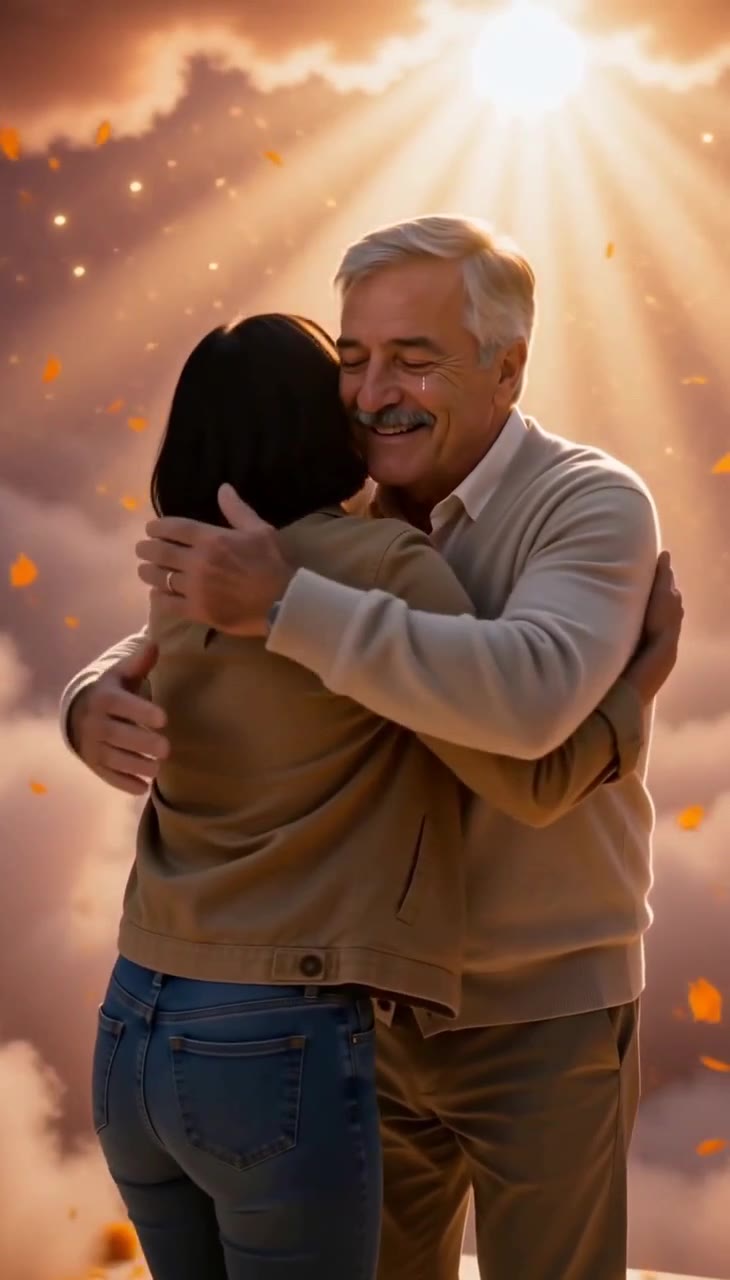
A gentle guide to making an AI hug in heaven remembrance clip: choosing the two photos, credit cost, what to check in the faces and embrace, and how to share it with care.

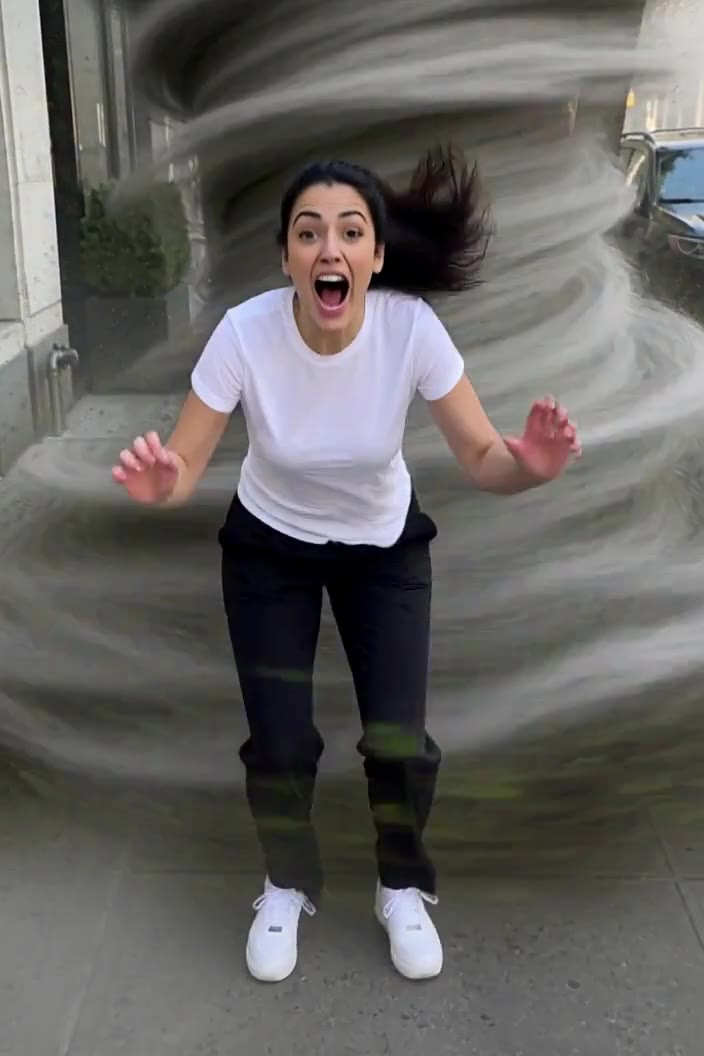
Turn a full-body photo into a playful tornado moment: picking the right shot, credit cost, what to check in the swirl and lift, and how to add wind sound for TikTok.

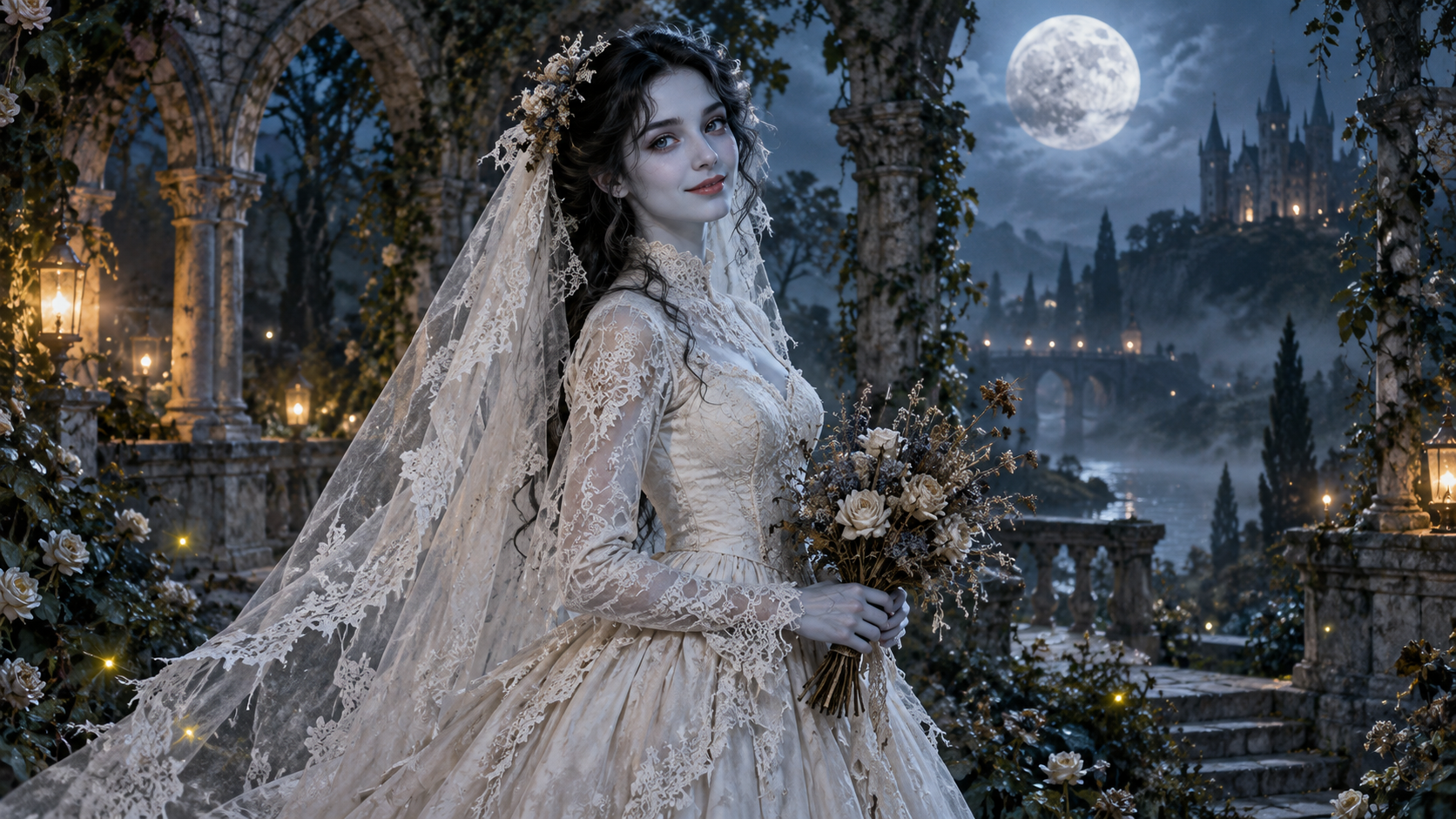
Create a gothic Halloween bride transformation: choose a portrait, generate one silent five-second clip, and review the face, veil and motion before sharing.

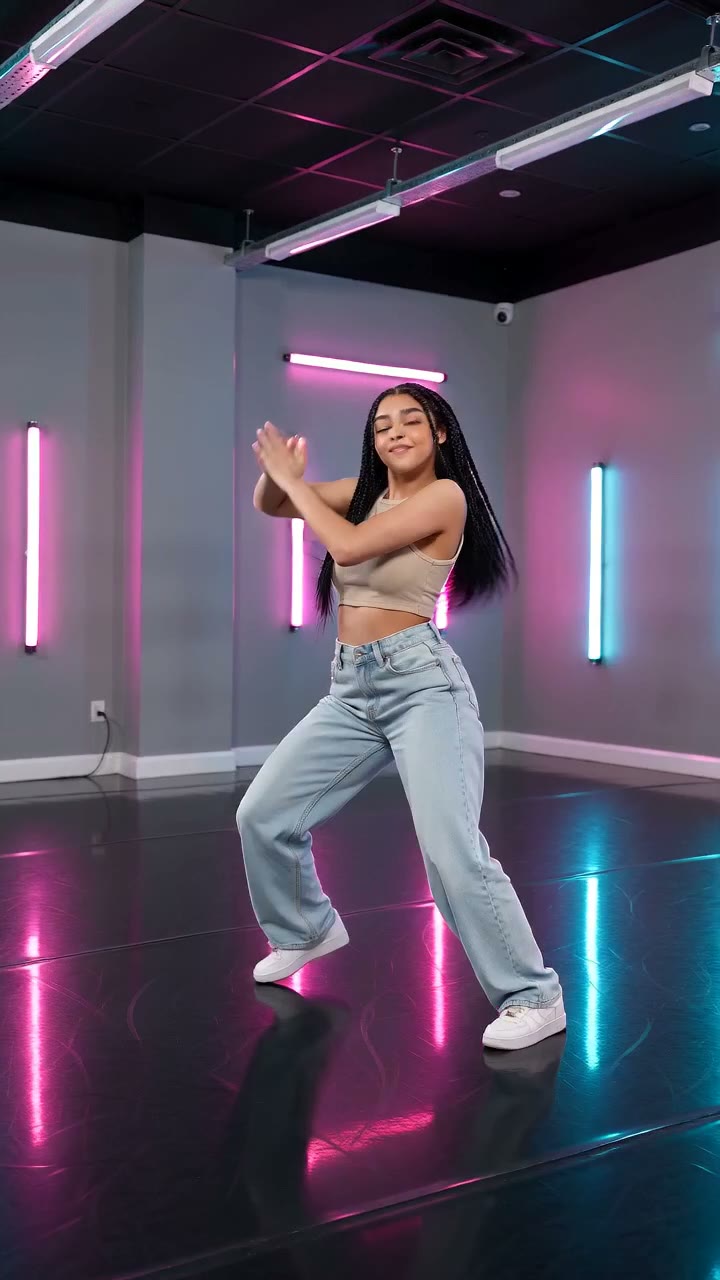
Create a short solo dance with neon lighting, a diagonal arm lift and a controlled low kick. Learn full-body photo framing, review checks and how to add music.

Make a silent cartoon skeleton clip with small jaw movements and a nod. Learn which portrait to use, what to review, and how to fit a voiceover into five seconds.

Put your car into a giant bedtime scene. Learn which car photo to upload, check the 284-credit preset, and review the headlights, duvet and gentle roof pat.

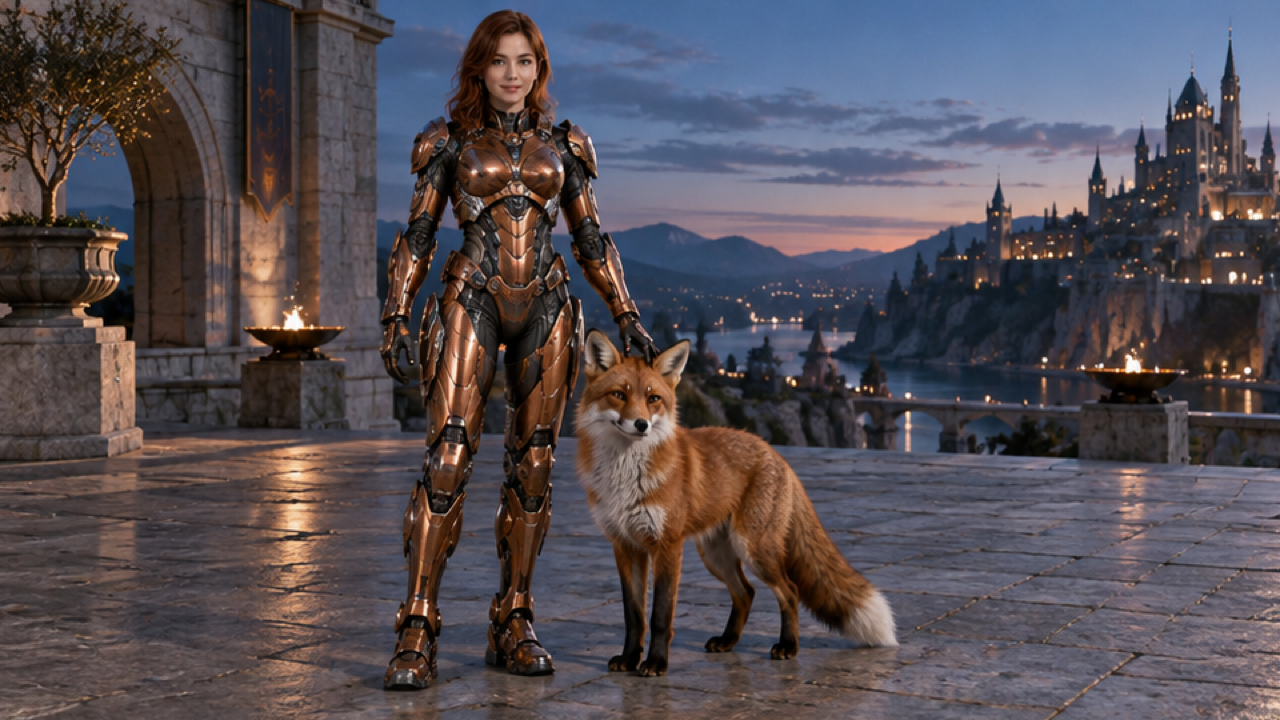
Create a human-scale armor-up sequence from a person photo. Learn the 284-credit preset, useful body framing, and how to check the open visor and armor fit.

Create a hands-behind-the-ears football celebration from a portrait. Learn the 284-credit preset and check both hands, the expression and the final arms-wide pose.

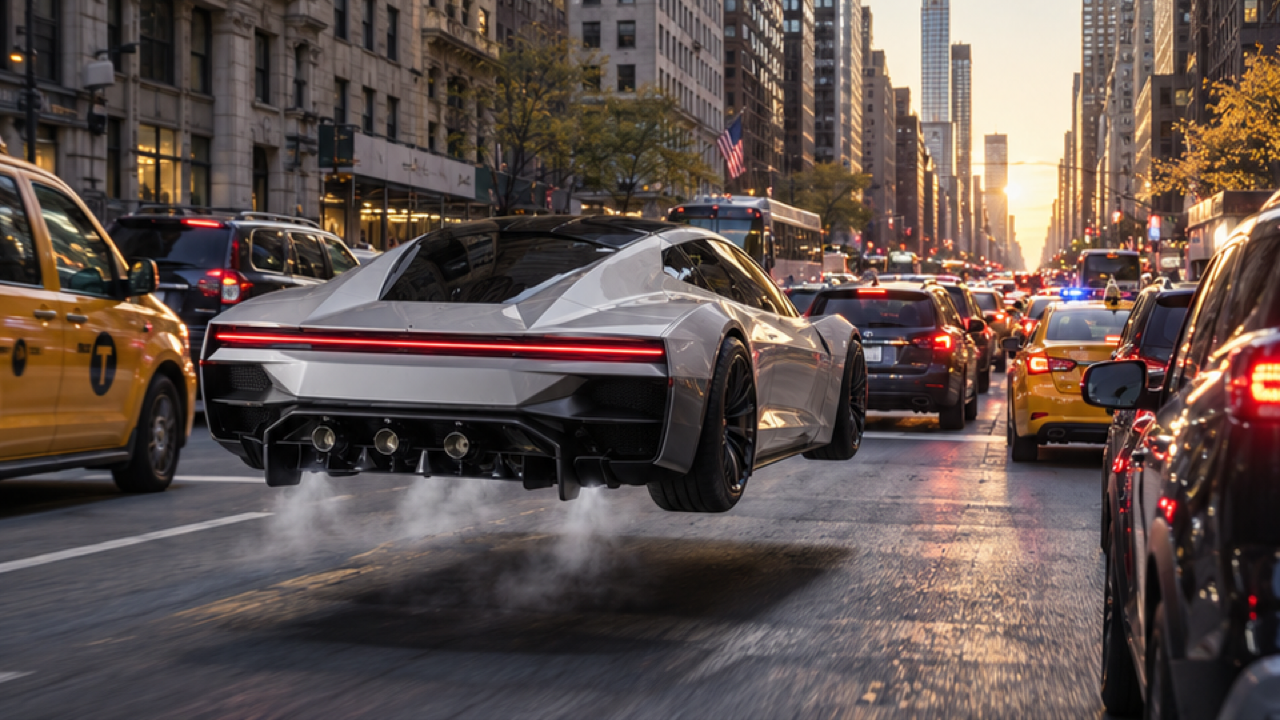
Create a fictional flying-car escape from a portrait. Learn the 284-credit settings and check the driver, console-button gesture and short lift above traffic.

Create an invisible-motorcycle chase from one person photo. Learn the 284-credit preset, useful body framing, and checks for the crouch and trailing bike.

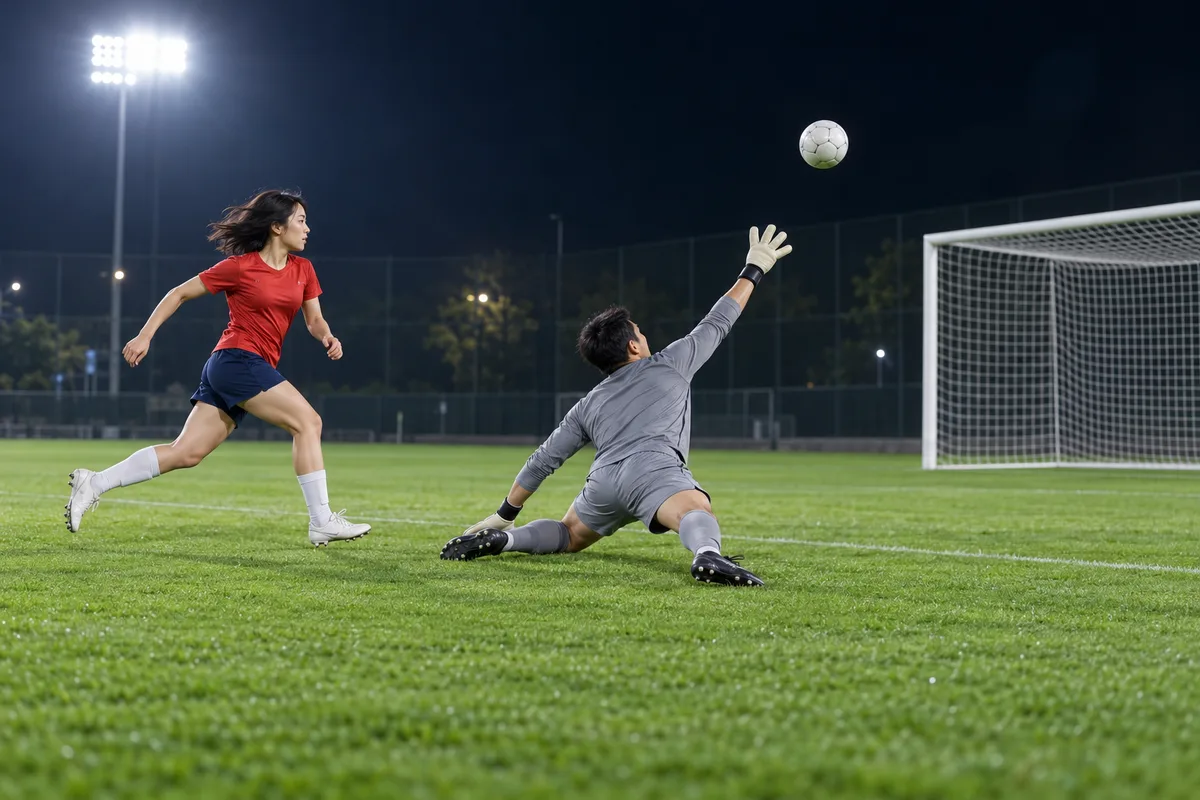
Turn a full-body photo into a chip, pause and finish football scene. Learn the fixed 284-credit preset and how to review ball, feet and goal continuity.

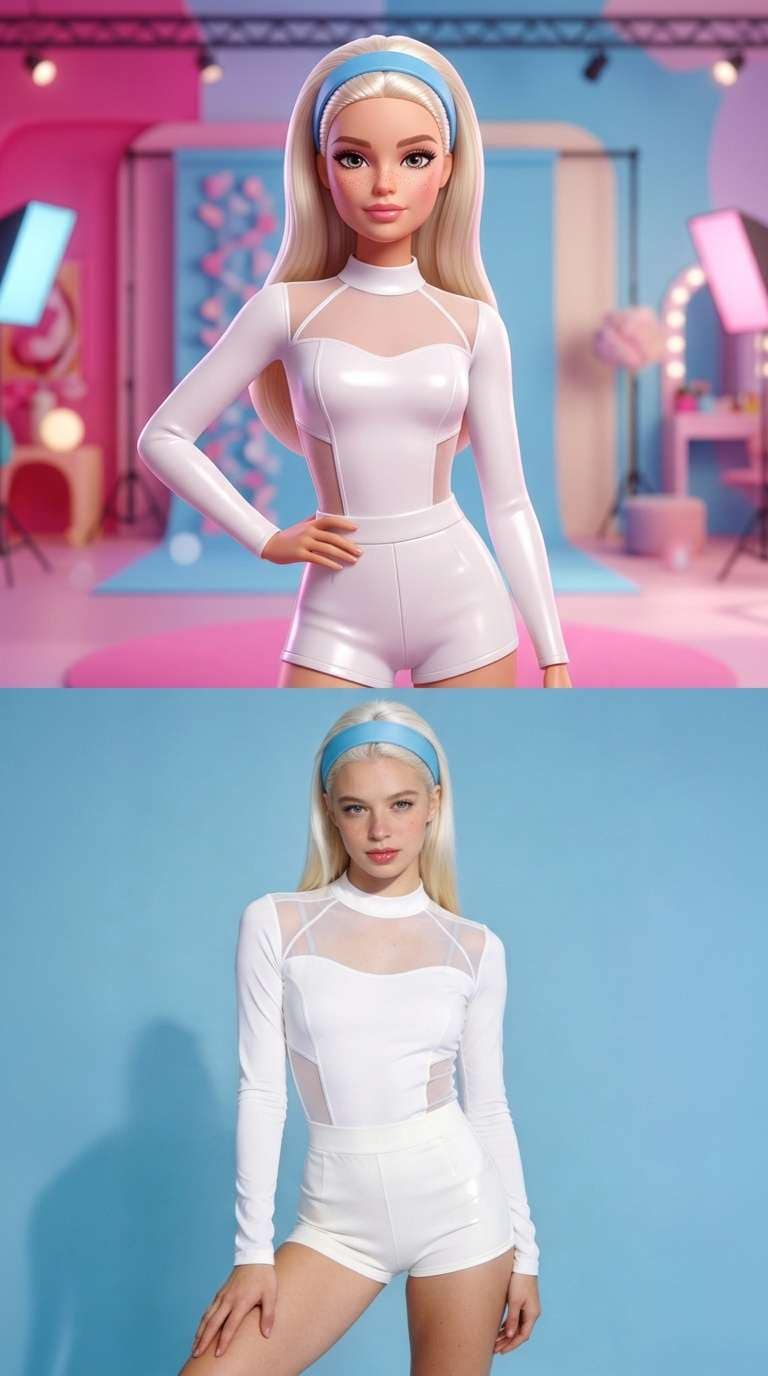
Create a doll-vs-real split-screen clip from a portrait. Learn photo selection, the 284-credit preset, and how to turn a downloaded video into carousel frames.

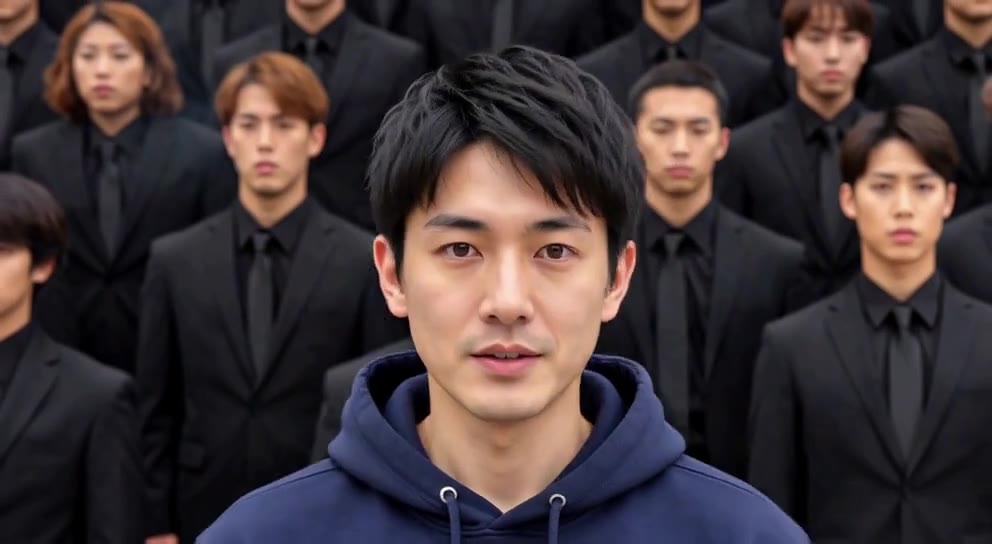
Create a still-center crowd-dance scene from one photo. Learn the 284-credit settings, choose a strong pose, and check the contrast between stillness and motion.

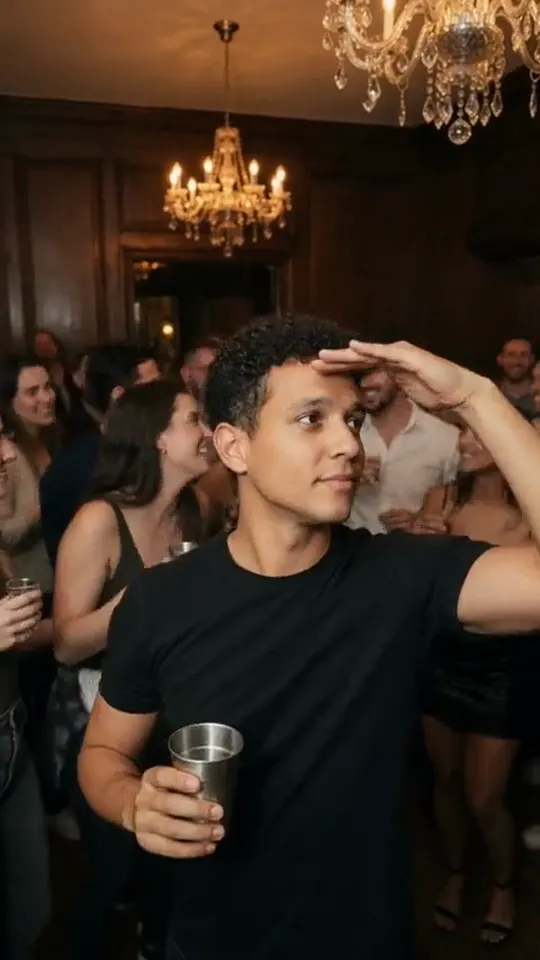
Create a chandelier-lit party entrance and toast from one photo. Check the 284-credit preset, choose a useful crop, and inspect the glass and hand motion.

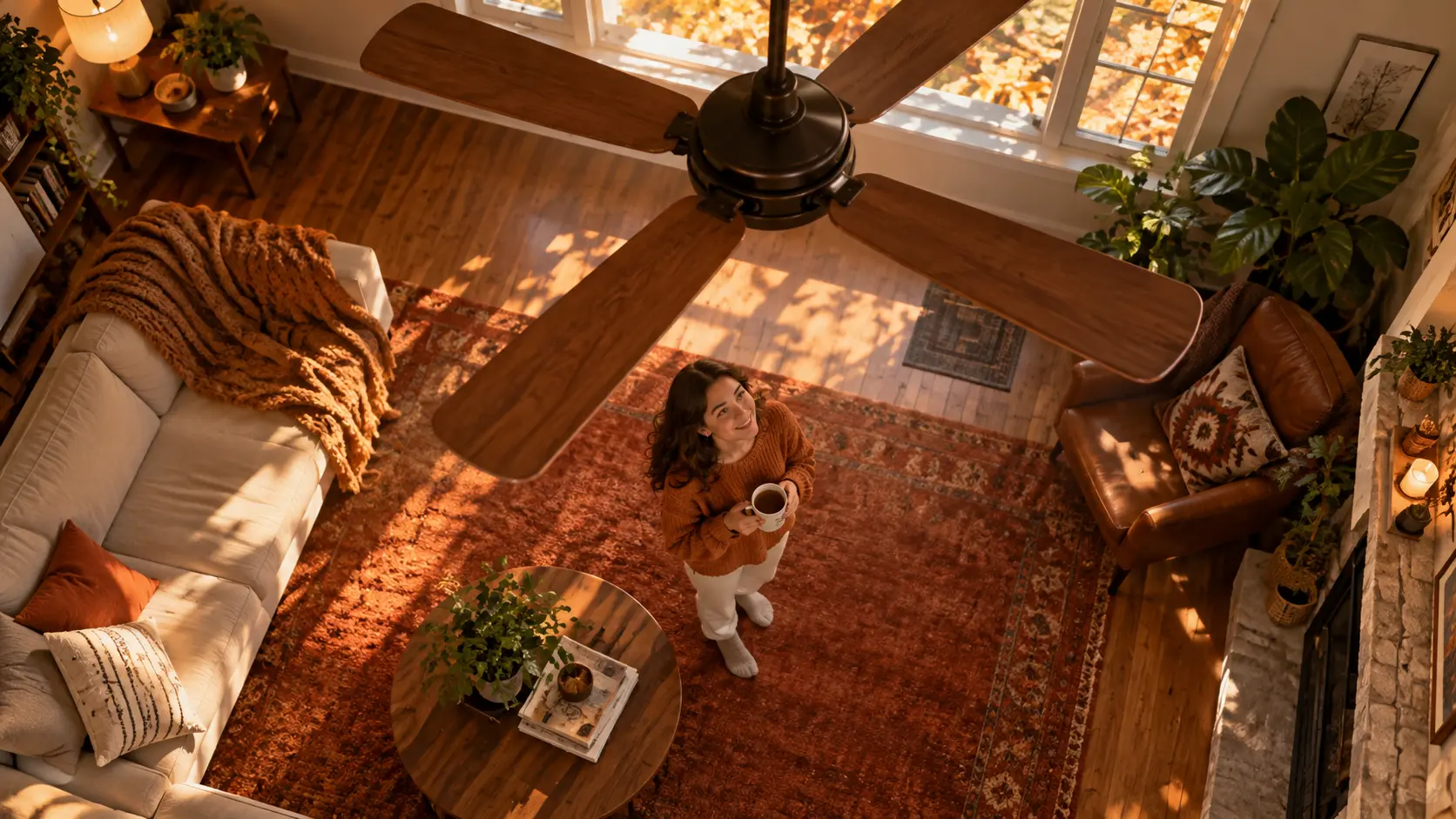
Create an overhead outfit-change clip with two fan-blade wipes and three looks. Learn photo selection, the fixed 9:16 preset, and transition checks.

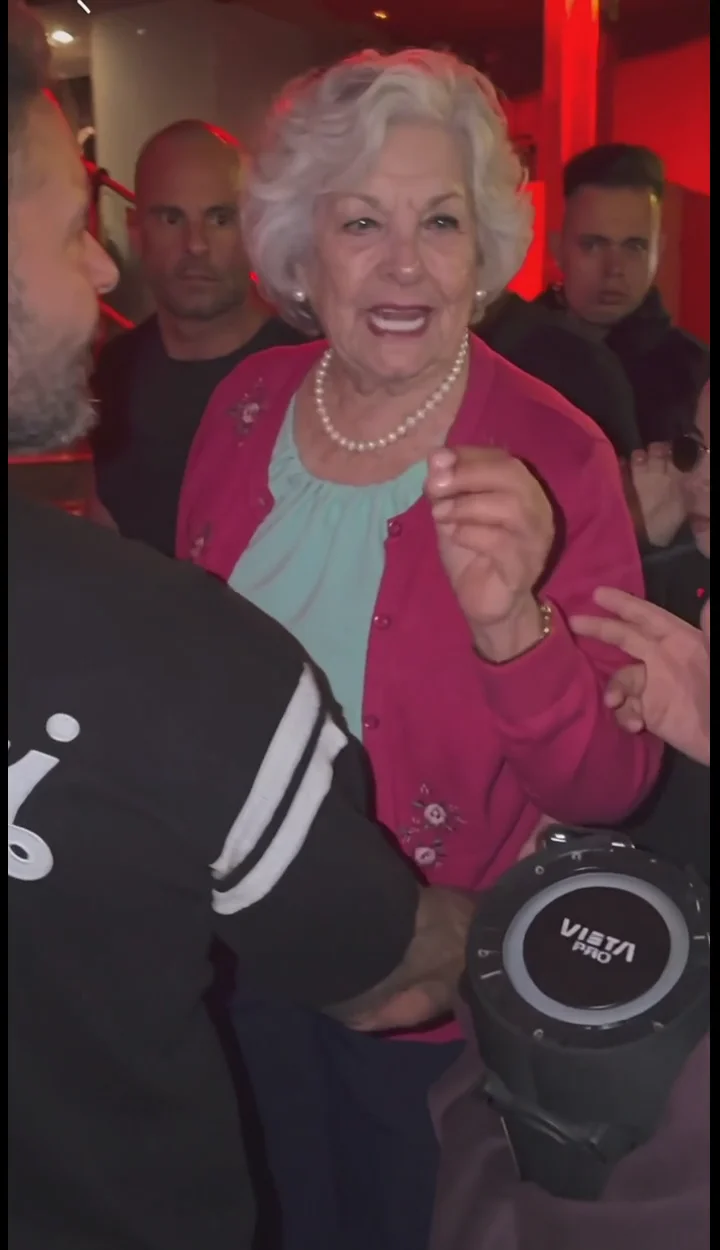
Build a red-lit street-performance clip from a portrait. Follow the 284-credit preset and check the shoulder movement, speaker interaction and final laugh.

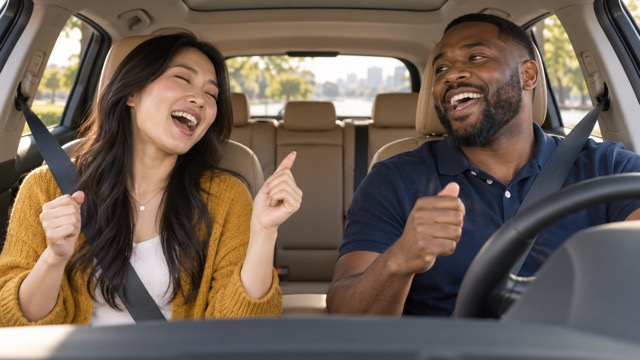
Create a silent car sing-along from one photo of one or two people. Learn the fixed 16:9 settings, upload steps, and face and steering-wheel checks.